Hongmu Notes
Home Program Notes WordPress plugin comments – indicating developer information and descriptions.
Program Notes wordpress

WordPress plugin comments – indicating developer information and descriptions.

WordPress plugin comments – indicating developer information and descriptions.

When developing WordPress plugins, comments in the plugin files – such as the version number – should adhere to the format specified by WordPress to ensure that the plugin functions correctly and can be updated seamlessly.

Specifically, the plugin file should contain comments similar to the one below, where Plugin NamePlugin URIDescriptionAuthorAuthor URIVersionLicenseLicense URI Required field:

/**
 * Plugin Name:       My Plugin
 * Plugin URI:        https://example.com/my-plugin/
 * Description:       A brief description of the plugin.
 * Version:           1.0.0
 * Author:            John Doe
 * Author URI:        https://example.com/
 * License:           GPL-2.0-or-later
 * License URI:       https://www.gnu.org/licenses/gpl-2.0.html
 */

In this example,Plugin Name The plugin name.Plugin URI The official website URL for the plugin.Description A brief description of the plugin.Version The plugin version number.Author The author's name of the plugin.Author URI The author's website address.License Plugin license,License URI The website URL for the license.

Please note that the version number must be used. x.x.x The format, where x For example, a number. 1.0.0If you need to update the plugin, please ensure that the new version number is written into the plugin file and update the plugin's version history. This helps users determine whether the plugin requires an update.


微信赞赏

WeChat

支付宝赞赏

Alipay

✍️ Author: Hong Mu

webmaster · Thanks for reading, stay tuned for more exciting content

Author homepage View home page →

Related articles

What should I do if the Redis Object Cache plug-in cannot be linked after wordpress redis changes the password?

What should I do if the Redis Object Cache plug-in cannot be linked after wordpress redis changes the password? Program Notes wordpress

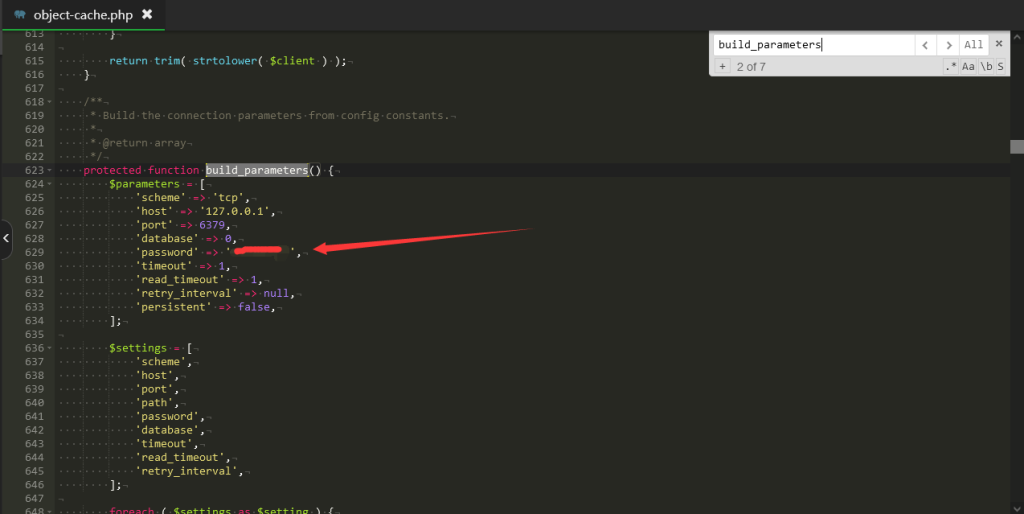
Problem description: My wordpress site server uses pagoda panel, installed php8.0, and installed redis on the extension panel, and installed Redis Object Cache plug-in in wordpress. In fact, in general, you don't need to do anything, just start it directly. However, it is unsafe for radis not to set a password, which is a risky loophole, so I still think it is better to set a password, …
👁 256
How do I disable revisions and automatic draft saving in WordPress?

How do I disable revisions and automatic draft saving in WordPress? Program Notes wordpress

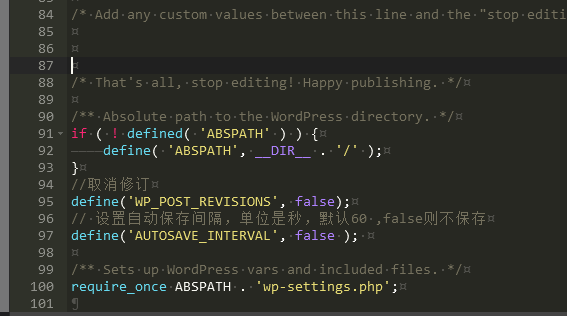
WordPress's automatic article revision tracking feature logs every time you edit an article in the后台; each revision is recorded as a separate entry in the `wp_posts` table. Due to the interplay between article revisions and automatic saving, the article ID often grows larger over time. While this typically does not cause significant issues for your WordPress installation, an excessive number of article versions can place a considerable burden on your storage space and database...
👁 373
Detailed Tutorial on Migrating EmpireCMS Blog Data to WordPress

Detailed Tutorial on Migrating EmpireCMS Blog Data to WordPress Program Notes wordpress

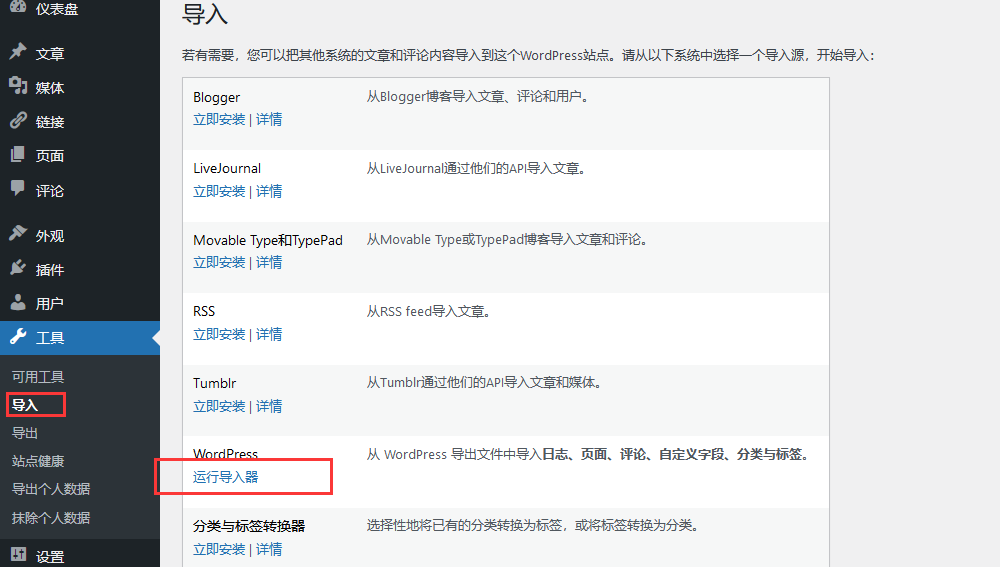
PS1: Second revision – now supports data transfer between categories, posts, and tags. PS2: If the post IDs consistently don't match, you can try clearing the WordPress post category data table and relationship tables. I previously used Typecho for my blog, but later migrated to Empire; however, Empire has too many features – using it for a blog feels like putting a large hammer into a small hole! Additionally, I often record important code snippets in my blog – all of which I've painstakingly written...
👁 546
WordPress issue: pages freezing due to image transcoding

WordPress issue: pages freezing due to image transcoding Program Notes wordpress

Last night, while uploading an image, for some reason, the uploaded image was automatically transcoded. Transcoding type: BASE64 encoding. For an image on a website, simply upload it to your server and then access the link – the image will then be displayed. However, there is another approach: directly transcoding the image; then you can simply access the converted image using its encoded URL. Problem description: When an image is relatively small (e.g., only a few KB in size), transcoding it and then hosting it on a website can help avoid...
👁 152
WordPress database query operations

WordPress database query operations Program Notes wordpress

To connect to a database for a WordPress installation, you need to include the `wp-config.php` file in your PHP script. This file contains the database configuration details for WordPress installation and other constants. Here is a simple example demonstrating how to include the `wp-config.php` file and establish a database connection: // Include the wp-config.php file: require...
👁 378
WordPress MySQL Database Table and Subtable Structure Functionality Guide

WordPress MySQL Database Table and Subtable Structure Functionality Guide Program Notes wordpress

WordPress uses a MySQL database. Its data table structure differs slightly from that of conventional databases; data can be stored either in the form of standard data tables or as data elements – the latter approach is less intuitive when viewed directly. To become a developer, you must understand the basic structure of the WordPress database and be able to use it within your own plugins or themes to write to or read from the database. I. Data Tables – As of WordPress...
👁 374

Recommended reading

Apple cmsV10 imitation site actual combat personal vlog video

Apple cmsV10 imitation site actual combat personal vlog video Program Notes Apple cms

Contact information 🔒 Hidden content: Check after commenting. I am Hongmu, QQ1810216796 communication group: 958972323 If you have any questions, please join the group to communicate. Preparation of website imitation tools in the early stage: https://wwi.lanzoup.com/iHqCOs7m06d Configuration path: /template/skin/static/PHPstudy: Windows version of phpstu…
👁 416
(Adaptive mobile version) Heavy Industry Machinery & Equipment Website – PBootCMS Template; Download General Website Source Code for Crane and Hoisting Machinery – 0785

(Adaptive mobile version) Heavy Industry Machinery & Equipment Website – PBootCMS Template; Download General Website Source Code for Crane and Hoisting Machinery – 0785 Practical Collection pbootcms Template

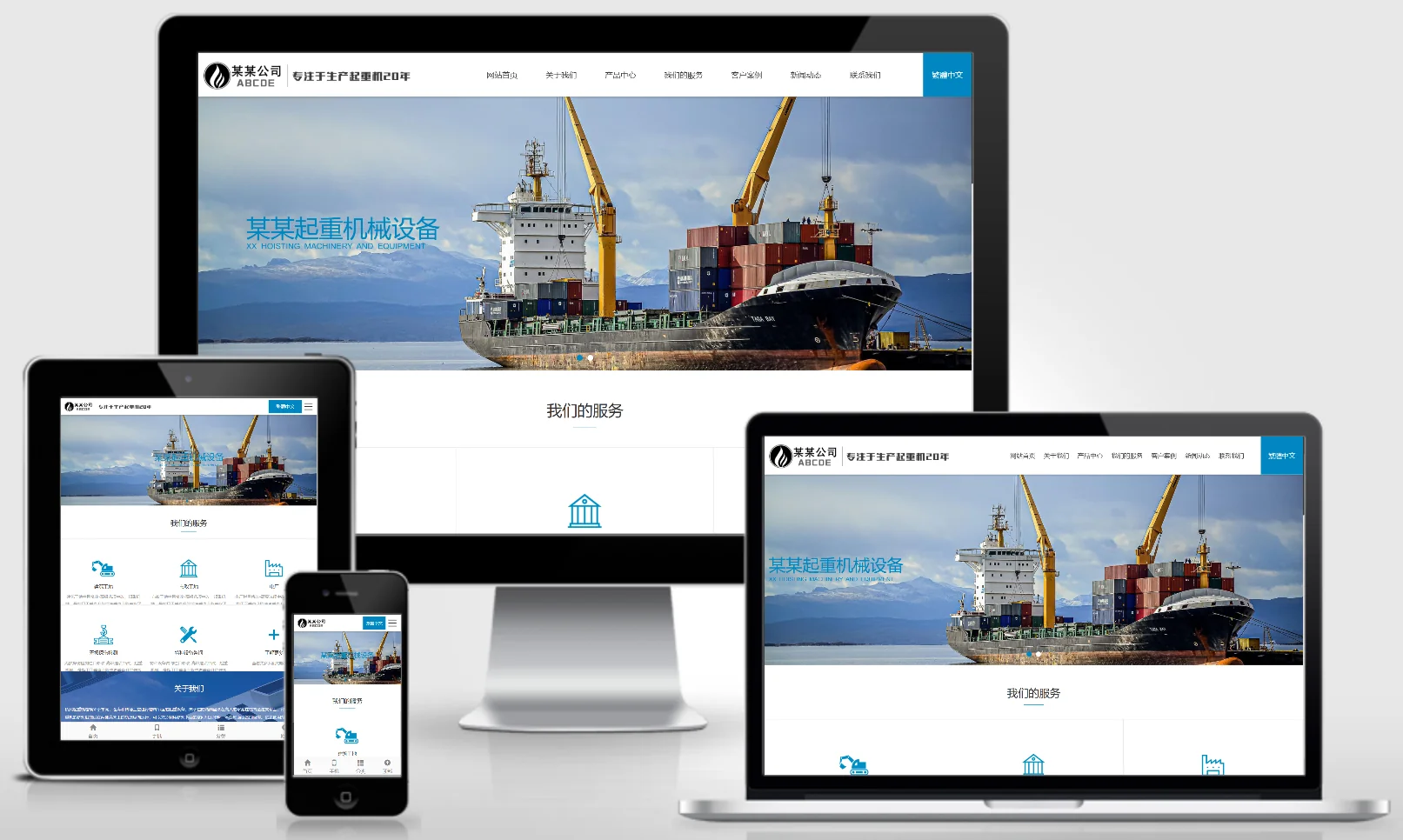
A PbootCMS website template designed for heavy-duty machinery and crane equipment, compatible with both PC and WAP devices. The professional industrial design is ideal for showcasing lifting equipment, cranes, and related products as well as engineering applications. This template helps heavy machinery manufacturers showcase their brands online and attract industrial and construction clients. Template Display | Installation Instructions | Website Backend: /admin.php | Username: admin | Password: admin | Extraction Password: www.4s5...
👁 42
Maternal and Infant Products Chain Store Website Template 0482

Maternal and Infant Products Chain Store Website Template 0482 Practical Collection Yiyou template

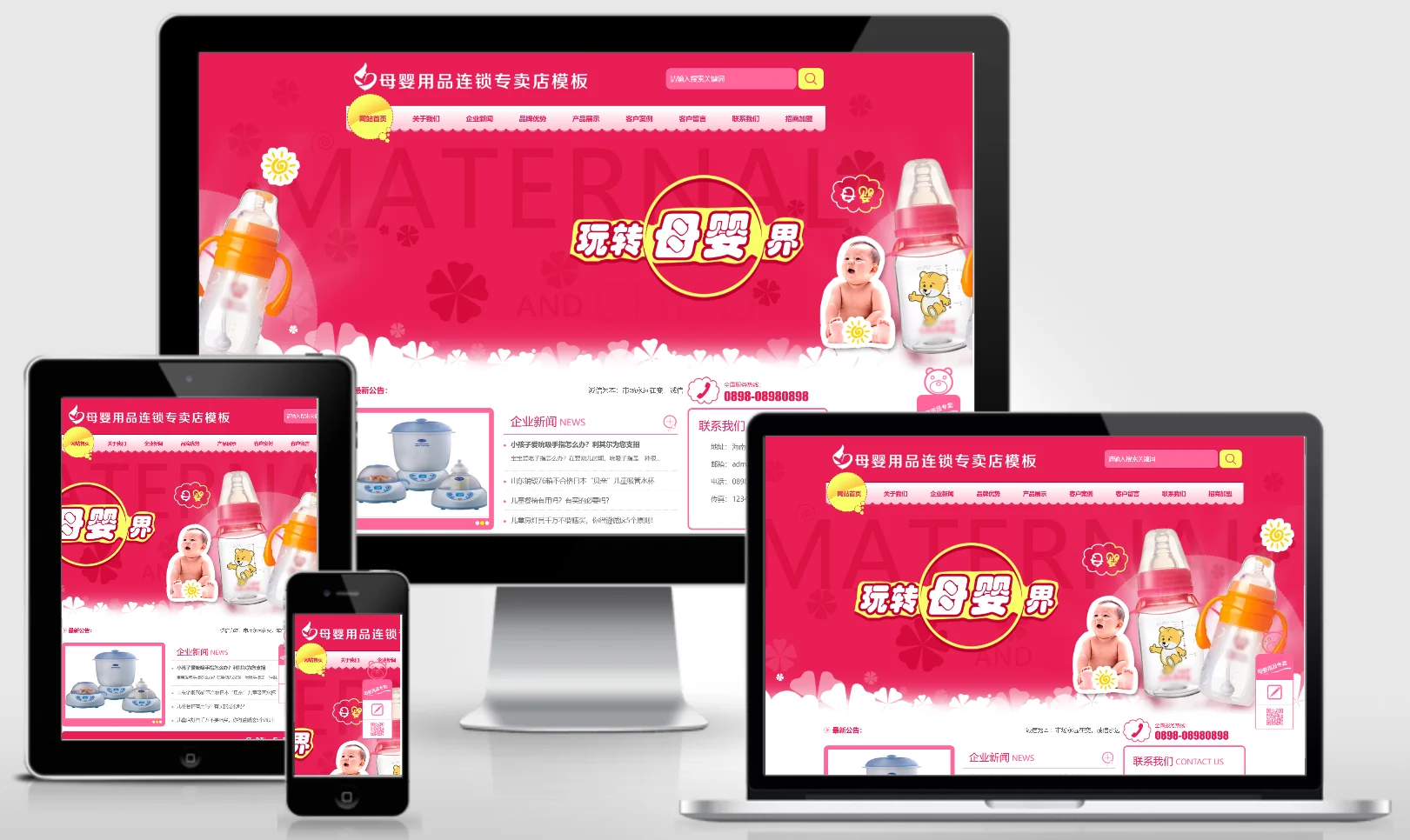
This set of eyoucms templates is suitable for maternal and infant product chain stores. The design style is warm and professional, and can display maternal and infant product products, chain stores, brand stories and parenting knowledge. It helps maternal and infant brands display their products online and attract parent consumers and franchisees. Template display Installation instructions Website backend: /login.php Account: admin Password: admin Related articles Summary of common problems in Yiyou CMS installation Yiyou C...
👁 38
(PC+WAP) Socks Manufacturer Website – pbootCMS Template; Custom Knit Socks Industry Website Source Code Download – 0786

(PC+WAP) Socks Manufacturer Website – pbootCMS Template; Custom Knit Socks Industry Website Source Code Download – 0786 Practical Collection pbootcms Template

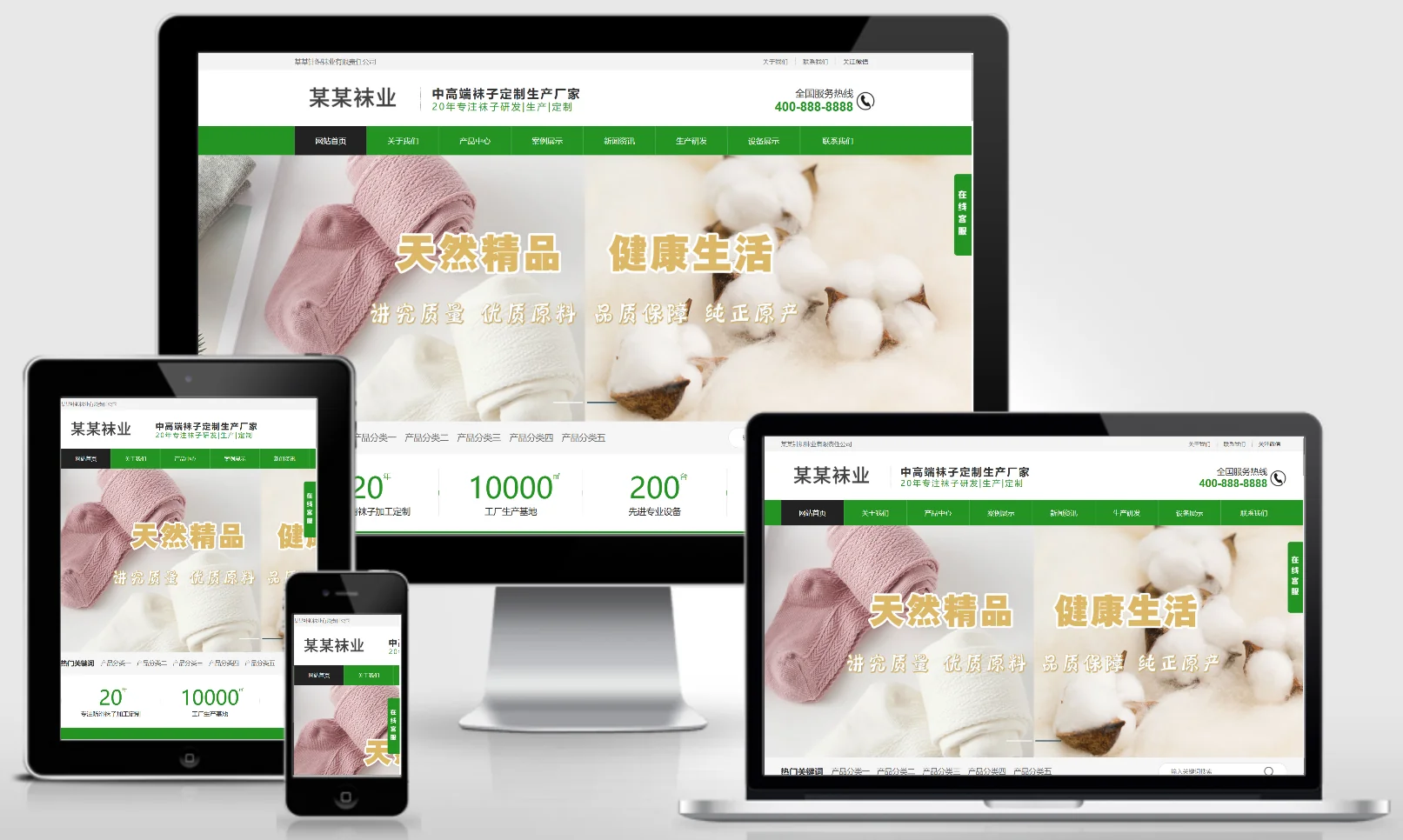
A PbootCMS website template dedicated to sock manufacturing and custom knitting services for the sock industry, compatible with both PC and WAP devices. Its stylish and minimalist design effectively showcases a variety of sock products and custom manufacturing processes. This template enables sock manufacturers or brand owners to establish an official online presence and expand their wholesale and retail distribution channels. Template Display | Installation Instructions | Website Backend: /admin.php | Username: admin | Password: admin | Extraction Password: www...
👁 33
Nutritional and Wellness Deer Antler Website Template 0483

Nutritional and Wellness Deer Antler Website Template 0483 Practical Collection Yiyou template

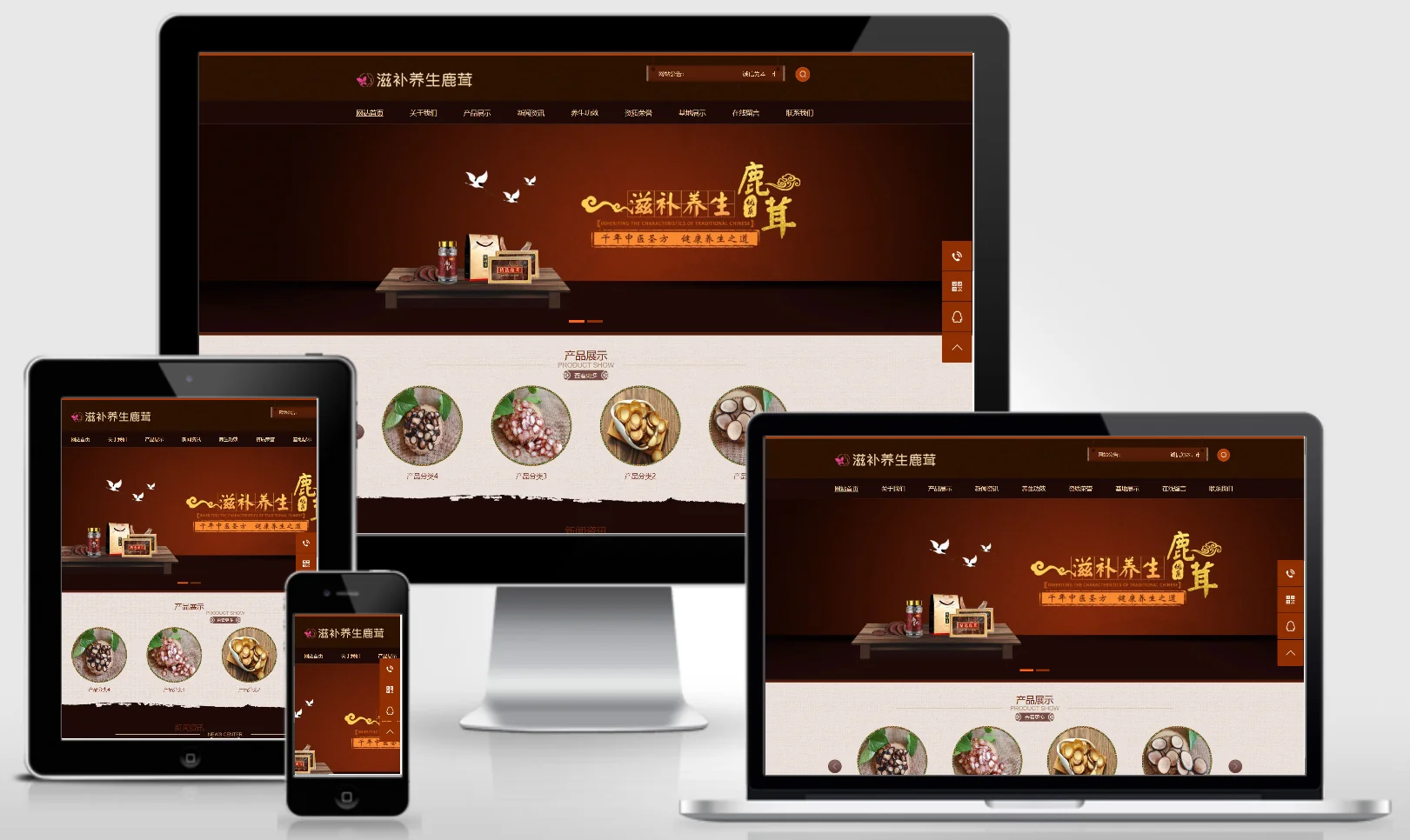
An EyouCMS website template designed specifically for the deer antler health and wellness industry. Its health-focused design is ideal for showcasing deer antler products, wellness knowledge, brand stories, and sales information. This template helps supplement brands effectively present their products online and attract health and wellness-conscious consumers. Template Overview | Installation Instructions | Website Backend: /login.php | Username: admin | Password: admin | Related Articles: Summary of Common Installation Issues for EyouCMS | EyouCMS...
👁 52
Using ChatGPT with the official API to generate articles – PHP Tutorial

Using ChatGPT with the official API to generate articles – PHP Tutorial Language Notes PHP

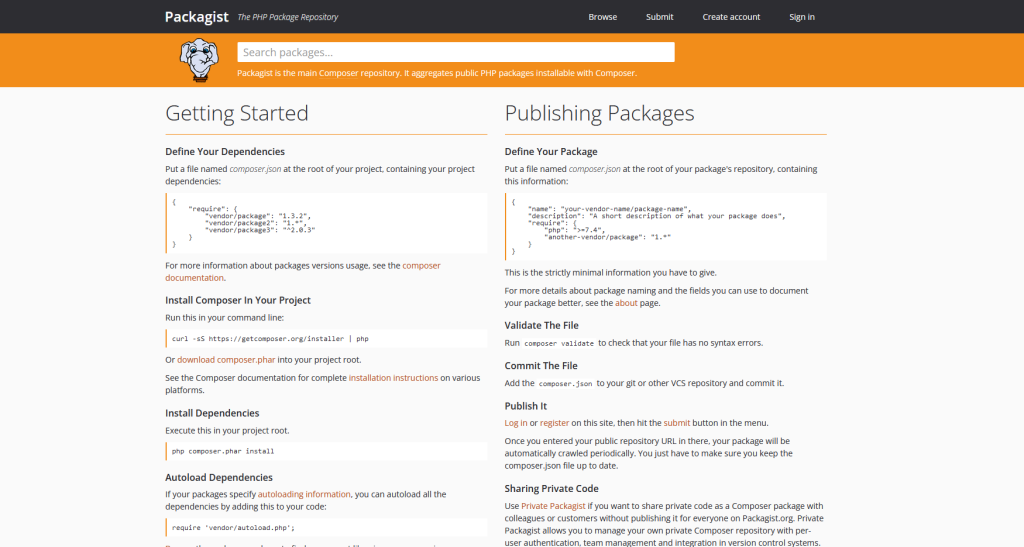
I heard this tool is really popular and awesome – many webmasters have started using it to generate articles or build websites. So, I wrote a simple PHP script that integrates with the official API; it's quite straightforward: just use Composer to install the required package and then simply make calls to the API. I tested it out – with just one API key, you can generate 900 articles, and the quality is quite good. For the API call tutorial, head over to this link to find a PHP package; after looking through several options, I chose this one: ope...
👁 163