I heard this tool is really popular and awesome – many webmasters have started using it to generate articles and build websites.
So, I wrote a simple PHP script to interact with the official API – it's quite straightforward: just use `composer` to install the required package and then simply make the API call.
I tested it out – a single key can generate 900 articles, and the quality is quite good.
Call Tutorial
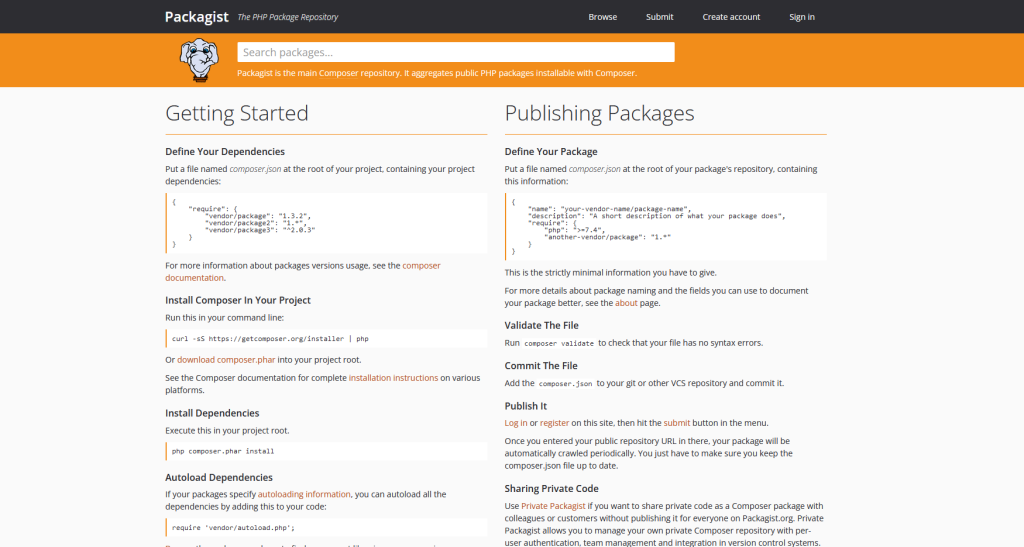
Find a PHP package at this location.
After looking at several options, I chose this one:openai-php/client
Then, download; Command:composer require openai-php/client
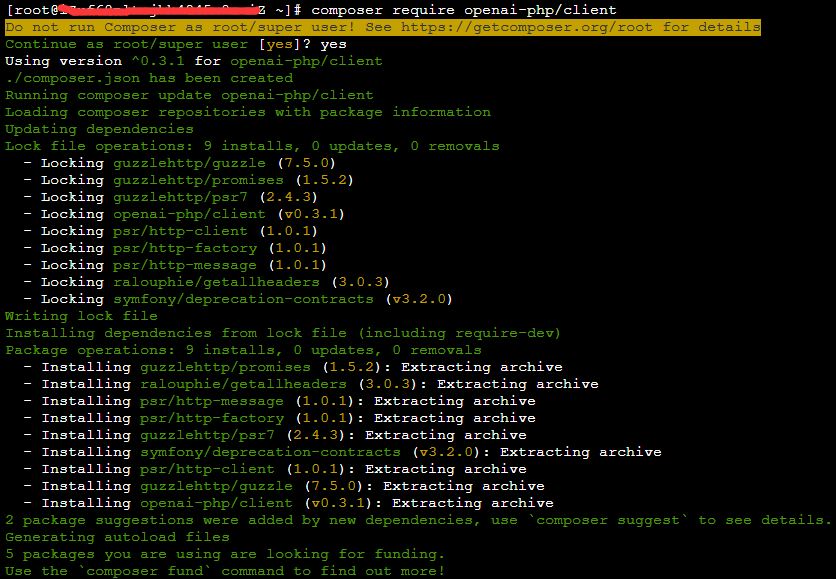
Of course, you need to switch to your own project directory!
After installation is complete, simply invoke the function:
require __DIR__ . '/vendor/autoload.php';

$client = OpenAI::client('key');

$result = $client->completions()->create([
    'model' => 'text-davinci-003',
    'prompt' => $_GET['text'],
    'max_tokens' => 1500,
    'temperature' => 0.2,
    'top_p' => 1,
    'n' => 1,
    'presence_penalty' => 0.6,
    'frequency_penalty' => 0,
    'stream' => false,
    'logprobs' => null,
    'stop' => '\n'
]);

echo '<h1>问题</h1>'.$_GET['text'].'<h1>回答</h1><pre><code>'. $result['choices'][0]['text'];
Just load the reference.
Call Effect:
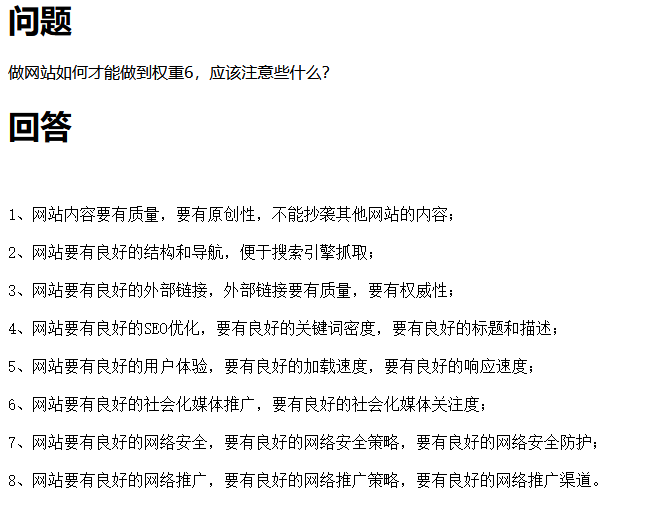
Feels pretty good – selling a few keys!
If you have any needs, feel free to get in touch with me!
We also include the source code for the generated article.