Hongmu Notes
Home Practical Collection Utility tools

Utility tools

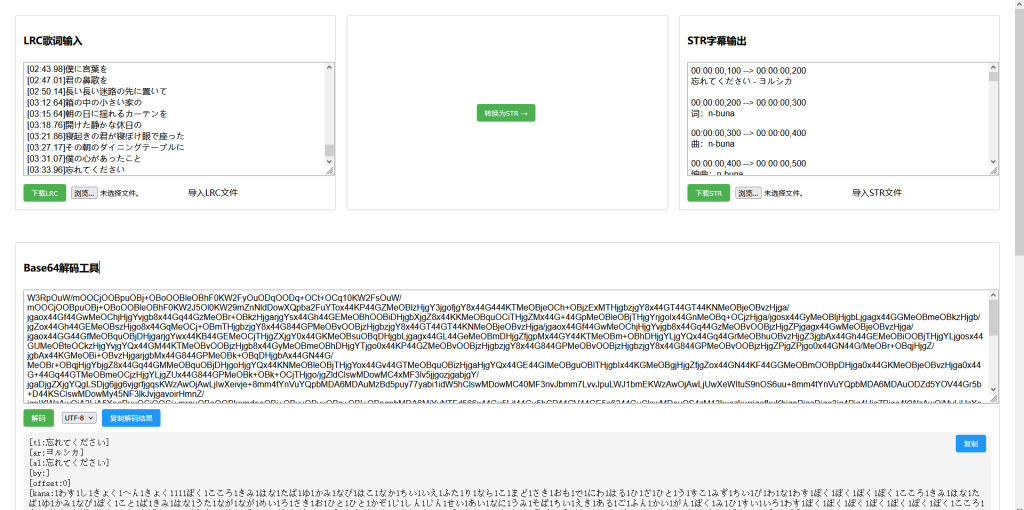
Online LRC to STR converter/Base64 decoding tool – implemented using HTML and jQuery

Online LRC to STR converter/Base64 decoding tool – implemented using HTML and jQuery Summary of pitfalls Practical Collection Website source code Utility tools

A very useful web application designed primarily to convert LRC lyric files to STR subtitle format, along with a Base64 decoding tool. Main Features: 1. LRC to STR Converter – Input: Users can paste LRC lyrics or upload an LRC file; Conversion: Click the "Convert to STR" button to convert the LRC file to STR format; Output: The converted STR subtitles are displayed; these can be downloaded or saved. 2. Base64 Decoding Tool...

👁 215
A simple yet powerful HTML code snippet – iFearMe Framework

A simple yet powerful HTML code snippet – iFearMe Framework Summary of pitfalls Practical Collection Utility tools

Since I prefer automation when building websites, many tasks require multiple visits to a single URL to process content stored on the server. In such cases, for various reasons, it may not be possible to simply refresh the page directly; this is where the iFearMe framework comes in handy! The iFearMe framework code: <!DOCTYPE html> <html> <head> <title...
👁 212
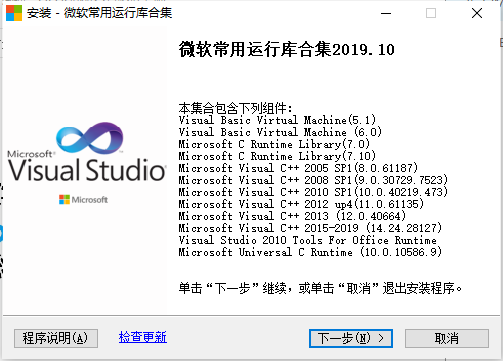
MSVBCRT.AIO.2019.10.19.X86/X64 (Microsoft Common Runtime Library Collection)

MSVBCRT.AIO.2019.10.19.X86/X64 (Microsoft Common Runtime Library Collection) Practical Collection Utility tools

Software for resolving DLL-related computer software errors: On Windows systems where official drivers (e.g., Microsoft Visual Studio 2015) are not fully installed, installing certain software may trigger an error message stating that a specific DLL file is missing and prevents the software from launching. This software package can resolve this issue; it is compatible with Windows 7, 8, 8.1, 10, and 11 operating systems.
👁 467
Python converts Markdown to HTML.

Python converts Markdown to HTML. Practical Collection Utility tools

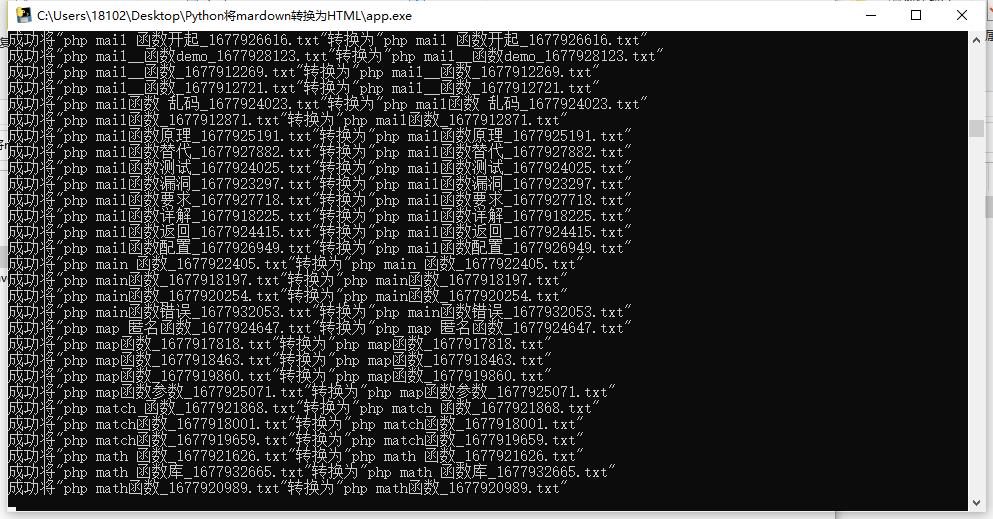
Python converts Markdown to HTML; the file format can be configured. After running the script, two directories – `md` and `html` – will be automatically created. Files to be converted should be placed in the `md` directory; the converted files will then be placed in the `html` directory! The software generates a log file, which you can review to see the details of the conversion process! To view the converted output, check the original Markdown: < < < Title: PHP Function for Removing Duplicates from Two-Dimensional Arrays...
👁 170
ChatGPT generates articles in Markdown format.

ChatGPT generates articles in Markdown format. Practical Collection Utility tools

In the early hours of March 2, OpenAI launched the official ChatGPT API – not the underlying GPT-3.5 large-scale model, but the core ChatGPT model itself: ChatGPT-3.5-Turbo! The ChatGPT-3.5-Turbo model is the model used by ChatGPT and represents the fastest, most cost-effective, and most flexible model in the GPT-3.5 series. It can deliver ultra-high...
👁 223
Push your website to the Bing search engine using PHP + Python

Push your website to the Bing search engine using PHP + Python Practical Collection Utility tools

Push your website's link to the Bing search engine! Here's a Python code example: `import requests import re # Fetch links from a sitemap def get_urls(sitemap): response = requests.get(url=sitemap) urls = re.findall('<loc...')`
👁 527
Practical Tool: Nginx Website Log Analysis

Practical Tool: Nginx Website Log Analysis Practical Collection Utility tools

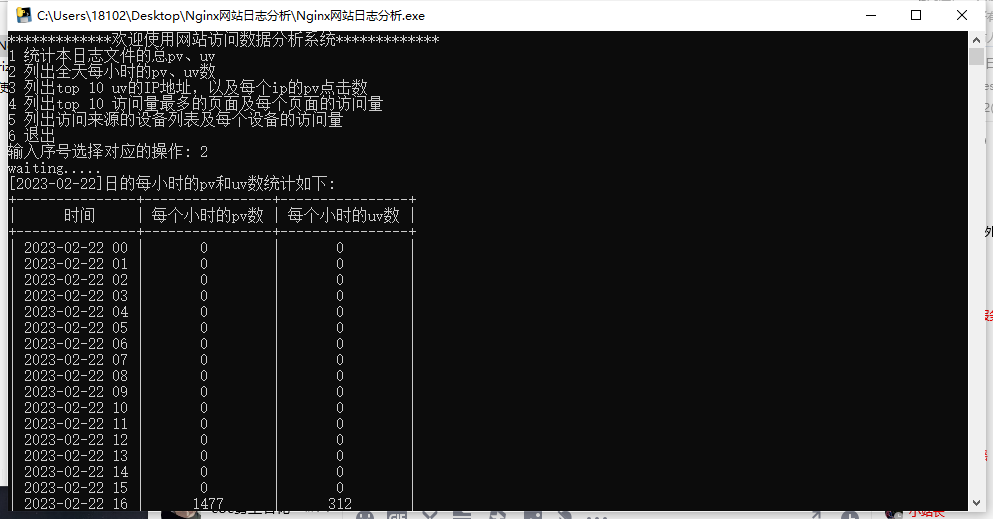
As the name suggests, this is a simple log analysis tool that can extract specific information from your website's logs! Step 1: Place the log file and the tool in the same directory. Place the Log file (Nginx website logs) into the program's directory, or copy/move the program to the directory where the log file is located. Step 2: Modify the log file name. Change the website log file name to `rizhi.log`; otherwise, the program will fail to operate...
👁 183