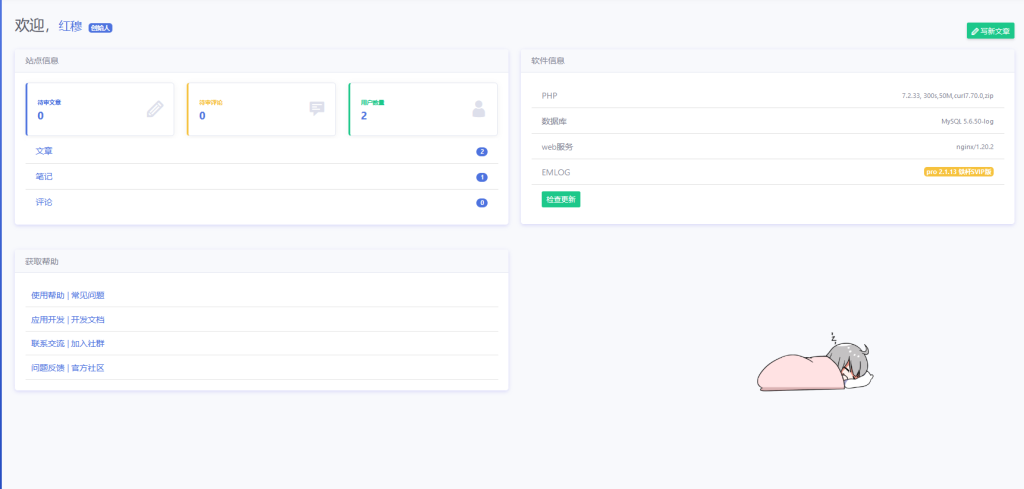
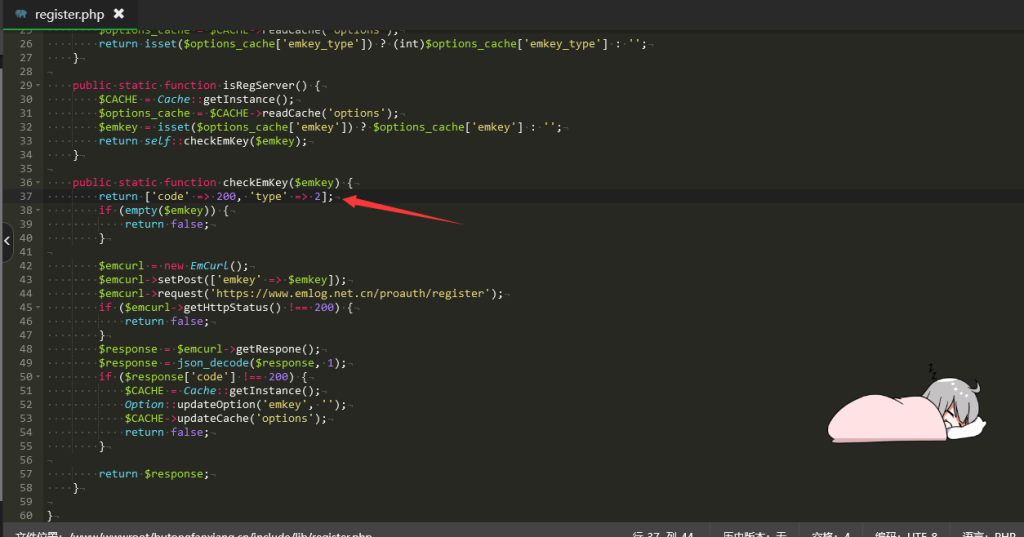
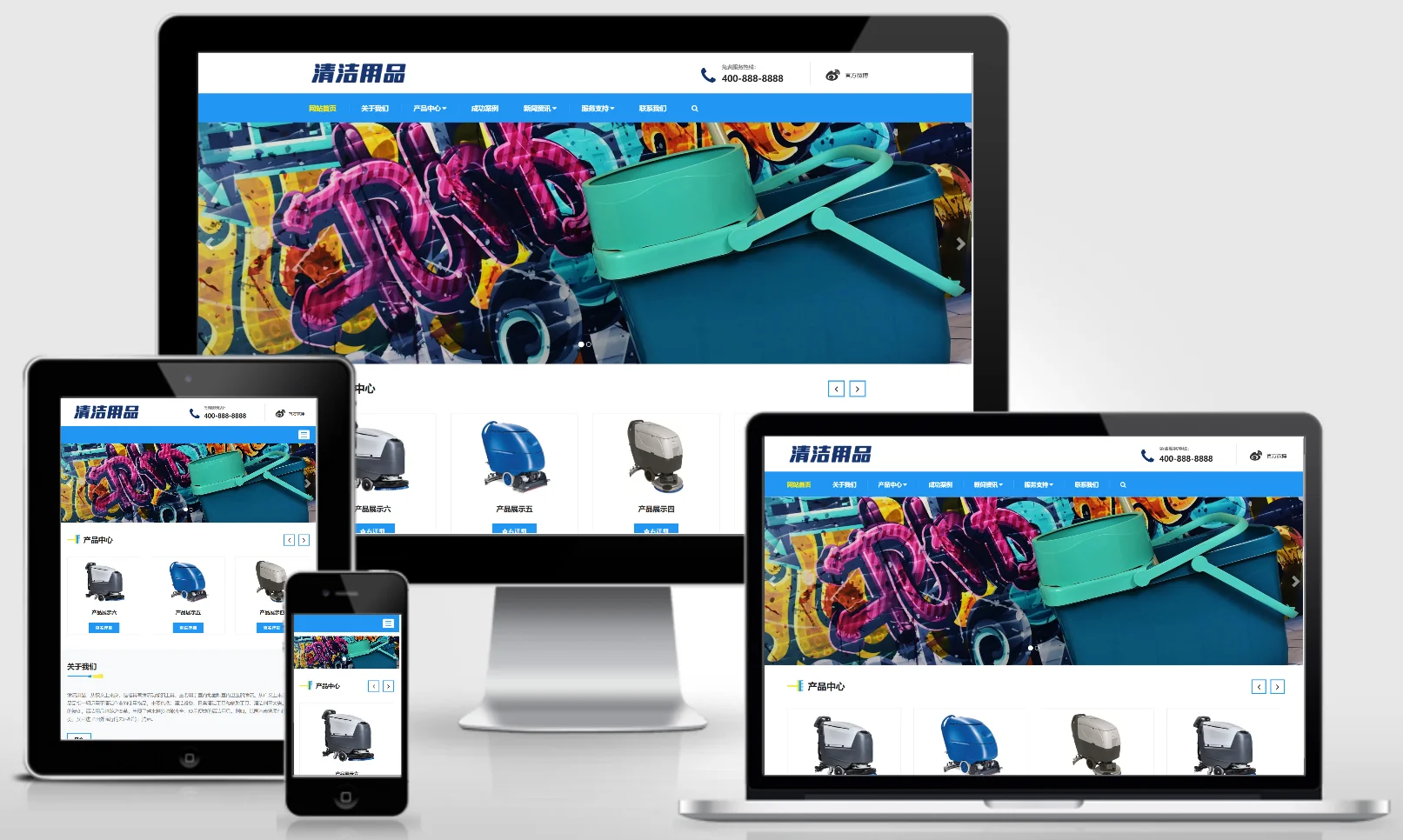
After researching EMLog and downloading a template, I discovered that there is no logged-in visibility feature during use!
I want the administrator login to be visible!
So, I checked the official documentation:
Constant that can be used directly
| Variables, Constants | type | explain |
|---|---|---|
| Option::EMLOG_VERSION | constant | Get the current EMLOG version number |
| ROLE | constant | Current user role (user group): admin (Administrator), writer (Registered User), visitor (Guest) |
| ROLE_ADMIN | constant | Admin |
| ROLE_WRITER | constant | Writer – Registered User |
| ROLE_VISITOR | constant | Visitor |
| UID | constant | active userUID |
| BLOG_URL | constant | Full website address |
| ISLOGIN | constant | Whether the user is logged in: true – logged in; false – not logged in. |
Based on the above documentation, I wrote some code!
Primarily enables login visibility on content pages!
PHP code modification
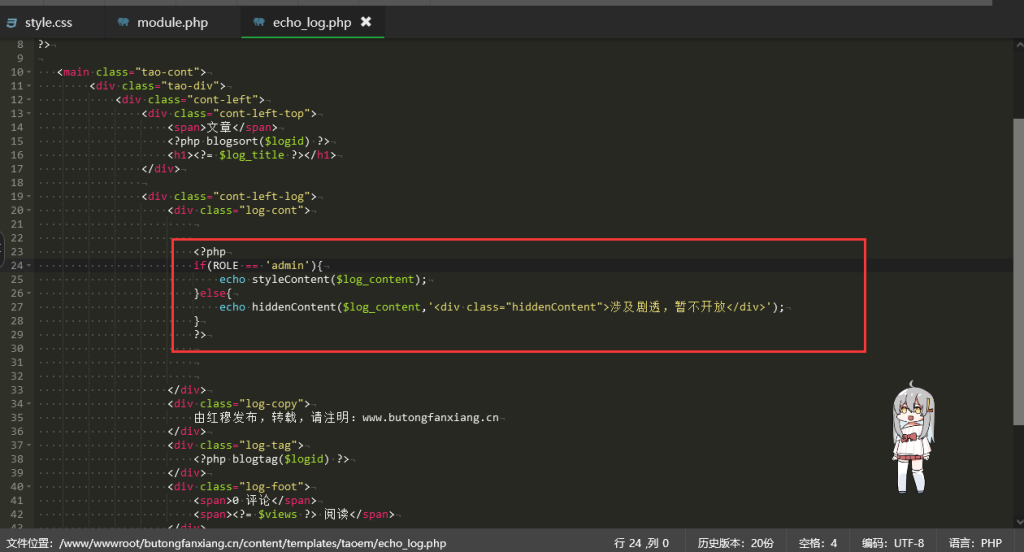
Find article templateecho_log.phpdocument.
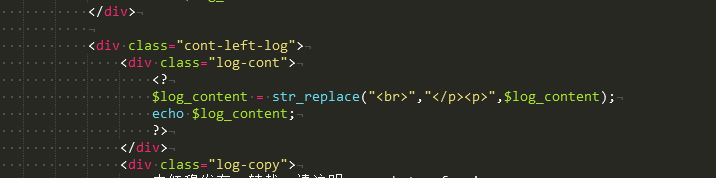
Open and locate the variable that holds the output article content.$log_content!
Edit:
<?php
if(ROLE == 'admin'){
    echo styleContent($log_content);
}else{
    echo hiddenContent($log_content,'<div class="hiddenContent">涉及到机密,管理员可见</div>');
}
?>
CSS code beautification
.hiddenContent{
    font-size: 15px;
    border: 1px dashed red;
    color: red;
    text-align: center;
    padding: 25px 0;
}
New PHP functions
The template is located at:module.phpAdd the following two functions to the document:
// 处理内容,直接输出
function styleContent($string){
   $string = str_replace(array('[hide]','[/hide]'),'',$string);
   $string = str_replace("<br />","</p><p>",$string);
   echo $string;
}
// 隐藏内容,不可见
function hiddenContent($string, $prompt) {
    $pattern = "/\[hide\](.*?)\[\/hide\]/";
    $replacement = $prompt;
    $result = preg_replace($pattern, $replacement, $string);

    return $result;
}
usage mode
When editing an article in the backend, use this to hide the content you no longer wish to display.[hide]和[/hide]Just put it in parentheses!