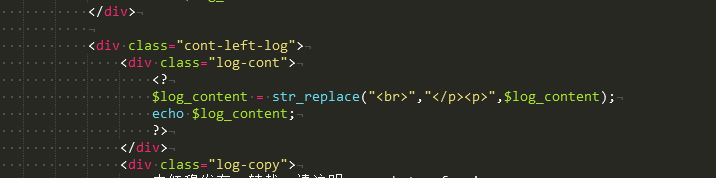
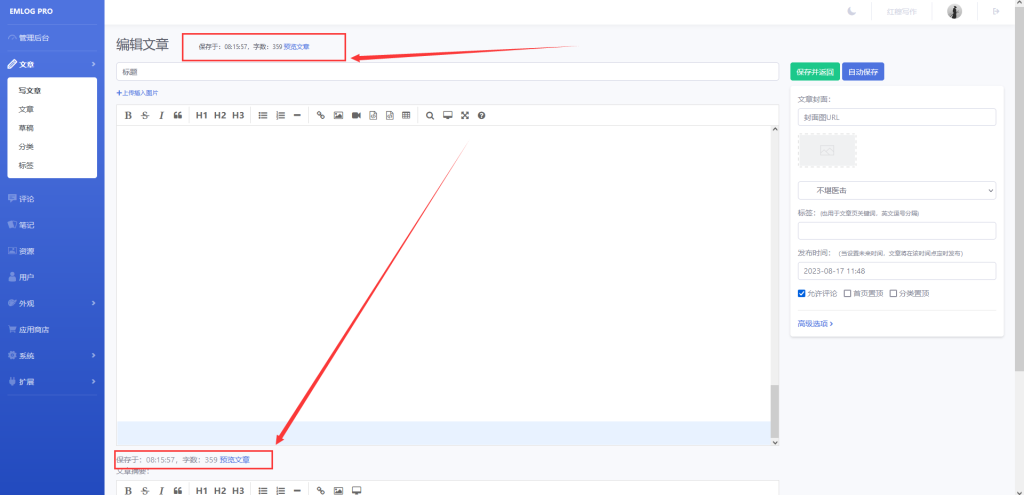
When editing text in Emlog, the font size is too small – it's really uncomfortable to read; if you don't adjust it, it's practically impossible to read!
To set the font size to 16px, you can modify the following code:
Step 1: Open/admin/views/article_write.phpdocument
在 Editor 和 Editor_summary The initialization section – locate path: "editor.md/lib/"Add the following code line below this line:
theme: 'default', // 设置主题为默认主题Step 2: Editor 和 Editor_summary In the initialization section, locate the following two lines of code:
width: "100%",
height: 640,
将 height Change the attribute value to "640px"And add the following line of code:
fontSize: "16px", // 设置字体大小为16px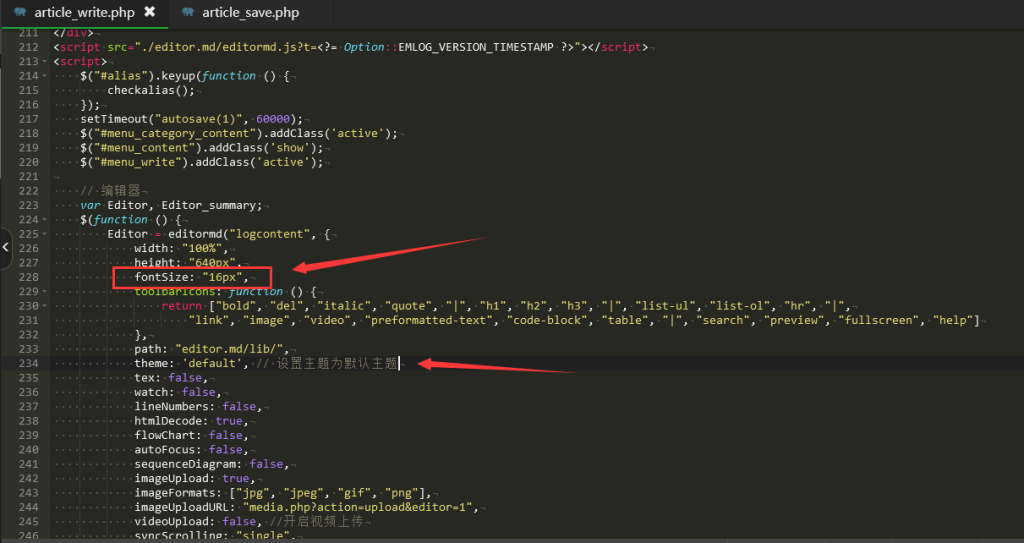
Apply the changes as shown in the figure!