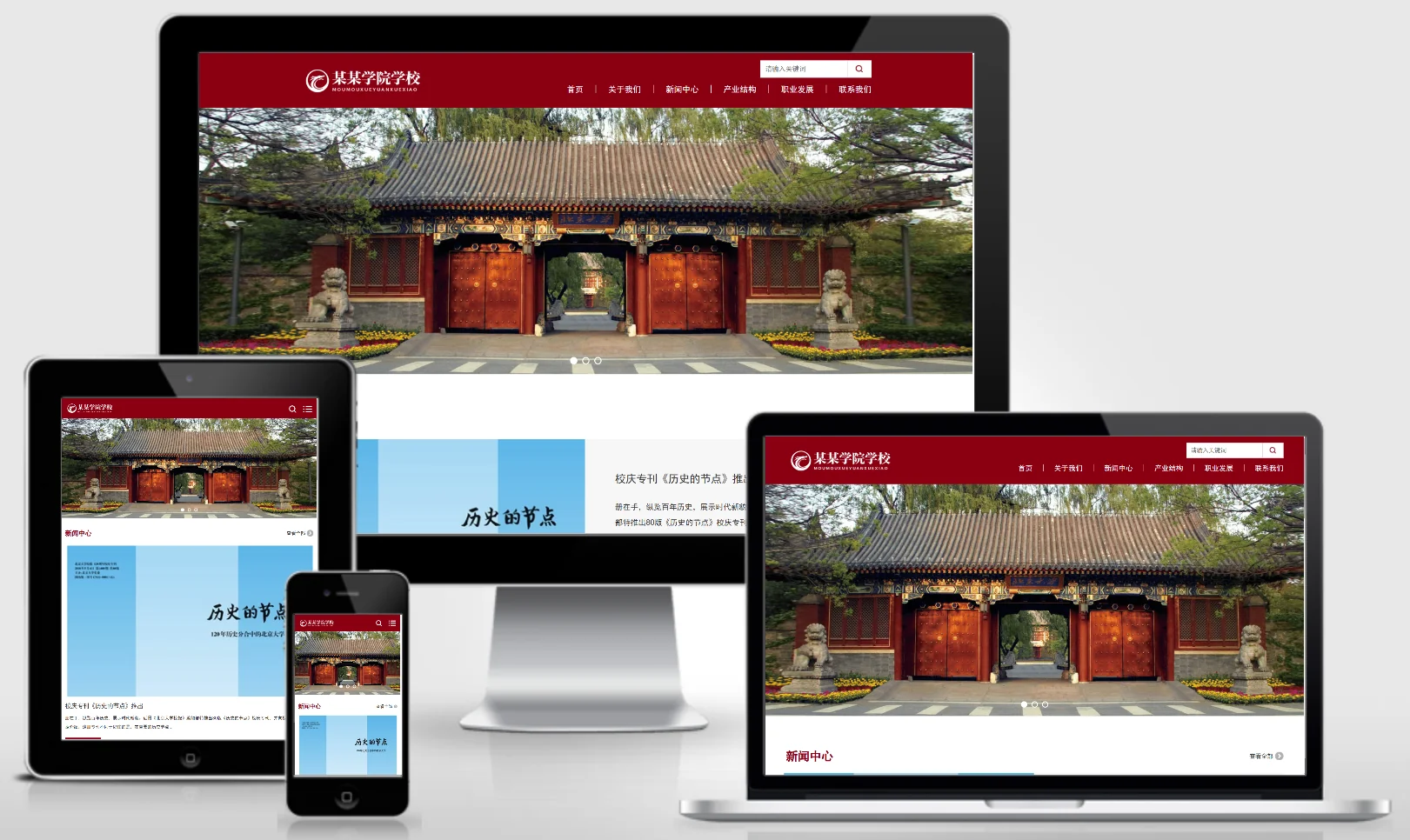
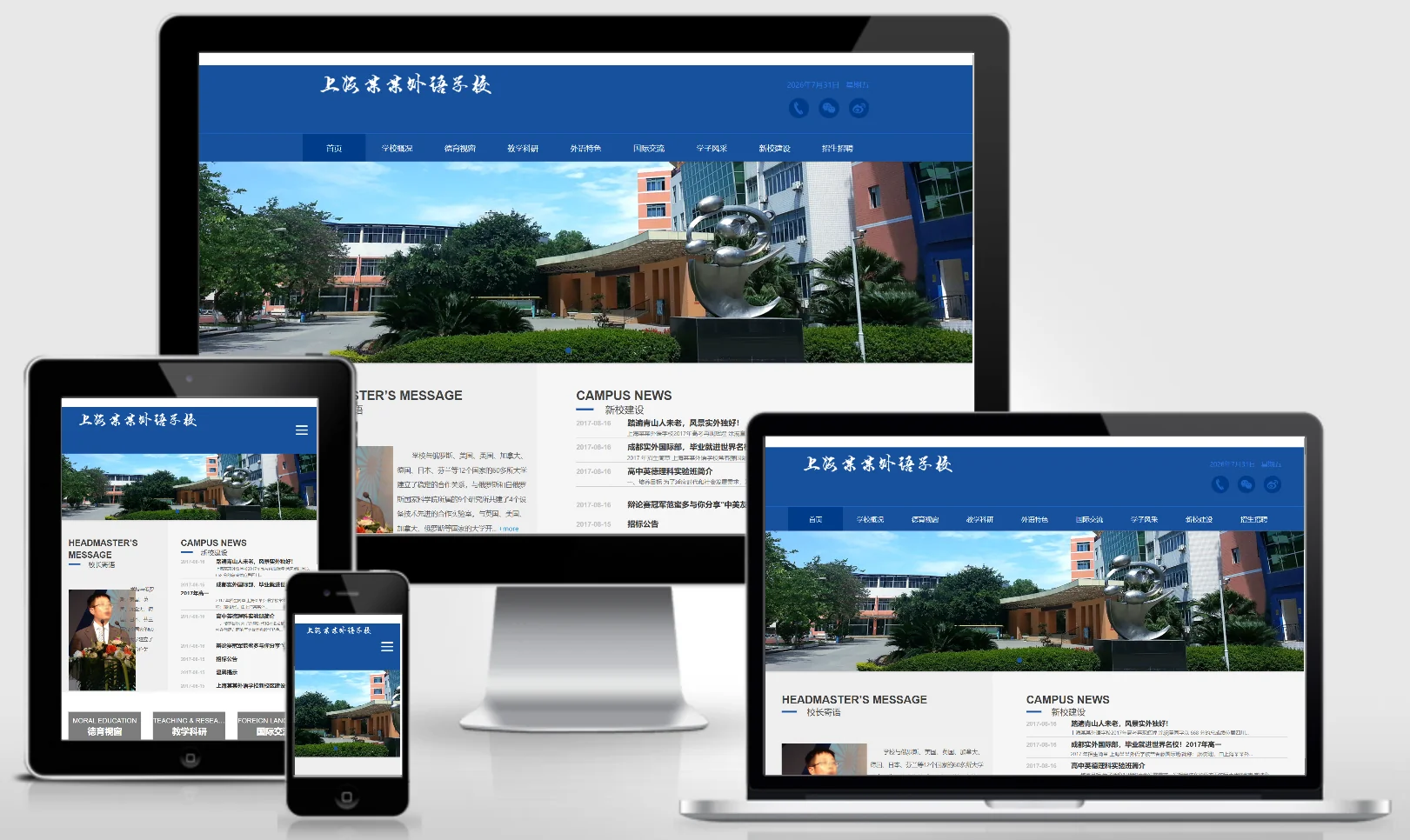
AutoTitlePic – a plugin that automatically generates article title images.
When building a website, images often involve copyright issues – in such cases, having a thumbnail generation plugin can be extremely important!
I have modified the plugin by adding a scheduled generation feature that automatically generates images when website traffic is low during the night; this feature should be used in conjunction with the Baota Scheduled Tasks.
functional characteristics:
1. Easy installation and simple operation; compatible with both existing and new websites.
2. Automatically generates images and runs silently after installation; therefore, this plugin does not include an image preview feature.
3. High scalability – you can configure and define your own data types. (Additional fees apply for modifying more specialized types.)
4. Fast image generation with high efficiency
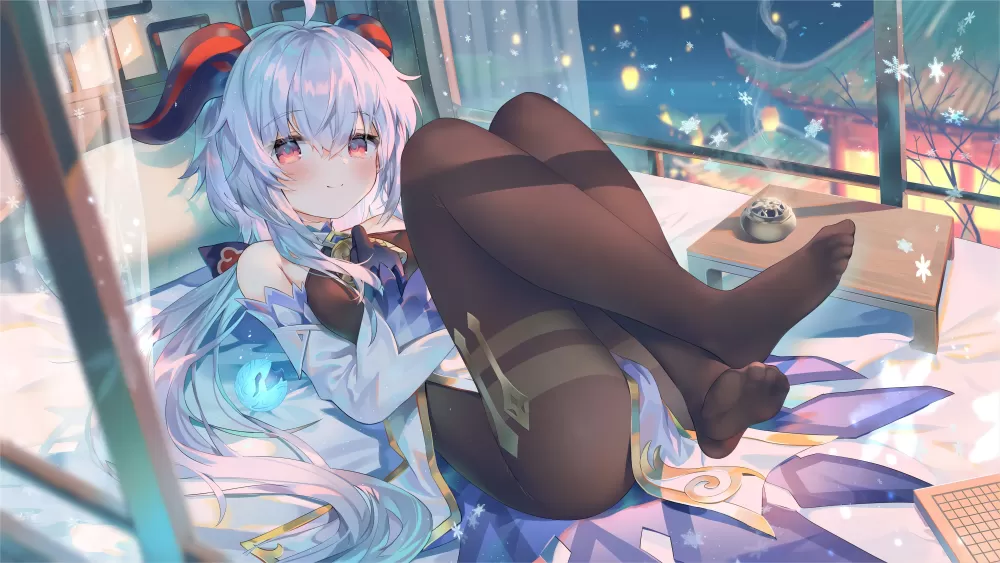
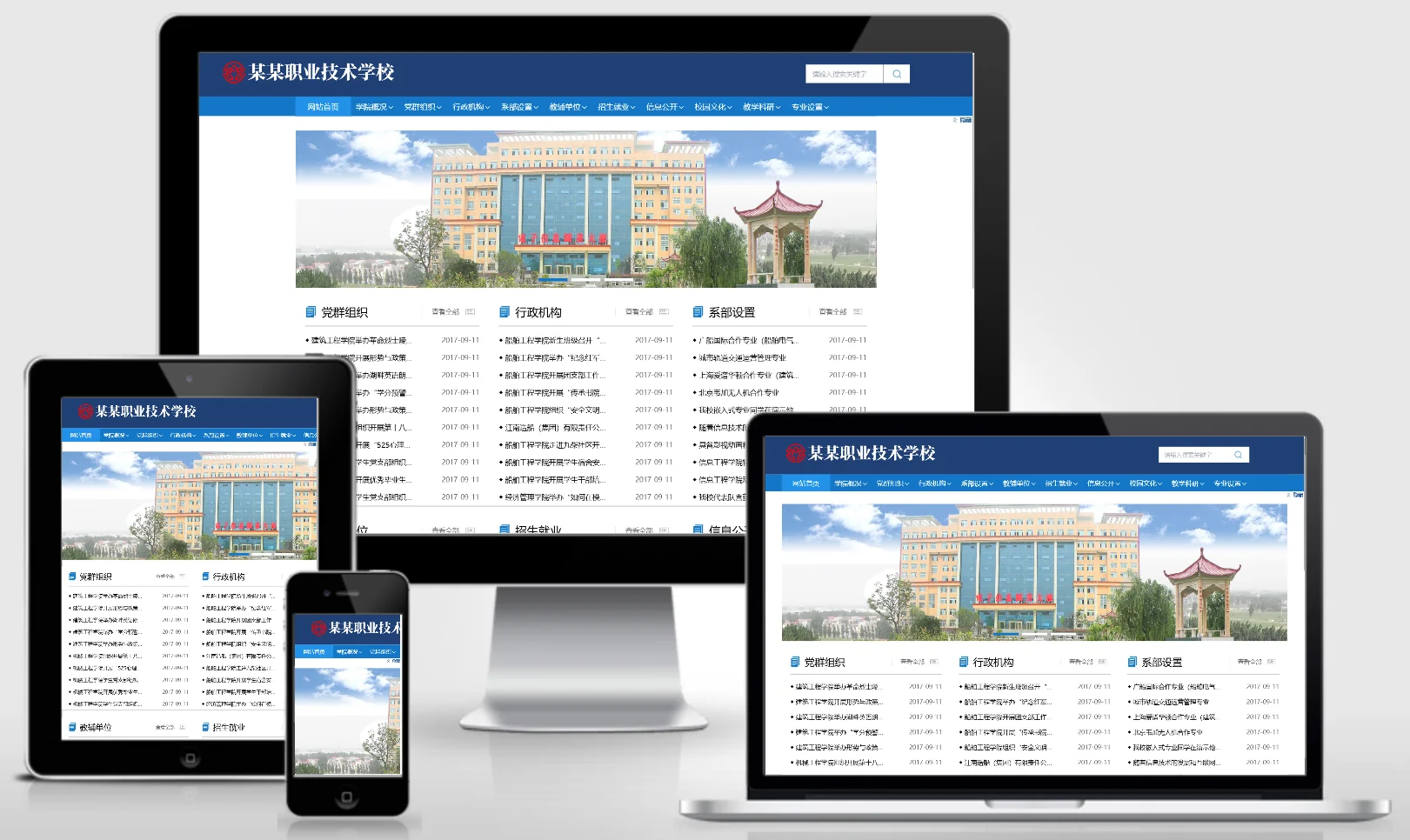
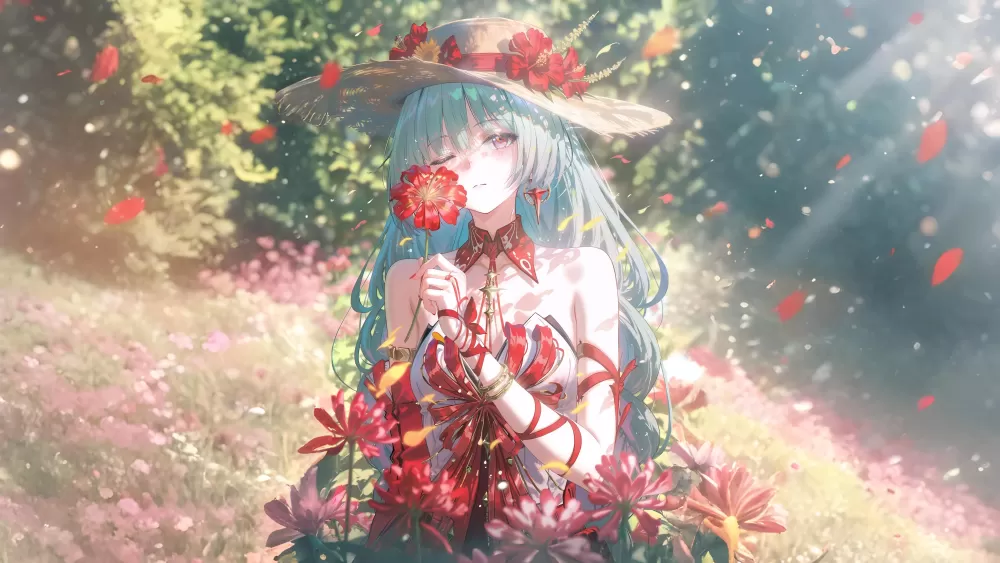
Renderings:


This plugin automatically generates a title image upon invocation; if a title image already exists, it will not be generated.
******************** Installation and Use ********************
1. Upload the `titlepic` folder to the `e/dongpo` directory on your website; if the `dongpo` directory does not exist, create it.
2. Edit the e/class/userfun.php file and insert the following code on line 3:
require_once(ECMS_PATH."e/dongpo/titlepic/dp_funs.php");
3. Modify the configuration file (e/dongpo/titlepic/config.php); it contains detailed configuration instructions.
4. Reference an image within the template
(1) Content page template – specify the title image URL:
<?=dp_getTitlePic($navinfor)?>(2) List Page Template (list.var) – Calls the Title Image URL Function: dp_getTitlePic($r)
Example: (Check "Use Program Code")
$titlepic = dp_getTitlePic($r);

$listtemp = '<li>'.$titlepic.'<a href="[!--titleurl--]" title="[!--oldtitle--]">[!--title--]</a> <span>[!--newstime--]</span></li>';
5. After applying the aforementioned functions to the template, the corresponding title image can be generated whenever a dynamic page is accessed or a static page is generated.
6. Important note: When using images with Style 2, it is recommended that the background image size matches the final image size; otherwise, the background may be distorted.