Hongmu Notes
Home Practical Collection After running the Empire CMS automatic installation script, the system will redirect you to the login page.
Practical Collection empire plugin

After running the Empire CMS automatic installation script, the system will redirect you to the login page.

After running the Empire CMS automatic installation script, the system will redirect you to the login page.

This is really exhausting – every time you install or test the Empire template, you have to manually delete the `install.lock` file and then proceed step by step! After completing the next step, you still need to manually enter the database credentials and initial password!

This is so annoying!

于是乎,我写了一个PHP,大致功能如下: 不用手动访问/e/install目录和删除lock文件 运行PHP,自动安装帝国cms,并且跳转帝国后台登录! 初始账号:admin 初始密码:123456 目前只适合帝国cms7.5,以后可能会增加帝国cms7.2 上代码:
<?php
$sql_name = "test_4s5_cn";
$sql_pass = "ggggggggggggg";
// 下载帝国安装包和配置文件
downloadAndExtract(__DIR__."/e/install/","http://api.4s5.cn/cdn/ecms/zip/install.zip");
downloadAndExtract(__DIR__."/e/config/","http://api.4s5.cn/cdn/ecms/zip/config.zip");
importSqlZip("http://api.4s5.cn/cdn/ecms/zip/mysql.sql.zip",$sql_name,$sql_name,$sql_pass);
// 配置数据库config文件
$config_file = __DIR__."/e/config/config.php";
modifyDatabaseConfig($config_file,['dbusername' => $sql_name, 'dbpassword' => $sql_pass, 'dbname' => $sql_name, 'dbtbpre' => "phome_"]);
// 安装install的数据库
// 获取当前域名
$domain = $_SERVER['HTTP_HOST'];
// 拼接 URL
$url = "http://{$domain}/e/admin";
// 跳转到 URL
header("Location: $url");


// 自定义函数
/**
 * 从远程URL下载包含SQL文件的ZIP压缩文件,解压缩SQL文件到指定目录,然后将数据导入到MySQL数据库中。
 *
 * @param string $remoteUrl 远程ZIP文件的URL地址
 * @param string $dbName 目标MySQL数据库的名称
 * @param string $dbUser 目标MySQL数据库的用户名
 * @param string $dbPass 目标MySQL数据库的密码
 * @param string $dbHost 目标MySQL数据库的主机地址,默认为localhost
 * @param string $sqlDir 解压缩SQL文件的目录路径,默认为当前文件所在目录下的path/目录
 * @throws Exception 如果下载、解压缩、数据库操作失败,则会抛出异常
 */
function importSqlZip($remoteUrl, $dbName, $dbUser, $dbPass, $dbHost = 'localhost', $sqlDir = __DIR__.'/path/') {
    // 创建一个临时文件用于保存下载的 Zip 文件
    $tempZip = tempnam(sys_get_temp_dir(), 'sql_zip_');

    // 下载远程 Zip 文件并保存到本地
    $fp = fopen($tempZip, 'w');
    $ch = curl_init($remoteUrl);
    curl_setopt($ch, CURLOPT_FILE, $fp);
    $success = curl_exec($ch);
    curl_close($ch);
    fclose($fp);

    if (!$success) {
        throw new Exception('Failed to download the remote SQL ZIP file.');
    }
    // 创建指定目录
    if (!mkdir($sqlDir, 0777, true)) {
        throw new Exception('Failed to create directory.');
    }

    // 解压缩文件到指定目录
    $zip = new ZipArchive();
    if ($zip->open($tempZip) === TRUE) {
        $zip->extractTo($sqlDir);
        $zip->close();
    } else {
        throw new Exception('Failed to extract the SQL ZIP file.');
    }

    // 清空数据库
    $dsn = "mysql:host=$dbHost;dbname=$dbName";
    $pdo = new PDO($dsn, $dbUser, $dbPass);
    $pdo->setAttribute(PDO::ATTR_ERRMODE, PDO::ERRMODE_EXCEPTION);

    $tables = $pdo->query("SHOW TABLES")->fetchAll(PDO::FETCH_COLUMN);
    foreach ($tables as $table) {
        $pdo->query("DROP TABLE IF EXISTS $table");
    }

    // 导入 SQL 文件
    $files = glob($sqlDir . '*.sql');
    foreach ($files as $file) {
        $pdo->exec(file_get_contents($file));
    }

    // 删除临时文件和 SQL 文件
    unlink($tempZip);
    $files = glob($sqlDir . '*.sql');
    foreach ($files as $file) {
        unlink($file);
    }
    rmdir($sqlDir);
}


function downloadAndExtract($installDir, $remoteZipUrl) {
    // 删除指定目录及其下所有文件
    if (is_dir($installDir)) {
        $files = glob($installDir . '/*');
        foreach ($files as $file) {
            if (is_file($file)) {
                unlink($file);
            } elseif (is_dir($file)) {
                $innerFiles = glob($file . '/*');
                foreach ($innerFiles as $innerFile) {
                    if (is_file($innerFile)) {
                        unlink($innerFile);
                    }
                }
                rmdir($file);
            }
        }
        rmdir($installDir);
    }

    // 创建指定目录
    if (!mkdir($installDir, 0777, true)) {
        throw new Exception('Failed to create install directory.');
    }

    // 下载远程 Zip 文件并保存到本地
    $tempZip = tempnam(sys_get_temp_dir(), 'download_');
    $fp = fopen($tempZip, 'w');
    $ch = curl_init($remoteZipUrl);
    curl_setopt($ch, CURLOPT_FILE, $fp);
    $success = curl_exec($ch);
    curl_close($ch);
    fclose($fp);
    if (!$success) {
        throw new Exception('Failed to download the remote ZIP file.');
    }

    // 解压缩文件到指定目录
    $zip = new ZipArchive();
    if ($zip->open($tempZip) === TRUE) {
        $zip->extractTo($installDir);
        $zip->close();
    } else {
        throw new Exception('Failed to extract the ZIP file.');
    }

    // 删除临时文件
    unlink($tempZip);
}

// 读取数据库文件,然后传入需要替换的数组
function modifyDatabaseConfig($filename, $newConfig) {
  // 读取配置文件内容
  $file = file_get_contents($filename);
  // 替换配置内容
  
  // 配置文件里的变量名前缀
    $prefix = '$ecms_config[\'db\']';
    
    // 遍历新配置,将对应的变量替换为新值
    foreach ($newConfig as $key => $value) {
        $pattern = '/' . preg_quote($prefix) . '\[\'' . preg_quote($key) . '\'\]\s*=\s*\'[^;]+;/';
        $replace = $prefix . '[\'' . $key . '\'] = \'' . $value . '\';';
        $file = preg_replace($pattern, $replace, $file);
    }
  // 保存文件
  file_put_contents($filename, $file);
}


Second Update

本次更新了帝国cms7.2版本的安装,运行PHP自动判断帝国版本,然后自动安装
<?php
$sql_name = "test_4s5_cn";
$sql_pass = "wnxxtJTa3y4SPPrr";

if(file_exists(__DIR__."/e/admin/index.php")){
    $string = file_get_contents(__DIR__."/e/admin/index.php");
    // 开始检查帝国cms版本
    if (strpos($myString, "7.2") !== false) {
        $ecms = 7.5;
    } else {
        $ecms = 7.2;
    }
}else{
    die("未检测到帝国admin后台");
}

// 下载帝国安装包和配置文件
downloadAndExtract(__DIR__."/e/install/","http://api.4s5.cn/cdn/ecms/zip/{$ecms}/install.zip");
downloadAndExtract(__DIR__."/e/config/","http://api.4s5.cn/cdn/ecms/zip/{$ecms}/config.zip");
importSqlZip("http://api.4s5.cn/cdn/ecms/zip/{$ecms}/mysql.sql.zip",$sql_name,$sql_name,$sql_pass);
// 配置数据库config文件
$config_file = __DIR__."/e/config/config.php";
modifyDatabaseConfig($config_file,['dbusername' => $sql_name, 'dbpassword' => $sql_pass, 'dbname' => $sql_name, 'dbtbpre' => "phome_"]);
// 获取当前域名
$domain = $_SERVER['HTTP_HOST'];
// 拼接 URL
$url = "http://{$domain}/e/admin";
echo "安装成功!帝国版本:{$ecms}";
// 停顿三秒钟后跳转后台
echo " <meta http-equiv=\"refresh\" content=\"3;url={$url}\" />";

// 自定义函数
/**
 * 从远程URL下载包含SQL文件的ZIP压缩文件,解压缩SQL文件到指定目录,然后将数据导入到MySQL数据库中。
 *
 * @param string $remoteUrl 远程ZIP文件的URL地址
 * @param string $dbName 目标MySQL数据库的名称
 * @param string $dbUser 目标MySQL数据库的用户名
 * @param string $dbPass 目标MySQL数据库的密码
 * @param string $dbHost 目标MySQL数据库的主机地址,默认为localhost
 * @param string $sqlDir 解压缩SQL文件的目录路径,默认为当前文件所在目录下的path/目录
 * @throws Exception 如果下载、解压缩、数据库操作失败,则会抛出异常
 */
function importSqlZip($remoteUrl, $dbName, $dbUser, $dbPass, $dbHost = 'localhost', $sqlDir = __DIR__.'/path/') {
    // 创建一个临时文件用于保存下载的 Zip 文件
    $tempZip = tempnam(sys_get_temp_dir(), 'sql_zip_');

    // 下载远程 Zip 文件并保存到本地
    $fp = fopen($tempZip, 'w');
    $ch = curl_init($remoteUrl);
    curl_setopt($ch, CURLOPT_FILE, $fp);
    $success = curl_exec($ch);
    curl_close($ch);
    fclose($fp);

    if (!$success) {
        throw new Exception('Failed to download the remote SQL ZIP file.');
    }
    // 创建指定目录
    if (!mkdir($sqlDir, 0777, true)) {
        throw new Exception('Failed to create directory.');
    }

    // 解压缩文件到指定目录
    $zip = new ZipArchive();
    if ($zip->open($tempZip) === TRUE) {
        $zip->extractTo($sqlDir);
        $zip->close();
    } else {
        throw new Exception('Failed to extract the SQL ZIP file.');
    }

    // 清空数据库
    $dsn = "mysql:host=$dbHost;dbname=$dbName";
    $pdo = new PDO($dsn, $dbUser, $dbPass);
    $pdo->setAttribute(PDO::ATTR_ERRMODE, PDO::ERRMODE_EXCEPTION);

    $tables = $pdo->query("SHOW TABLES")->fetchAll(PDO::FETCH_COLUMN);
    foreach ($tables as $table) {
        $pdo->query("DROP TABLE IF EXISTS $table");
    }

    // 导入 SQL 文件
    $files = glob($sqlDir . '*.sql');
    foreach ($files as $file) {
        $pdo->exec(file_get_contents($file));
    }

    // 删除临时文件和 SQL 文件
    unlink($tempZip);
    $files = glob($sqlDir . '*.sql');
    foreach ($files as $file) {
        unlink($file);
    }
    rmdir($sqlDir);
}


function downloadAndExtract($installDir, $remoteZipUrl) {
    // 删除指定目录及其下所有文件
    if (is_dir($installDir)) {
        $files = glob($installDir . '/*');
        foreach ($files as $file) {
            if (is_file($file)) {
                unlink($file);
            } elseif (is_dir($file)) {
                $innerFiles = glob($file . '/*');
                foreach ($innerFiles as $innerFile) {
                    if (is_file($innerFile)) {
                        unlink($innerFile);
                    }
                }
                rmdir($file);
            }
        }
        rmdir($installDir);
    }

    // 创建指定目录
    if (!mkdir($installDir, 0777, true)) {
        throw new Exception('Failed to create install directory.');
    }

    // 下载远程 Zip 文件并保存到本地
    $tempZip = tempnam(sys_get_temp_dir(), 'download_');
    $fp = fopen($tempZip, 'w');
    $ch = curl_init($remoteZipUrl);
    curl_setopt($ch, CURLOPT_FILE, $fp);
    $success = curl_exec($ch);
    curl_close($ch);
    fclose($fp);
    if (!$success) {
        throw new Exception('Failed to download the remote ZIP file.');
    }

    // 解压缩文件到指定目录
    $zip = new ZipArchive();
    if ($zip->open($tempZip) === TRUE) {
        $zip->extractTo($installDir);
        $zip->close();
    } else {
        throw new Exception('Failed to extract the ZIP file.');
    }

    // 删除临时文件
    unlink($tempZip);
}

// 读取数据库文件,然后传入需要替换的数组
function modifyDatabaseConfig($filename, $newConfig) {
  // 读取配置文件内容
  $file = file_get_contents($filename);
  // 替换配置内容
  
  // 配置文件里的变量名前缀
    $prefix = '$ecms_config[\'db\']';
    
    // 遍历新配置,将对应的变量替换为新值
    foreach ($newConfig as $key => $value) {
        $pattern = '/' . preg_quote($prefix) . '\[\'' . preg_quote($key) . '\'\]\s*=\s*\'[^;]+;/';
        $replace = $prefix . '[\'' . $key . '\'] = \'' . $value . '\';';
        $file = preg_replace($pattern, $replace, $file);
    }
  // 保存文件
  file_put_contents($filename, $file);
}
微信赞赏

WeChat

支付宝赞赏

Alipay

✍️ Author: Hong Mu

webmaster · Thanks for reading, stay tuned for more exciting content

Author homepage View home page →

Related articles

Insert related articles in the middle of imperial cms articles (article page optimization, the effect is super good)

Insert related articles in the middle of imperial cms articles (article page optimization, the effect is super good) Practical Collection empire plugin

Those who understand will know – this feature allows you to aggregate related articles. By displaying these articles in the middle of the main content, it not only enhances the user experience but also achieves effective optimization. I've noticed that many high-authority websites are already using this feature, so I spent several hours researching it and wrote this tutorial! The benefit for website optimization is significant – I'm sure even seasoned SEO experts will agree! This feature was suggested to me by an experienced website optimization expert; I hope it will be helpful to all webmasters! Whether you run a content aggregation site or...
👁 474
EmpireCMS AutoTitlePic – Automatically generates title images

EmpireCMS AutoTitlePic – Automatically generates title images Practical Collection empire plugin

AutoTitlePic – a plugin that automatically generates article title images. When building a website, image copyright issues often arise; in such cases, having a plugin to generate thumbnails becomes extremely important! I have customized this plugin by adding a scheduled generation feature, allowing images to be automatically generated during periods of low site traffic – this can be seamlessly integrated with the scheduled tasks functionality in Baota. Key features: 1. Easy installation and simple to use; compatible with both existing and new websites. 2....
👁 419
Empire CMS 7.5 Baidu Active/Batch Push Plugin

Empire CMS 7.5 Baidu Active/Batch Push Plugin Practical Collection empire plugin

This plugin is compatible with EmpireCMS 7.5 and 7.2 (UTF-8 versions); its installation and uninstallation process is simple and straightforward. Many novice webmasters using EmpireCMS may often struggle with how to automatically push newly published articles to Baidu in real time. If website articles are not regularly submitted to Baidu, website indexing will be significantly delayed, which can negatively impact SEO performance. Especially for content aggregators, manually submitting articles would be a tedious and time-consuming task...
👁 341
Empire Toolbox V1.0

Empire Toolbox V1.0 Practical Collection empire plugin

As a webmaster who frequently uses Empire CMS, I often find certain operations to be particularly cumbersome! For example, I might want to change the Empire CMS database table prefix; or perhaps I want to batch modify the thumbnails for all articles collected from an external source; or if the images in the collected articles have become invalid, I might want to randomly replace them with new images; or I might want to batch delete other unnecessary tables from the Empire CMS database; or perhaps I've forgotten my Empire CMS admin panel password...
👁 442
EmpireCMS Batch Column Addition Plugin

EmpireCMS Batch Column Addition Plugin Practical Collection empire plugin

1. Powerful functionality: Automatically generates Pinyin-based table of contents; allows for quick, unified configuration of parent categories; supports recognition of custom parent categories. 2. User-friendly interface: Except for category names and table of contents settings, all other features follow the same configuration methods as those provided by the system itself, making it easy to get started. Custom category fields can also be configured in bulk. ******************** Installation Guide ********************
👁 332
What is the optimal number of data sub-tables for EmpireCMS? How should published data be distributed across sub-tables? How can a million records in EmpireCMS be evenly distributed across multiple sub-tables?

What is the optimal number of data sub-tables for EmpireCMS? How should published data be distributed across sub-tables? How can a million records in EmpireCMS be evenly distributed across multiple sub-tables? Program Notes Empire cms Practical Collection empire plugin

How many data rows should be split into separate tables for EmpireCMS? 1. For a database size of 50 GB, it is advisable to create a new main table; 2. For a dataset of 50,000 rows or more, create a new secondary table and set this newly created secondary table as the current storage table; [Some recommend splitting the entire dataset into a single table when the data volume reaches 100,000 rows.] An excessively large dataset has resulted in extremely high I/O read/write operations on the MySQL database, leading to excessive server load. This is particularly noticeable when performing backend operations in EmpireCMS – especially for sections with large data volumes; this was the case on my website before I implemented table partitioning...
👁 683

Recommended reading

Responsive Light Source Optoelectronic Lighting R&D Website Template 1023

Responsive Light Source Optoelectronic Lighting R&D Website Template 1023 Practical Collection Yiyou template

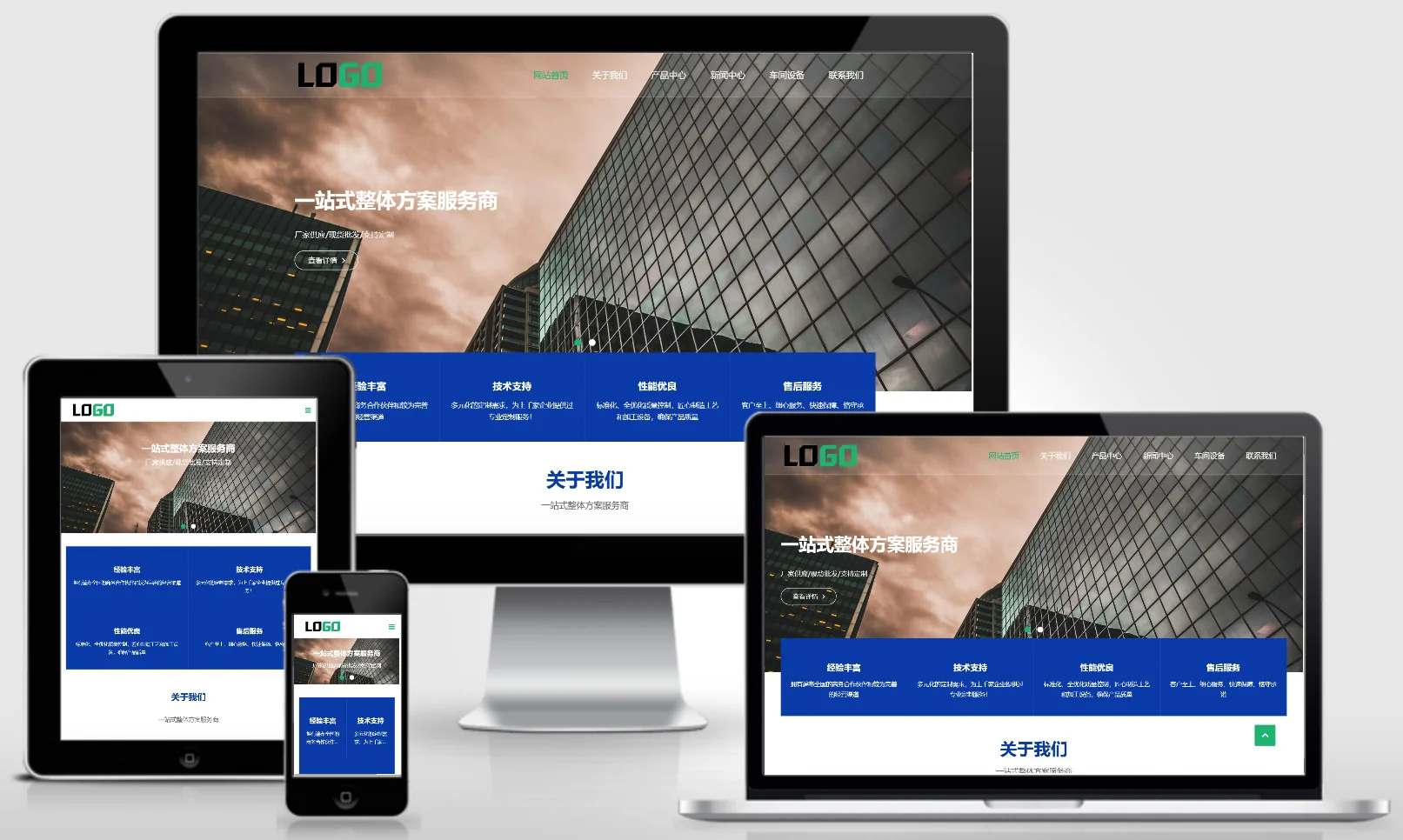
This set of eyoucms responsive templates is suitable for light source, photoelectric lighting and R&D industries, and its design style is scientific and energy-saving, which can show lighting products, photoelectric technology, R&D achievements and engineering cases. It is helpful for photoelectric enterprises to show their technical strength online and attract customers. Template display installation instructions website background: /login.php account number: admin password: admin related articles Yiyou CMS installation FAQ summary Yiyou CM…
👁 46
(Adaptive mobile version) Power supply equipment website template Energy storage equipment website source code download 1165

(Adaptive mobile version) Power supply equipment website template Energy storage equipment website source code download 1165 Practical Collection pbootcms Template

A PbootCMS website template for power supply equipment and energy storage equipment, supporting PC and WAP. The design style is science and technology energy, suitable for displaying power products, energy storage systems and technical solutions. It helps new energy companies display their products online and attract power and industrial customers. Template display Installation instructions Website backend:/admin.php Account: admin Password: admin Unzip password: www.4s5.cn Related articles…
👁 53
(Adaptive Mobile Version) PBootCMS template for humorous joke websites – Download source code for funny image-based websites – 0177

(Adaptive Mobile Version) PBootCMS template for humorous joke websites – Download source code for funny image-based websites – 0177 Practical Collection pbootcms Template

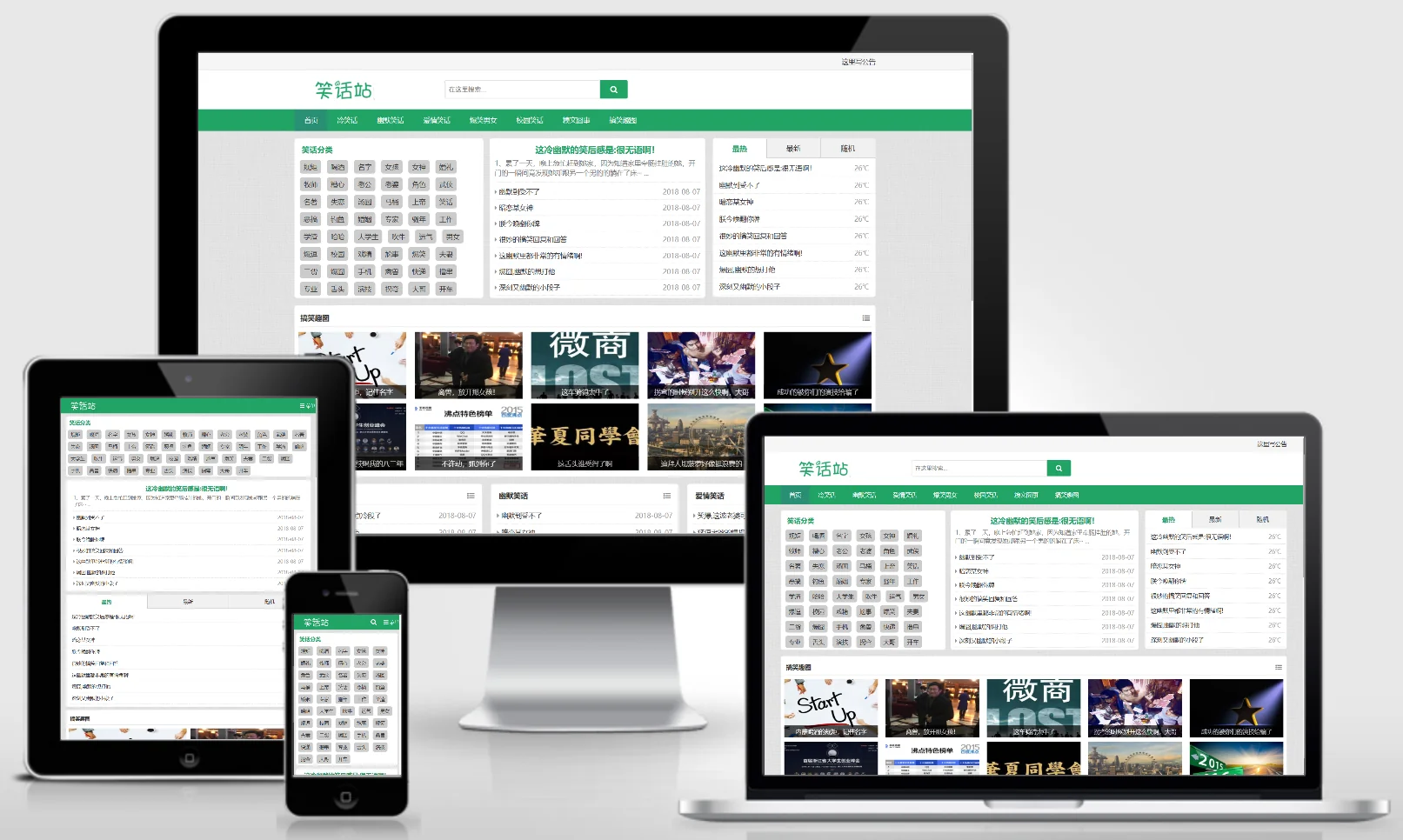
This PbootCMS website template is designed for mobile devices and features a collection of humorous jokes and entertaining images. Its relaxed and vibrant design makes it ideal for aggregating fun content, pictures, and anecdotes – making it an excellent choice for creating entertainment-focused websites or attracting younger audiences. Template Preview | Installation Instructions | Website Backend: /admin.php | Username: admin | Password: admin | Extraction Password: www.4s5.cn | Related Articles: Pb...
👁 45
Responsive mobile accessory design website template (1024x1024)

Responsive mobile accessory design website template (1024x1024) Practical Collection Yiyou template

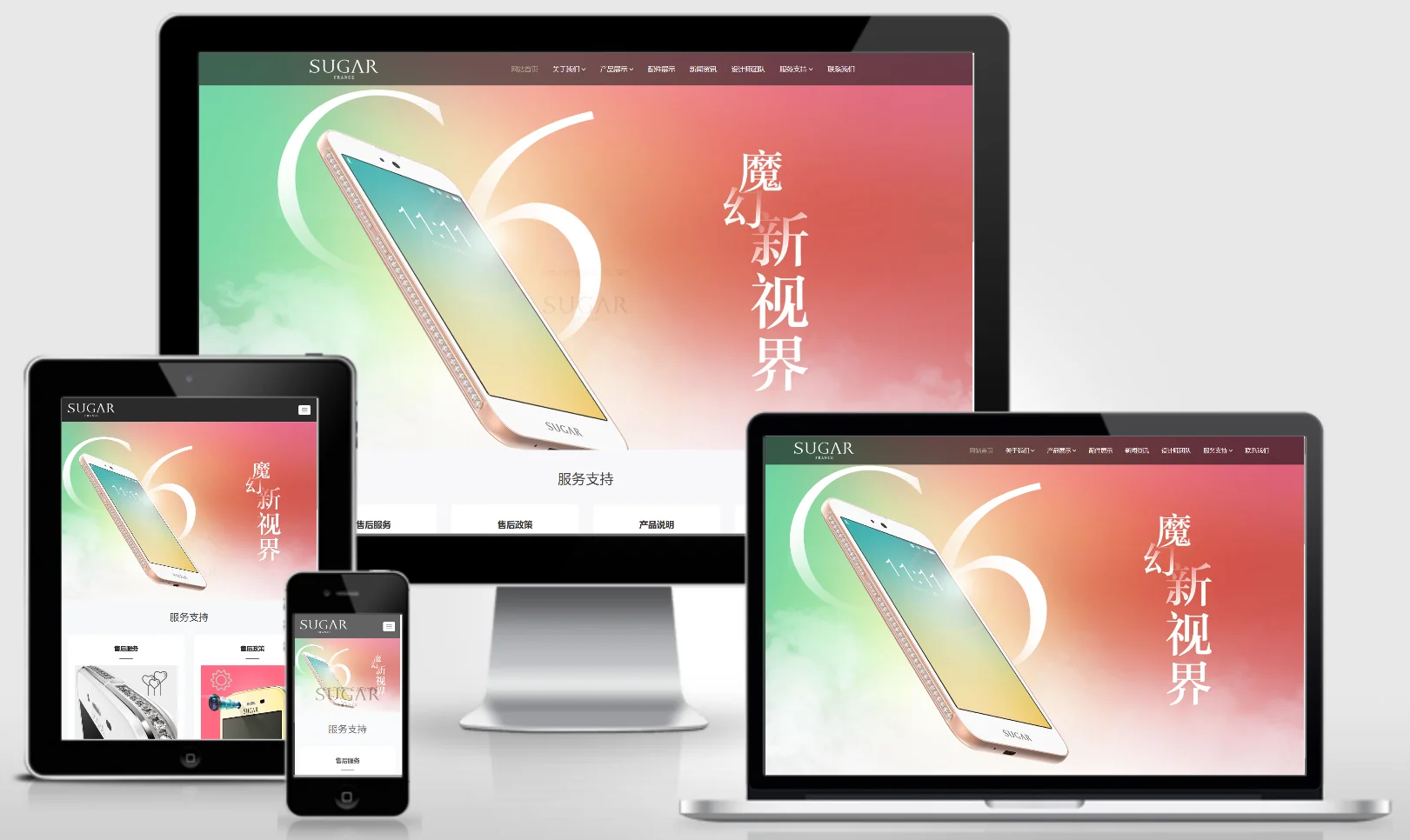
An EyouCMS responsive website template tailored for the mobile phone accessory industry. Its modern, tech-driven design style is ideal for showcasing mobile phone accessories products, design trends, brand identity, and new product launches – helping mobile accessory brands attract younger consumers online. Template Demo | Installation Instructions | Website Backend: /login.php | Username: admin | Password: admin | Related Articles: Summary of Common Installation Issues for EyouCMS | EyouCMS...
👁 60
(PC+WAP) Mining Equipment Website Template Stone Crusher Website Source Code Download 1166

(PC+WAP) Mining Equipment Website Template Stone Crusher Website Source Code Download 1166 Practical Collection pbootcms Template

A mining equipment and gravel crusher PbootCMS website template, supporting PC and WAP. The design style is professional and industrial, suitable for displaying mining crushing equipment, screening machinery and engineering cases. It helps mining machinery companies display their products online and attract mining and construction customers. Template display Installation instructions Website backend:/admin.php Account: admin Password: admin Unzip password: www.4s5.cn phase...
👁 57
(Adaptive Mobile Version) Government Party History Learning PbootCMS Website Template – Red Education and Party Building Special Website Source Code Download: 0178

(Adaptive Mobile Version) Government Party History Learning PbootCMS Website Template – Red Education and Party Building Special Website Source Code Download: 0178 Practical Collection pbootcms Template

An adaptive mobile-friendly PbootCMS website template designed for government Party history learning and red education initiatives. The design features a dignified red color scheme, aligning with the requirements for Party building publicity campaigns. This template is ideal for grassroots Party organizations or government agencies to create specialized learning platforms, effectively showcasing Party history materials, educational activities, and Party building achievements. Template Display | Installation Instructions | Website Backend: /admin.php | Username: admin | Password: admin | Extraction Password:...
👁 35