Hongmu Notes
Home Program Notes EyouCMS (EyouCms) system installation tutorial
Program Notes Yiyoucms

EyouCMS (EyouCms) system installation tutorial

EyouCMS (EyouCms) system installation tutorial

1. System Overview

Eyou Content Management System (EyouCms) is an enterprise-grade open-source website building platform developed using a PHP + MySQL architecture, with ThinkPHP 5.0 as its underlying framework.

II. Environmental Requirements

Before installing EyouCms, please ensure that your server environment meets the following requirements.

projectask
operating systemLinux / Unix / Windows
WebserverNginx / Apache / IIS
PHPeditionPHP 5.4 or later; fully supports PHP 7.4 and 8.0 (PHP 7.4 is recommended).
MySQLedition5.0 or above (Recommended: 5.7+)

Environmental Recommendations

  • Local development and testing: Recommended; PHPStudy Integrated Environment

  • Server deployment: Recommended; Pagoda Panel Implement environmental management

  • Recommended PHP version: 5.6+; Recommended MySQL version: 5.7+

III. Pre-installation Preparation

3.1 Download the installation package

The downloaded template archive includes the EyouCms kernel natively; no additional system packages need to be downloaded.

3.2 Domain Name Resolution

Point your domain name resolution record to your server's IP address and ensure the resolution takes effect.

3.3 Create Database

Create a MySQL database on the server in advance and record the following information for use during installation.

  • Database address (locally, it is usuallylocalhost127.0.0.1

  • Database Name

  • Database username

  • Database Password

  • Database port (default: 3306)

IV. Installation Steps

Step 1: Upload source code

Remote Server Deployment:

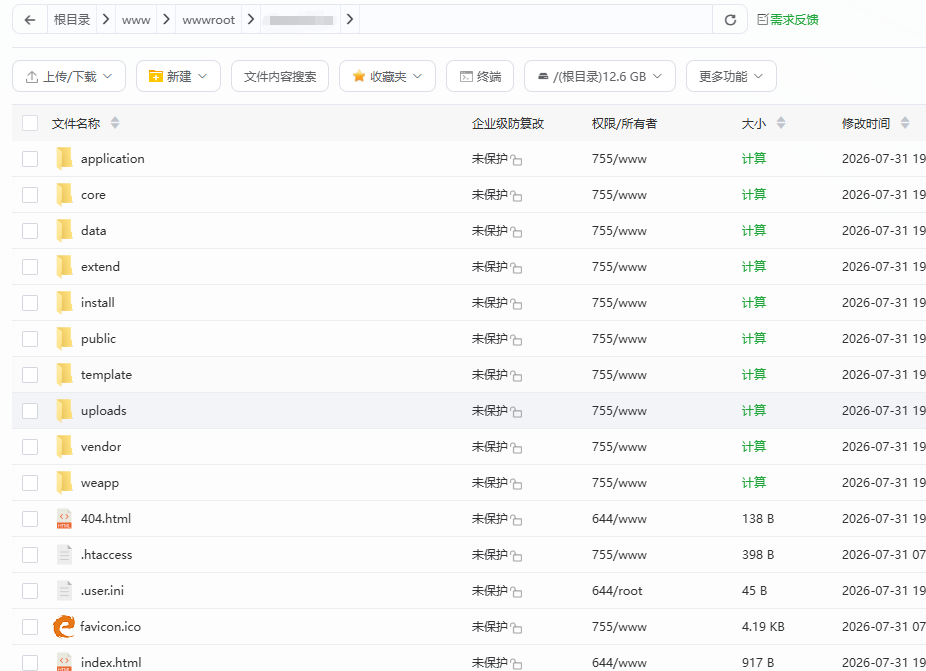
Extract the downloaded EyouCms installation package, then upload all the files and folders contained within it to the website's root directory using FTP or the File Manager in the Baota Panel.The root directory name is typically:rootwwwhtdocswwwroot

20260731192458961-image


TipIt is recommended to upload the compressed archive to the server before extracting it; this will result in faster transmission speeds.

Local environment deployment (PHPStudy):

Extract the EyouCms installation package into the root directory of your PHPStudy installation (default path:安装盘符\phpStudy\www

Step 2: Run the installation program

Open your web browser and enter the following URL in the address bar to access the installation wizard.

http://您的域名/install/
 

Or (Local Environment):

http://localhost/install/

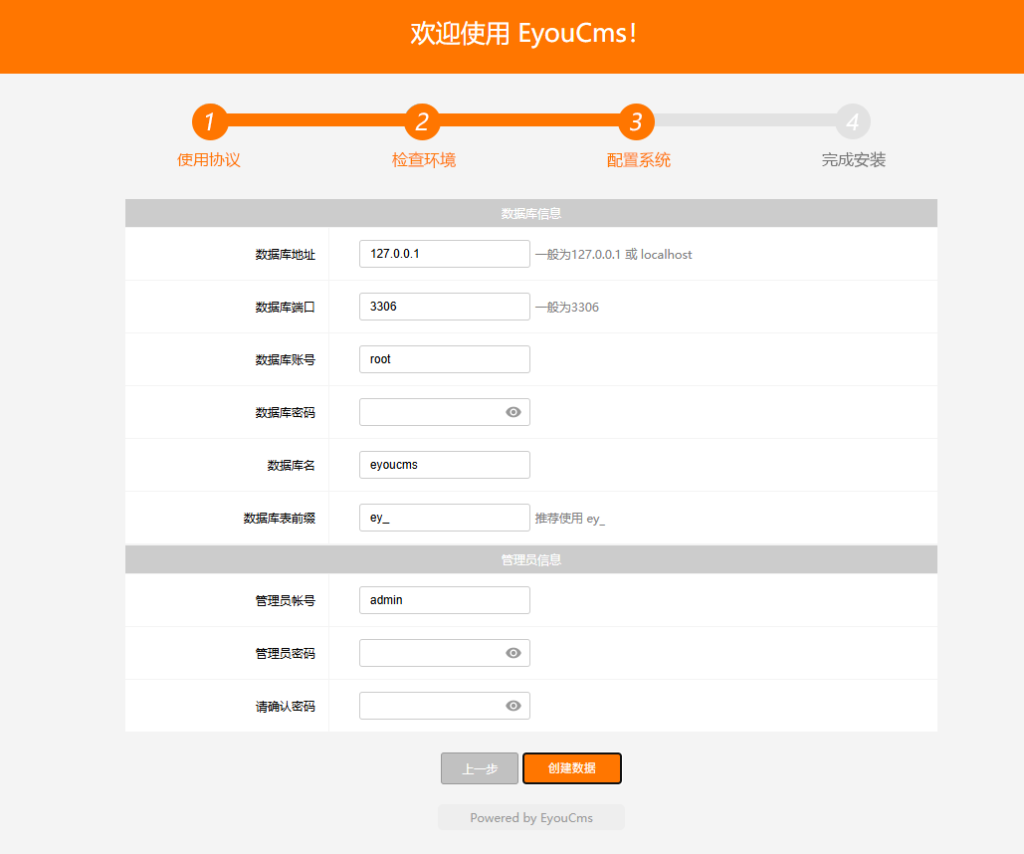
Step 3: Enter installation information

Once you enter the installation interface, please follow the steps to enter the following information.

20260731192541153-image

1. Database Configuration Information

Configuration Itemexplain
Database AddressEnter the database server address (for local use:localhost
Database PortDefault port: 3306; please enter any changes accurately.
Database NameEnter the name of the created database.
Database usernameEnter the database connection username
Database PasswordEnter the database connection password
Data Table PrefixIf there are no special requirements, simply keep the default settings.

NoteThe database information must match the configuration provided by Spatial; otherwise, a connection failure will be reported.

2. Administrator Account Configuration

Configuration Itemexplain
Administrator AccountSet your backend login username
Administrator PasswordSet a strong password (recommended: include uppercase and lowercase letters, numbers, and special characters)
Administrator EmailEnter a valid email address for password recovery and other related operations.

Step 4: Complete installation

The installer will automatically create a data table and populate it with initial data. Upon completion of the installation, the system will display a message indicating that the installation was successful.

NoteDuring installation, please do not refresh the page or close your browser; otherwise, the data writing process may not be completed properly.

V. Log in to the backend

After installation is complete, please access the website backend using the following URL:

http://您的域名/login.php
 

Enter the administrator username and password set during installation to log in to the backend and begin managing your website.

After logging into the backend, we recommend completing the following steps as soon as possible:

  1. Change the administrator password (if the password strength set during installation was insufficient)

  2. Configure website basic information

  3. Check the system version and update it to the latest version.

VI. Important Notes

  1. backupBefore making any modifications to the template, it is recommended to back up both the database and the source code files.

  2. Operate with cautionFor users unfamiliar with the code, it is recommended to make modifications based on the template data; operations such as deleting columns or customizing variables should be performed with caution.

  3. Version CompatibilityIf you need to migrate your website, make sure that the database version matches the CMS source code version; otherwise, the installation may fail.

  4. PHP Version SelectionIf a syntax error occurs during installation (e.g.Parse error: syntax error, unexpected '['This issue is usually caused by an outdated PHP version; you may try switching your PHP version to 5.5 or 5.6.

  5.  
微信赞赏

WeChat

支付宝赞赏

Alipay

✍️ Author: Hong Mu

webmaster · Thanks for reading, stay tuned for more exciting content

Author homepage View home page →

Related articles

How to quickly modify columns in batches in Yiyou CMS?

How to quickly modify columns in batches in Yiyou CMS? Program Notes Yiyoucms

After downloading the Yiyou template, you will find that there are many columns that need to be modified, but I only want to modify the column name, column description, column keywords, and keep the others unchanged. How to do this? PHP script<?php $filePath = './sort.txt'; // Contains database configuration file $dbSet = require('../application/data…
👁 2349
Yiyoucms batch modification of published articles

Yiyoucms batch modification of published articles Program Notes Yiyoucms

After downloading the Yiyou template, I am used to modifying articles directly, so I wrote a php to batch modify Yiyou articles! Including: article title, article content, article description, article keywords (word segmentation of the title) article tag, article release time, etc.! The published article comes from the self-created API interface of Empire CMS! The interface code is very simple: <?php header("content-type:applicati…
👁 321
Yiyou cms php remotely obtains article data and publishes articles regularly

Yiyou cms php remotely obtains article data and publishes articles regularly Program Notes Yiyoucms

PHP remotely obtains article data and then publishes it to your own website! Comes with optimized dual titles, comes with keyword segmentation, automatically inserts pictures into the article, comes with tag aggregation, automatically updates the homepage cache, and cooperates with the pagoda plan task to realize automatic update code: 🔒 Hidden content: View after comment<?php // token verification $token = md5('Your key'); // echo $token; …
👁 194
Summary of common problems in Yiyou CMS installation

Summary of common problems in Yiyou CMS installation Program Notes Yiyoucms

As an enterprise website building system developed based on PHP+MySQL, EyouCMS often encounters various problems during the actual installation and deployment process due to differences in server environments and improper operating procedures. This article summarizes the 7 most common installation errors and their solutions for your reference. Question 1: The installation error "Please carefully check the database account and password" error phenomenon: During the installation process, it prompts "Database connection failed, please try again..."
👁 72
Resource website typecho001 template

Resource website typecho001 template Program Notes Typecho

typecho001 template template please do not modify the folder name of this template. The folder name is: typecho001 1.4 Fix the js output problem on the article page 1.3 Fix the error prompt when the plug-in is not installed Optimize the list page code output 1.2 Fix the comment function and add a custom homepage title 1.1 Fix the comment reply asymmetry function Add a separate title setting function on the homepage Add the website favicon.ico icon Add one...
👁 197

Recommended reading

Responsive self-media personal blog website template – 0409

Responsive self-media personal blog website template – 0409 Practical Collection Yiyou template

An EyouCMS responsive website template designed specifically for personal self-media blogs. Its clean and user-friendly design is ideal for bloggers to share articles, opinions, personal stories, or hobbies. This template helps self-media creators build their online personal brand and attract readers' attention. Template Demo | Installation Instructions | Website Backend: /login.php | Username: admin | Password: admin | Related Articles: Summary of Common Installation Issues for EyouCMS | EyouCMS (E...
👁 41
(Adaptive mobile version) HTML5 wide-screen wire and cable website – PBootCMS template; Download source code for cable material processing and manufacturing enterprise websites – 0562

(Adaptive mobile version) HTML5 wide-screen wire and cable website – PBootCMS template; Download source code for cable material processing and manufacturing enterprise websites – 0562 Practical Collection pbootcms Template

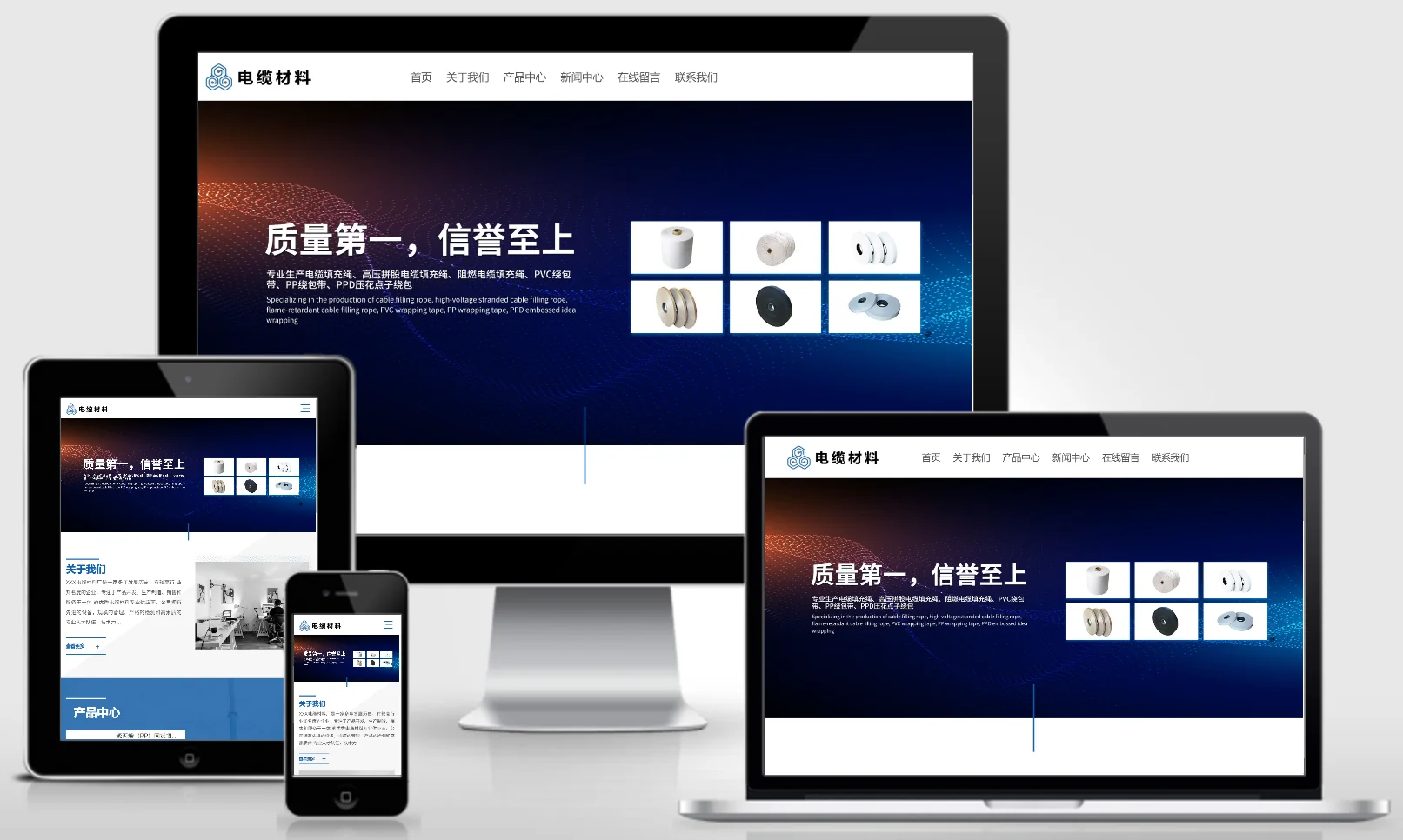
An HTML5 widescreen PbootCMS website template designed for the wire and cable industry as well as cable material processing and manufacturing businesses; compatible with both PC and WAP devices. Its professional and sophisticated design is ideal for showcasing wire and cable products, manufacturing processes, and project cases. This template helps wire and cable manufacturers effectively demonstrate their brand strength online and attract customers from the power and construction industries. Template Display | Installation Instructions | Website Backend: /admin.php | Username: admin | Password: adm...
👁 65
What does the `mysql-bin.000001` file mean?

What does the `mysql-bin.000001` file mean? Summary of pitfalls

`mysql-bin.000001` is MySQL's binary log file. It is a binary file used by the MySQL server to record all modification operations performed on the database. When the database executes statements such as `INSERT`, `UPDATE`, or `DELETE`, the server writes these operations to the binary log file; these operations are recorded in binary format, rather than in SQL...
👁 338
QQ Personal Space Blog & News Website Template 0765

QQ Personal Space Blog & News Website Template 0765 Practical Collection Yiyou template

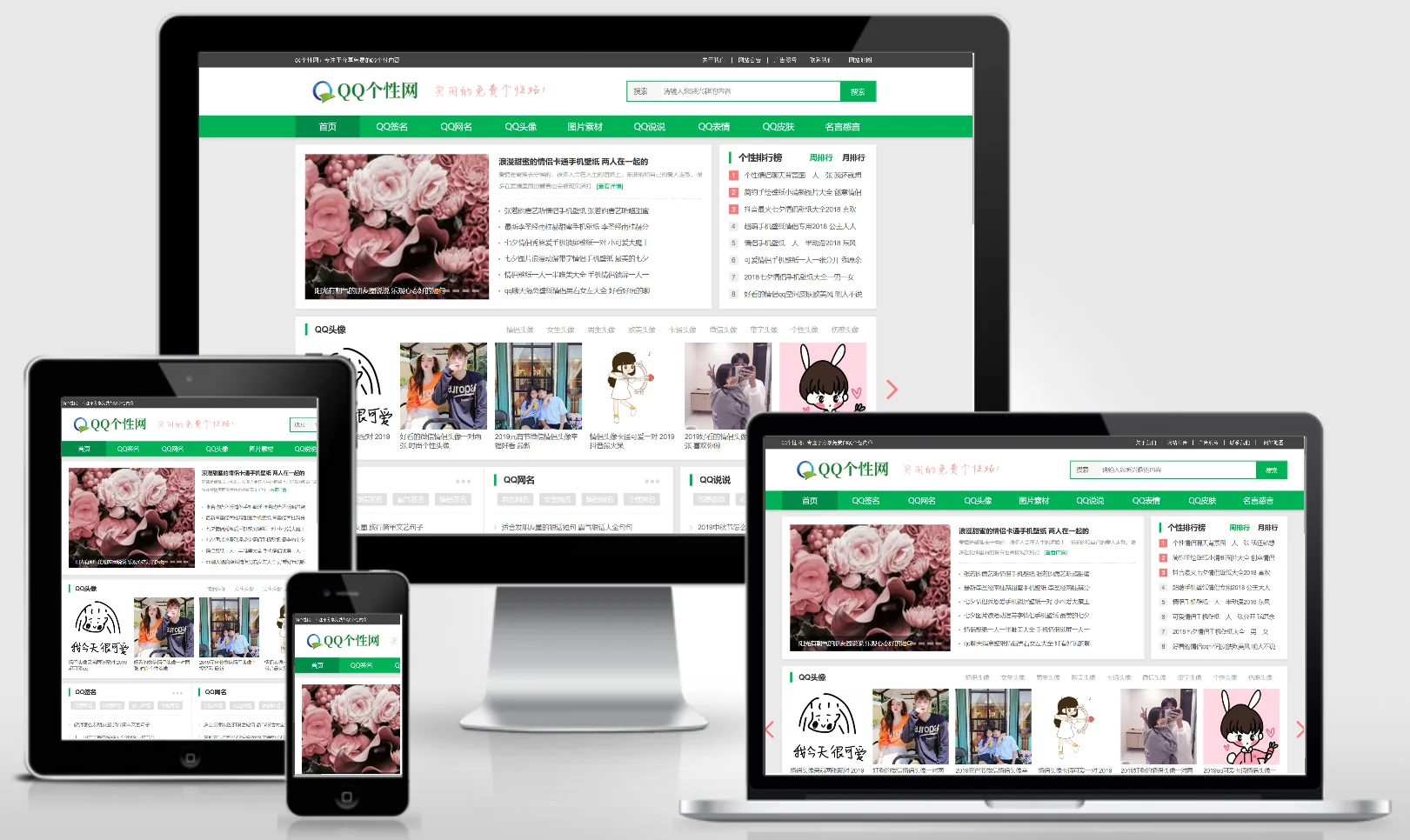
An eYouCMS template designed for QQ Personal Space, blog/chronicle websites, and news/information platforms. Its fresh and artistic design makes it ideal for hosting emotional journals, personalized signatures, engaging blog posts, and real-time updates. This template helps individual webmasters or bloggers build personalized content-sharing platforms. Template Preview | Installation Instructions | Website Backend: /login.php | Username: admin | Password: admin | Related Articles: Summary of Common Installation Issues for eYouCMS | eYou...
👁 47
(Adaptive mobile version) Historical news website template; Download source code for oddities and curiosities websites – 0897

(Adaptive mobile version) Historical news website template; Download source code for oddities and curiosities websites – 0897 Practical Collection pbootcms Template

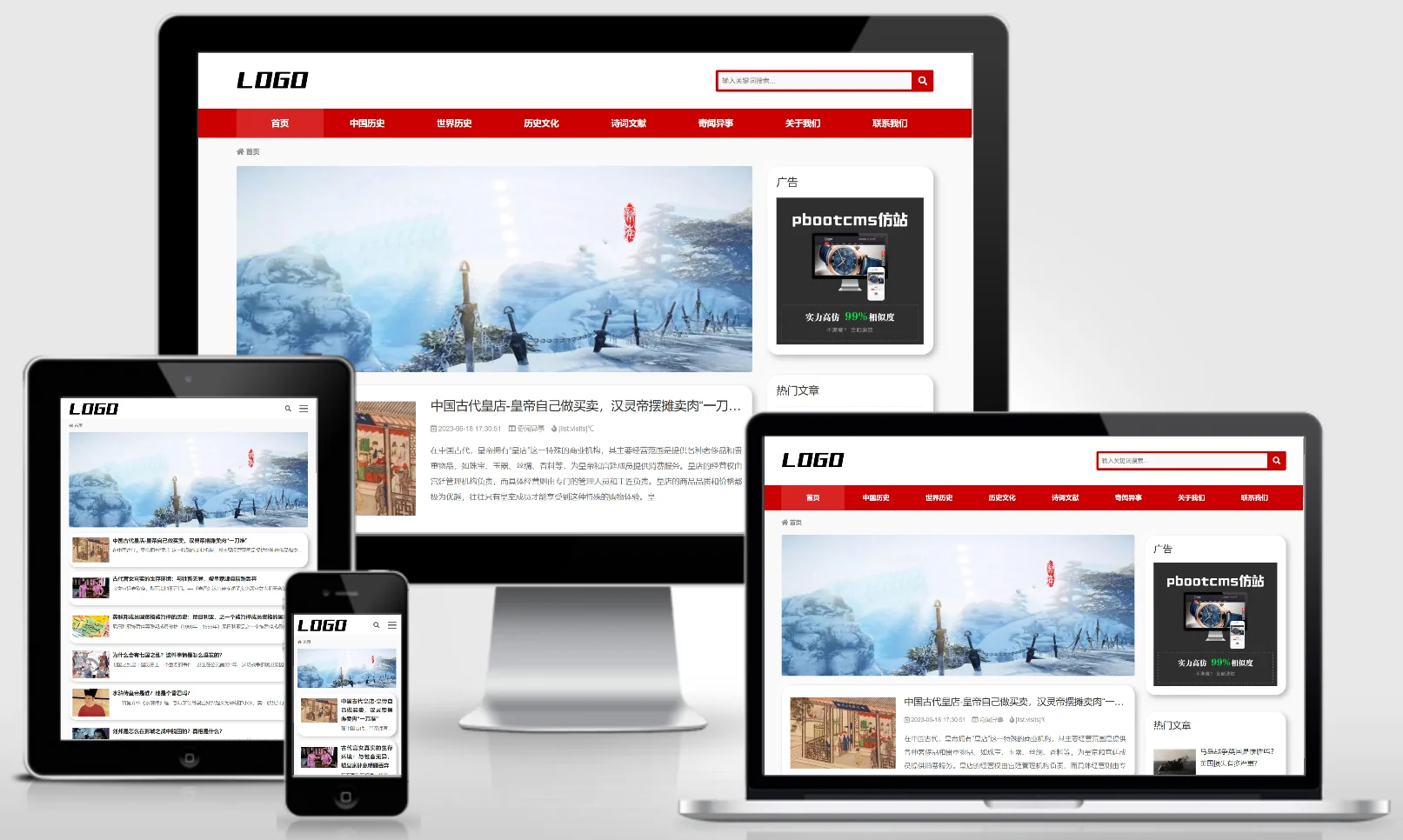
A PbootCMS website template designed for historical information and curious anecdotes, compatible with both PC and WAP devices. Its retro and mysterious design makes it ideal for sharing historical stories, fascinating tales, and archaeological discoveries. This template helps history enthusiasts or independent content creators build an online content-sharing platform. Template Preview | Installation Instructions | Website Backend: /admin.php | Username: admin | Password: admin | Extraction Password: www.4s5.cn | Related Articles...
👁 60
Children's wear international trade responsive English website template – 1115

Children's wear international trade responsive English website template – 1115 Practical Collection Yiyou template

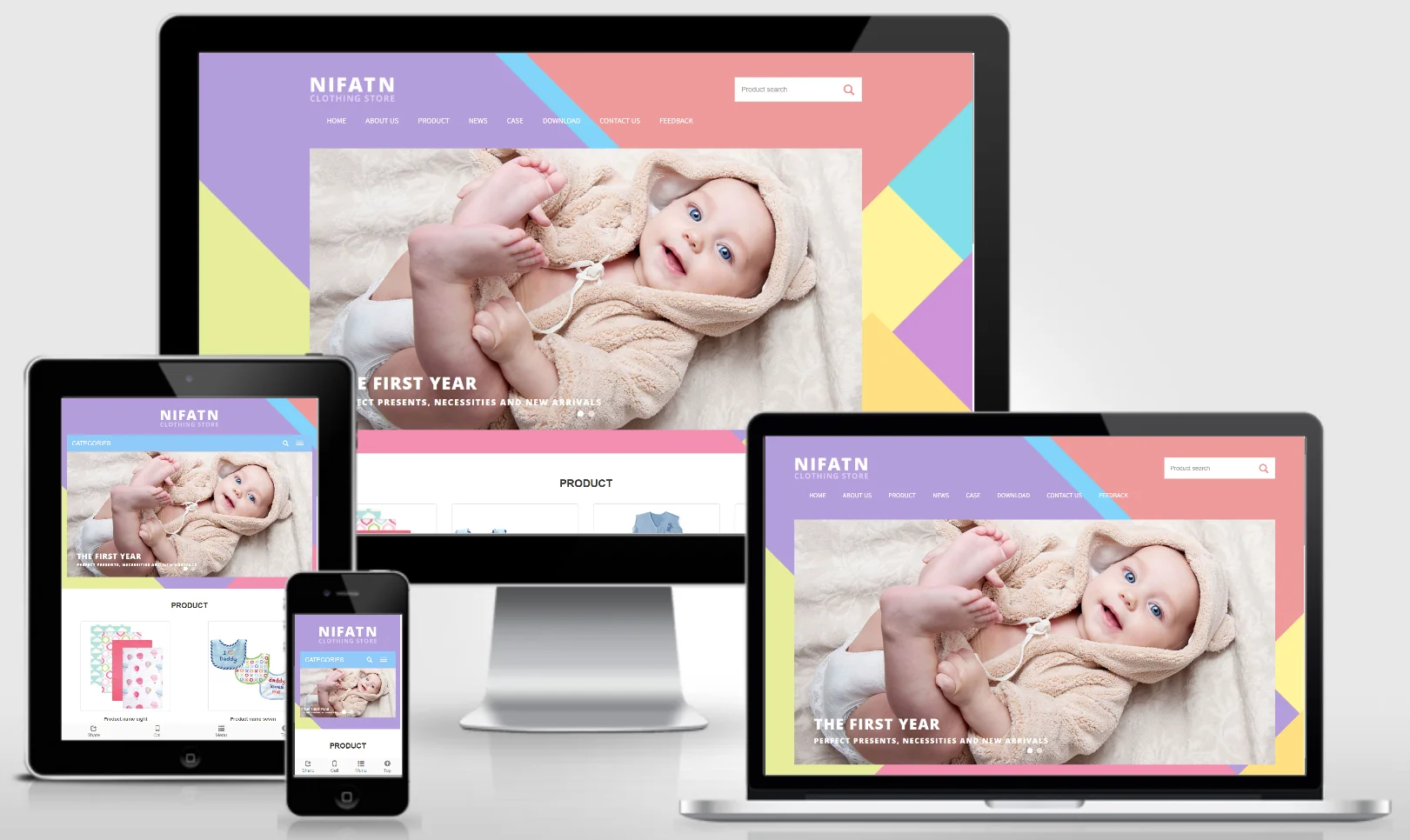
An EyouCMS responsive English-language website template designed for children's wear export trade. Its fashionable and playful design effectively showcases children's clothing products, brand stories, export advantages, and global market presence. This template helps children's wear brands promote their products in international markets and expand their overseas sales channels. Template Overview | Installation Instructions | Website Backend: /login.php | Username: admin | Password: admin | Related Articles: Summary of Common Installation Issues for EyouCMS | EyouCMS...
👁 50