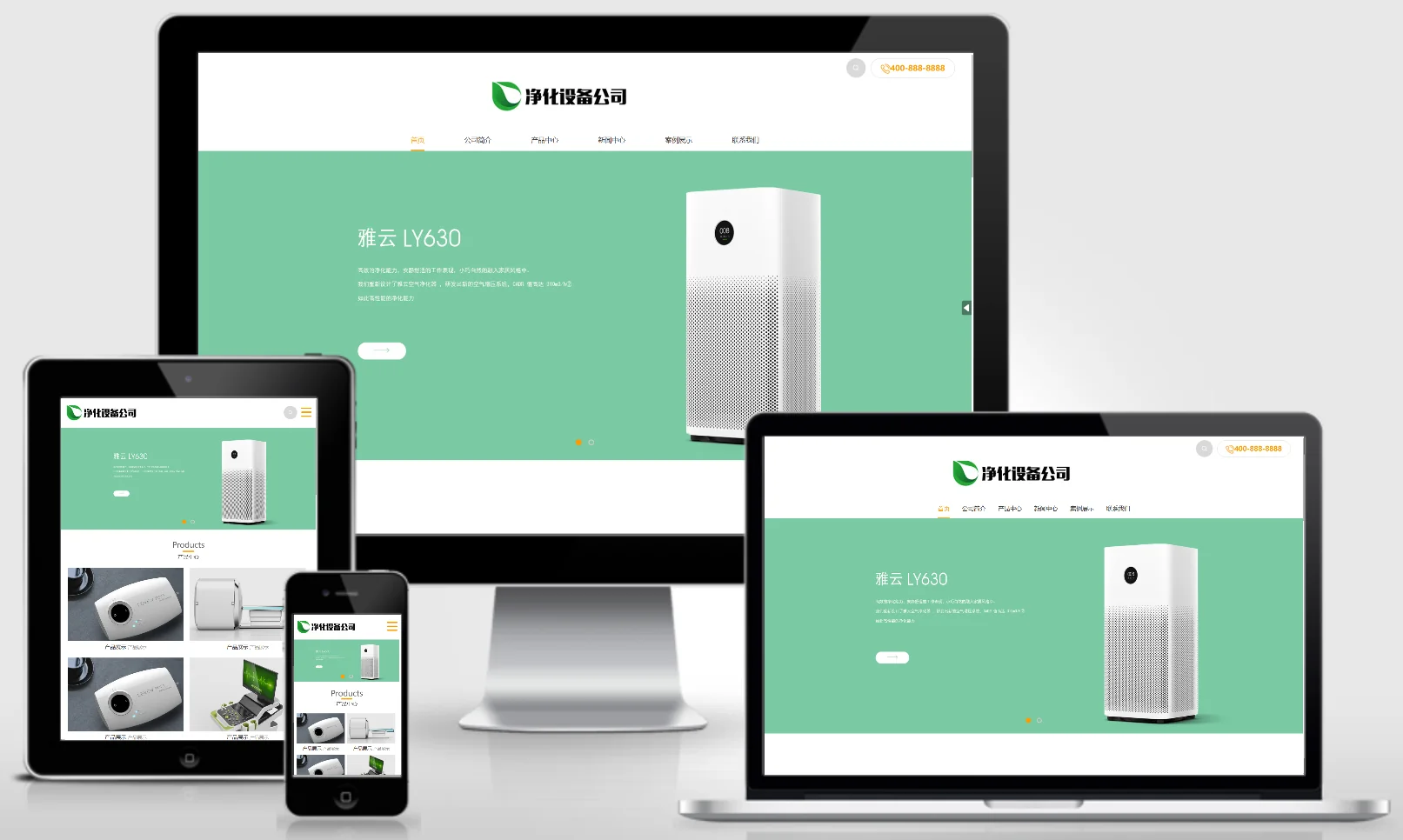
EyouCMS is an enterprise website building system developed using PHP and MySQL. During the actual installation and deployment process, various issues may arise due to differences in server environments or improper operational procedures. This article compiles seven of the most common installation errors along with their respective solutions for your reference.
Question 1: Installation error – "Please carefully verify the database username and password."
Error occurrence:
During installation, the system may display the message "Database connection failed – please reconfigure" or "Please verify the database username and password carefully."
analysis of causes:
This issue is usually caused by incorrect database connection information being entered.Any incorrect entry—such as the database address, database name, username, or password—will prevent the CMS from connecting to the database.。
resolvent:
Check database addressThe local environment is typically:
localhost或127.0.0.1For remote databases, enter the correct IP address or domain name.。Check database portThe default port is 3306; if you are using a non-default port, please enter it correctly.。
Check the database username and passwordPlease ensure that your username and password are correct; if you are unsure, you may try resetting your password.。
Check database namePlease confirm that the database has been created and that its name is correct.。
Check database user permissionsEnsure that database users have the necessary permissions, such as creating tables and inserting data.。
If all the above steps have been performed correctly, you may try using tools such as phpMyAdmin to verify whether the database connection details are valid.。
Question 2: The local test runs normally; however, when deployed on a virtual host, an `include_once` error occurs.
Error occurrence:
PHP Warning: include_once(./templates/step1.php): failed to open stream: No such file or directory
PHP Warning: include_once(): Failed opening './templates/step1.php' for inclusion
This warning appears in an environment using Virtual Host with PHP 5.5 and MySQL 5.6.。
analysis of causes:
The virtual hosting environment is incompatible; the PHP version does not meet the installation requirements of EyouCMS.。
resolvent:
Log in to your Virtual Host Control Panel and locate the PHP Version Settings.。
Update your PHP version to 5.4 (strongly recommended), or try a compatible version between PHP 5.4 and 7.3.。
Refresh the installation page after making the necessary adjustments; if the error persists, try clearing your browser cache and then attempting the process again.。
Core ConceptThese issues are typically environmental-related; they can usually be resolved by switching the PHP version.。
Question 3: After打包备份并上传以进行安装,第 4 步出现错误: "Failed to write to table ey_ad_position".
Error occurrence:
{"msg":"u5199u5165u8868ey_ad_positionu8bb0u5f55u5931u8d25uff0cu8bf7u5c1du8bd5F5u5237u65b0!"}"Failed to insert the ey_ad_position record; please try refreshing the page by pressing F5!"。
analysis of causes:
The database lacks a critical update statement, which has affected the table.ey_ad_positionUnable to write data normally。
resolvent:
Create a new plain text document, copy the following two SQL statements, and save them as
eyou.sqldocument:UPDATE `ey_ad_position` SET `height` = 0 WHERE `height` is NULL OR `height` = ''; UPDATE `ey_ad_position` SET `width` = 0 WHERE `width` is NULL OR `width` = '';Log in to the original website's backend and navigate to ";Backup and Restore”Function, upload
eyou.sqlfile and execute。After successful execution, back up the database again in the background, package it into an installation package, and then re-upload it to the space for installation.。
For more detailed solutions, please refer to the official Q&A:Click to jump
Question 4: The database file version number does not match the CMS source code version number.
Error occurrence:
"Unable to install, the database file version number (v1.3.5) is inconsistent with the CMS source code version number (v1.3.6), click to view! ”
analysis of causes:
This problem is usually caused by packing and moving directly without backing up the database after the background upgrade, resulting in a mismatch between the database version and the source code version.。
Solutions (two types):
Method 1 (recommended, used when the original website still exists):
Return to the original website and back up the database before packing and moving.. For moving tutorials, please refer to:https://www.eyoucms.com/ask/list_1_1/4014.html
Method two (emergency plan):
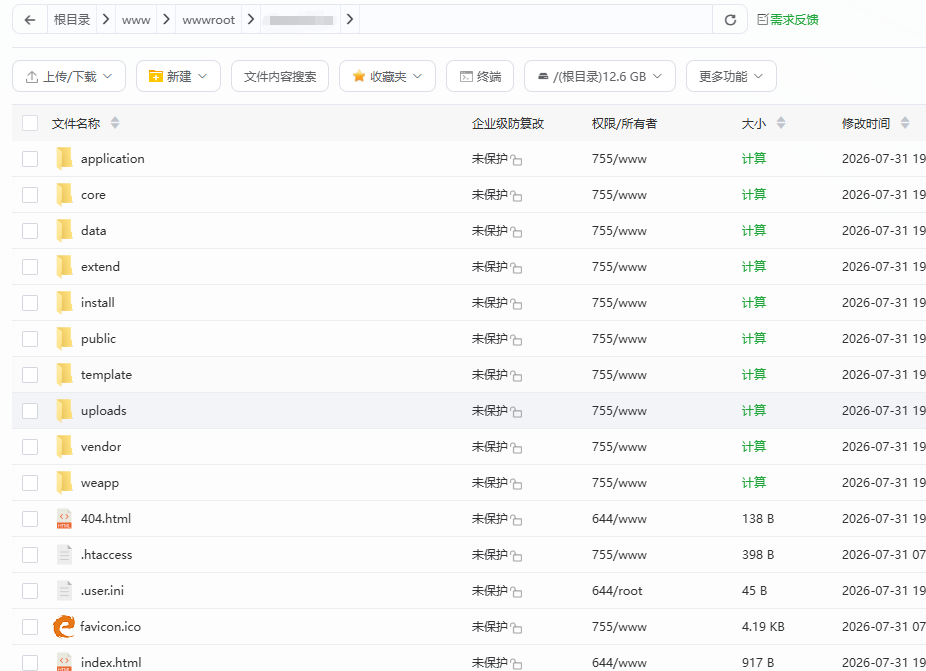
Modify the CMS source code version number. Opendata/conf/version.txtfile, change the version number to the prompted database version number, and then continue the normal installation. After the installation is complete, change the version number back to the original version number.。
提示:登录网站后台后记得及时备份数据库!Question 5: During installation, an error is reported: "Failed to write the ey_archives record."
Error occurrence:
"During installation, the database prompts that writing records to table ey_archives failed, please refresh and try again"。
analysis of causes:
It may be caused by a variety of reasons, including database connection issues, permission issues, data conflicts, firewall blocking, or full space, etc.。
resolvent:
Clear database, try the installation again。
If an error is still reported after clearing,Switch to another version of the database(Such as switching MySQL 8.0 to 5.6 or 5.7)。
If the problem cannot be solved due to the space environment, you canDirectly import database method to install, and then modify the website configuration file。
In special circumstances, you can check whether the firewall is blocking and whether the space is full.。
Question 6: The installation keeps displaying an "Unknown Error" message and cannot proceed.
Error occurrence:
"Unknown error" is always displayed during the installation process and cannot continue.。
analysis of causes:
Because the database version is too high, there may be problems with EyouCMS's compatibility with higher versions of MySQL (such as MySQL 8.x).。
resolvent:
Set MySQL database version to 5.6。
Database versions can be switched through management tools such as Pagoda Panel。
At the same time, you can check the server error log, confirm file permissions, check whether the PHP extension is complete, etc.。
Question 7: Installation error – "Parse error: Syntax error"
Error occurrence:
Parse error: syntax error, unexpected '[' in /install/index.php on line 544or similar syntax error message。
analysis of causes:
The PHP version is too high and is incompatible with the syntax of the EyouCMS source code, causing PHP parsing to fail.。
resolvent:
Log in to the space control panel and adjust the PHP version to 5.5。
After adjustment, refresh the installation page and try again.
If the error persists, you may download the complete CMS installation package again and replace the existing one.
installTable of Contents – Retry。
sum up
The above seven issues represent the most common errors encountered during the YIYOU CMS installation process. In summary, the vast majority of these issues stem from the following three categories of causes:
| problem types | typical case | Solution Approach |
|---|---|---|
| Database connection information error | Question 1 | Please carefully verify your account details, password, address, and port. |
| PHP version incompatibility | Question 2, Question 7 | Switch to version 5.4 or 5.5 |
| Database version incompatibility or missing data | Questions 3, 4, 5, and 6 | Switch MySQL version, add SQL statements, or perform a new backup. |
It is recommended to verify whether the server environment meets the official requirements of EyouCMS before installation and to back up the database; doing so can effectively prevent most of the aforementioned issues from occurring.