Hongmu Notes
Home Language Notes I've written an HTML file for office document processing, designed to handle the segmentation of AI-generated office texts.
Language Notes CSS Summary of pitfalls

I've written an HTML file for office document processing, designed to handle the segmentation of AI-generated office texts.

I've written an HTML file for office document processing, designed to handle the segmentation of AI-generated office texts.

I've written an HTML file for office document processing, designed to handle the segmentation of AI-generated office texts.

<!DOCTYPE html>
<html lang="zh-CN">
<head>
    <meta charset="UTF-8">
    <meta name="viewport" content="width=device-width, initial-scale=1.0">
    <title>智能文本正则替换工具 - 增强版</title>
    <link rel="stylesheet" href="https://cdnjs.cloudflare.com/ajax/libs/font-awesome/6.4.0/css/all.min.css">
    <style>
        * {
            margin: 0;
            padding: 0;
            box-sizing: border-box;
            font-family: 'Segoe UI', 'Microsoft YaHei', sans-serif;
        }
        
        body {
            background: linear-gradient(135deg, #1a2980, #26d0ce);
            color: #333;
            min-height: 100vh;
            padding: 20px;
        }
        
        .container {
            max-width: 1400px;
            margin: 0 auto;
            padding: 20px;
        }
        
        header {
            text-align: center;
            margin-bottom: 30px;
            color: white;
            text-shadow: 0 2px 4px rgba(0,0,0,0.3);
            padding: 25px;
            background: rgba(0, 0, 0, 0.2);
            border-radius: 15px;
            backdrop-filter: blur(10px);
        }
        
        h1 {
            font-size: 3.2rem;
            margin-bottom: 15px;
            background: linear-gradient(to right, #ff7e5f, #feb47b);
            -webkit-background-clip: text;
            background-clip: text;
            color: transparent;
            display: inline-block;
        }
        
        .subtitle {
            font-size: 1.4rem;
            opacity: 0.9;
            max-width: 800px;
            margin: 0 auto;
            line-height: 1.6;
            color: #e0f7fa;
        }
        
        .card {
            background: rgba(255, 255, 255, 0.97);
            border-radius: 15px;
            box-shadow: 0 12px 35px rgba(0, 0, 0, 0.25);
            padding: 30px;
            margin-bottom: 30px;
            transition: transform 0.3s ease;
            border: 1px solid rgba(255, 255, 255, 0.3);
        }
        
        .card:hover {
            transform: translateY(-7px);
            box-shadow: 0 15px 40px rgba(0, 0, 0, 0.35);
        }
        
        .card-header {
            display: flex;
            justify-content: space-between;
            align-items: center;
            margin-bottom: 25px;
            padding-bottom: 20px;
            border-bottom: 3px solid #e0e7ff;
        }
        
        h2 {
            font-size: 2.2rem;
            color: #2c3e50;
            display: flex;
            align-items: center;
            gap: 12px;
            background: linear-gradient(to right, #1a2980, #26d0ce);
            -webkit-background-clip: text;
            background-clip: text;
            color: transparent;
        }
        
        .editor-container {
            display: flex;
            flex-wrap: wrap;
            gap: 30px;
            margin-bottom: 30px;
        }
        
        .input-section, .output-section {
            flex: 1;
            min-width: 300px;
        }
        
        textarea {
            width: 100%;
            height: 500px;
            padding: 25px;
            border: 3px solid #d1c4e9;
            border-radius: 12px;
            font-size: 18px;
            line-height: 1.8;
            resize: vertical;
            transition: all 0.3s;
            background: #f8f9ff;
            box-shadow: inset 0 2px 10px rgba(0,0,0,0.05);
        }
        
        textarea:focus {
            border-color: #7c4dff;
            outline: none;
            box-shadow: 0 0 0 4px rgba(124, 77, 255, 0.2);
            background: #ffffff;
        }
        
        #inputText {
            background-color: #f9f9ff;
        }
        
        #outputText {
            background-color: #f0f9ff;
        }
        
        .btn-container {
            display: flex;
            justify-content: center;
            gap: 25px;
            margin-top: 30px;
            flex-wrap: wrap;
        }
        
        button {
            background: linear-gradient(to right, #5c6bc0, #3949ab);
            color: white;
            border: none;
            padding: 18px 40px;
            font-size: 20px;
            border-radius: 60px;
            cursor: pointer;
            transition: all 0.3s ease;
            font-weight: 700;
            box-shadow: 0 6px 15px rgba(0, 0, 0, 0.2);
            display: flex;
            align-items: center;
            gap: 12px;
            min-width: 220px;
            justify-content: center;
        }
        
        button:hover {
            transform: translateY(-5px) scale(1.05);
            box-shadow: 0 8px 20px rgba(0, 0, 0, 0.3);
        }
        
        button:active {
            transform: translateY(2px);
        }
        
        #processBtn {
            background: linear-gradient(to right, #43a047, #2e7d32);
        }
        
        #copyBtn {
            background: linear-gradient(to right, #ff7043, #f4511e);
        }
        
        #clearBtn {
            background: linear-gradient(to right, #78909c, #546e7a);
        }
        
        .rules {
            background: rgba(255, 255, 255, 0.97);
            border-radius: 15px;
            padding: 30px;
            margin-top: 30px;
        }
        
        .rules h3 {
            color: #2c3e50;
            margin-bottom: 20px;
            font-size: 1.8rem;
            display: flex;
            align-items: center;
            gap: 12px;
        }
        
        ul {
            padding-left: 30px;
        }
        
        li {
            margin-bottom: 16px;
            line-height: 1.7;
            font-size: 18px;
            padding-left: 10px;
            border-left: 3px solid #5c6bc0;
        }
        
        .example {
            margin-top: 25px;
            padding: 20px;
            background: #e3f2fd;
            border-radius: 12px;
            font-size: 18px;
            line-height: 1.8;
        }
        
        .example-title {
            font-weight: bold;
            margin-bottom: 12px;
            color: #1a237e;
            font-size: 1.3rem;
            display: flex;
            align-items: center;
            gap: 10px;
        }
        
        .example-content {
            padding: 15px;
            background: white;
            border-radius: 10px;
            margin: 12px 0;
            font-size: 17px;
            line-height: 1.8;
            border: 1px solid #d1c4e9;
        }
        
        .highlight {
            background-color: #fff8e1;
            padding: 3px 6px;
            border-radius: 5px;
            font-weight: bold;
            color: #d84315;
        }
        
        .tag {
            display: inline-flex;
            align-items: center;
            justify-content: center;
            background: #5c6bc0;
            color: white;
            padding: 5px 15px;
            border-radius: 30px;
            font-size: 1.1em;
            margin: 0 5px;
            height: 32px;
        }
        
        .stats {
            display: flex;
            justify-content: space-between;
            margin-top: 15px;
            padding: 15px;
            background: #e8eaf6;
            border-radius: 10px;
            font-size: 16px;
            color: #1a237e;
            font-weight: 500;
        }
        
        footer {
            text-align: center;
            margin-top: 50px;
            color: rgba(255, 255, 255, 0.85);
            font-size: 1.1rem;
            padding: 20px;
            background: rgba(0, 0, 0, 0.1);
            border-radius: 15px;
        }
        
        .logo {
            font-size: 2.5rem;
            margin-bottom: 15px;
            color: white;
        }
        
        .problem-solution {
            display: flex;
            gap: 20px;
            margin-top: 25px;
        }
        
        .problem, .solution {
            flex: 1;
            padding: 20px;
            border-radius: 10px;
            background: #ffebee;
        }
        
        .solution {
            background: #e8f5e9;
        }
        
        .problem h4, .solution h4 {
            display: flex;
            align-items: center;
            gap: 10px;
            margin-bottom: 15px;
            color: #c62828;
        }
        
        .solution h4 {
            color: #2e7d32;
        }
        
        @media (max-width: 992px) {
            .editor-container {
                flex-direction: column;
            }
            
            h1 {
                font-size: 2.5rem;
            }
            
            textarea {
                height: 400px;
            }
            
            .problem-solution {
                flex-direction: column;
            }
        }
        
        @media (max-width: 768px) {
            h1 {
                font-size: 2.2rem;
            }
            
            .subtitle {
                font-size: 1.1rem;
            }
            
            textarea {
                height: 350px;
                font-size: 16px;
                padding: 20px;
            }
            
            button {
                padding: 15px 30px;
                font-size: 18px;
                min-width: auto;
                width: 100%;
            }
        }
    </style>
</head>
<body>
    <div class="container">
        <header>
            <div class="logo">
                <i class="fas fa-code"></i>
            </div>
            <h1>智能文本正则替换工具</h1>
            <p class="subtitle">高级文本处理:解决特殊标点问题,智能添加换行,精确分割引号内内容</p>
        </header>
        
        <div class="editor-container">
            <div class="input-section card">
                <div class="card-header">
                    <h2><i class="fas fa-keyboard"></i> 输入文本</h2>
                </div>
                <textarea id="inputText" placeholder="在此粘贴或输入HTML文本...">佐菲肯定地点点头:“他的格斗术极其精湛……我不是对手。”
“什么?!”
“!”(像这个感叹号就不需要换行。)
阿斯特拉震惊失声,“连你也不是对手?”苏宇再次喷上“怦然心动香水”
。(像这个句号这里也不需要换行。)
效果依然存在,石刈亚璃依再次变得主动起来,但相比昨天,那份热情明显淡了一些。这位“黑衣女子”
,(像这个逗号这里也不需要换行。)正是雷欧的人间体形态。
作为一个钢铁直男,雷欧内心是极度抗拒使用女性人间体的,觉得太丢份儿。
但佐菲强调苏宇身边那个叫“苏宇微微一笑:“咏春拳。”

【恭喜宿主抽中“改良版月光宝盒”!】
【功能介绍:
改良版月光宝盒可让宿主穿越至其他时空。】

连续符号测试:“什么?!”“怎么回事!!”</textarea>
            </div>
            
            <div class="output-section card">
                <div class="card-header">
                    <h2><i class="fas fa-file-code"></i> 处理结果</h2>
                </div>
                <textarea id="outputText" readonly></textarea>
                <div class="stats">
                    <div id="charCount">字符数: 0</div>
                    <div id="lineCount">行数: 0</div>
                    <div id="processingTime">处理时间: 0ms</div>
                </div>
            </div>
        </div>
        
        <div class="btn-container">
            <button id="processBtn"><i class="fas fa-cogs"></i> 处理文本</button>
            <button id="copyBtn"><i class="fas fa-copy"></i> 复制结果</button>
            <button id="clearBtn"><i class="fas fa-broom"></i> 清空内容</button>
        </div>
        
        <div class="rules card">
            <h3><i class="fas fa-info-circle"></i> 问题解决说明</h3>
            
            <div class="problem-solution">
                <div class="problem">
                    <h4><i class="fas fa-exclamation-triangle"></i> 新增问题</h4>
                    <ul>
                        <li><span class="highlight">"什么?!"</span> 连续符号(如?!)应该整体处理不换行</li>
                        <li><span class="highlight">【...!】</span> 方括号结尾的符号不需要换行</li>
                        <li><span class="highlight">【功能介绍:</span> 方括号内冒号后没有对话时不要换行</li>
                        <li>其他特殊场景的精确处理</li>
                    </ul>
                </div>
                
                <div class="solution">
                    <h4><i class="fas fa-check-circle"></i> 解决方案</h4>
                    <ul>
                        <li>添加连续符号处理规则(?!、!!等)</li>
                        <li>优化方括号结尾符号的处理逻辑</li>
                        <li>智能判断冒号后是否需要换行</li>
                        <li>增强上下文感知算法</li>
                    </ul>
                </div>
            </div>
            
            <div class="example">
                <div class="example-title"><i class="fas fa-code"></i> 输入示例:</div>
                <div class="example-content">【恭喜宿主抽中“改良版月光宝盒”!】<br>【功能介绍:改良版月光宝盒可让宿主穿越至其他时空。】<br>“什么?!”</div>
                
                <div class="example-title"><i class="fas fa-check-circle"></i> 输出结果:</div>
                <div class="example-content">【恭喜宿主抽中“改良版月光宝盒”!】<br>【功能介绍:改良版月光宝盒可让宿主穿越至其他时空。】<br>“什么?!”<br></div>
            </div>
        </div>
        
        <footer>
            <p>© 2023 智能文本处理工具 | 高级正则表达式处理 | 上下文感知算法</p>
            <p>已解决所有特殊标点处理问题,提供更智能的文本格式化</p>
        </footer>
    </div>

    <script>
        document.addEventListener('DOMContentLoaded', function() {
            const inputText = document.getElementById('inputText');
            const outputText = document.getElementById('outputText');
            const processBtn = document.getElementById('processBtn');
            const copyBtn = document.getElementById('copyBtn');
            const clearBtn = document.getElementById('clearBtn');
            const charCount = document.getElementById('charCount');
            const lineCount = document.getElementById('lineCount');
            const processingTime = document.getElementById('processingTime');
            
            // 初始处理
            processText();
            updateStats();
            
            // 处理按钮事件
            processBtn.addEventListener('click', processText);
            
            // 输入框内容变化时实时处理
            inputText.addEventListener('input', function() {
                processText();
                updateStats();
            });
            
            // 复制按钮事件
            copyBtn.addEventListener('click', function() {
                outputText.select();
                document.execCommand('copy');
                
                // 显示复制成功反馈
                const originalText = copyBtn.innerHTML;
                copyBtn.innerHTML = '<i class="fas fa-check"></i> 已复制!';
                setTimeout(() => {
                    copyBtn.innerHTML = originalText;
                }, 2000);
            });
            
            // 清空按钮事件
            clearBtn.addEventListener('click', function() {
                inputText.value = '';
                outputText.value = '';
                updateStats();
                
                // 显示清空反馈
                const originalText = clearBtn.innerHTML;
                clearBtn.innerHTML = '<i class="fas fa-check"></i> 已清空!';
                setTimeout(() => {
                    clearBtn.innerHTML = originalText;
                }, 2000);
            });
            
            // 更新统计信息
            function updateStats() {
                const text = inputText.value;
                charCount.textContent = `字符数: ${text.length}`;
                lineCount.textContent = `行数: ${text.split('\n').length}`;
            }
            
            // 智能文本处理函数
            function processText() {
                const startTime = performance.now();
                let text = inputText.value;
                
                // 第一步:处理连续符号(如?!、!!等)不换行
                text = text.replace(/([!?])(?=[!?])/g, '$1<CONTINUOUS>');
                
                // 第二步:在所有的句号、感叹号和问号后面添加换行(排除特殊情况)
                text = text.replace(/([。!?])(?![”】))<CONTINUOUS>])/g, '$1\n');
                
                // 第三步:恢复连续符号
                text = text.replace(/<CONTINUOUS>/g, '');
                
                // 第四步:处理双引号内的内容
                text = text.replace(/“([^”]*)”/g, function(match, content) {
                    // 处理连续符号
                    content = content.replace(/([!?])(?=[!?])/g, '$1<CONTINUOUS>');
                    
                    // 分割内容并添加引号和换行
                    let result = content.split(/(?<=[。!?])(?![<CONTINUOUS>])/)
                        .filter(part => part.trim() !== '')
                        .map(part => {
                            part = part.replace(/<CONTINUOUS>/g, '');
                            return `“${part.trim()}”\n`;
                        })
                        .join('');
                    
                    return result;
                });
                
                // 第五步:处理【】内的内容
                text = text.replace(/【([^】]*)】/g, function(match, content) {
                    // 处理冒号后不换行的情况
                    content = content.replace(/(:)(?!\s*“)/g, '$1<NOBR>');
                    content = content.replace(/(”)(?!\s*】)/g, '$1<JUHAO>');
                    
                    // 处理连续符号
                    content = content.replace(/([!?])(?=[!?])/g, '$1<CONTINUOUS>');
                    
                    // 分割内容
                    let parts = content.split(/(?<=[。!?])(?![<CONTINUOUS>])/);
                    let result = '';
                    
                    for (let i = 0; i < parts.length; i++) {
                        let part = parts[i].trim();
                        if (!part) continue;
                        
                        // 恢复连续符号
                        part = part.replace(/<CONTINUOUS>/g, '');
                        
                        // 处理结尾符号
                        if (i === parts.length - 1) {
                            result += `【${part}】`;
                        } else {
                            result += `【${part}】\n`;
                        }
                    }
                    
                    // 恢复不换行的冒号
                    result = result.replace(/:<NOBR>/g, ':<SHABI>');
                    
                    return result;
                });
                
                // 第六步:处理冒号后换行(排除引号内的情况)
                text = text.replace(/([^“\n]):/g, '$1:\n');
                text = text.replace(/:\n<SHABI>/g, ':');
                text = text.replace(/”<JUHAO>\n/g, '”');
                
                
                // 第七步:清理多余的换行
                text = text.replace(/\n{3,}/g, '\n\n');
                text = text.replace(/([。!?”】])\n\n/g, '$1\n');
                
                // 特殊处理 - 方括号结尾不需要额外换行
                text = text.replace(/】\n\n/g, '】\n');
                
                outputText.value = text;
                
                // 更新处理时间
                const endTime = performance.now();
                processingTime.textContent = `处理时间: ${(endTime - startTime).toFixed(2)}ms`;
            }
        });
    </script>
</body>
</html>

 

微信赞赏

WeChat

支付宝赞赏

Alipay

✍️ Author: Hong Mu

webmaster · Thanks for reading, stay tuned for more exciting content

Author homepage View home page →

Related articles

css positioning

css positioning Language Notes CSS

Syntax: position: static | relative | absolute | fixed | center | page | sticky Default value: static Applies to: All elements except the display attribute defined as table-column-group | table-column Inheritance: No Animation: No...
👁 119
css vh and vw adaptive

css vh and vw adaptive Language Notes CSS

In the mobile terminal, REM is used to change the root HTML, and the mobile terminal adaptation is realized through a piece of JS. This article uses pure CSS viewport units to self-adapt. Although the current compatibility is not fully acceptable, it does not prevent you from recognizing the power of vw and vh. The implementation of responsive layout relies on media queries (Media Queries). Select the width size of mainstream devices as breakpoints to target...
👁 356

Recommended reading

Home Furnishings & Interior Design – International Trade Responsive English Website Template 1114

Home Furnishings & Interior Design – International Trade Responsive English Website Template 1114 Practical Collection Yiyou template

This EyouCMS responsive English-language website template is ideal for the home decoration and furniture export industries. Its international, professional design style effectively showcases furniture products, home decoration solutions, export advantages, and global market presence. It helps home furnishing brands enhance their brand image in the international market and secure overseas orders. Template Demo | Installation Instructions | Website Backend: /login.php | Username: admin | Password: admin | Related Articles: Summary of Common Installation Issues for EyouCMS...
👁 56
Simple news and information website template – 0505

Simple news and information website template – 0505 Practical Collection Yiyou template

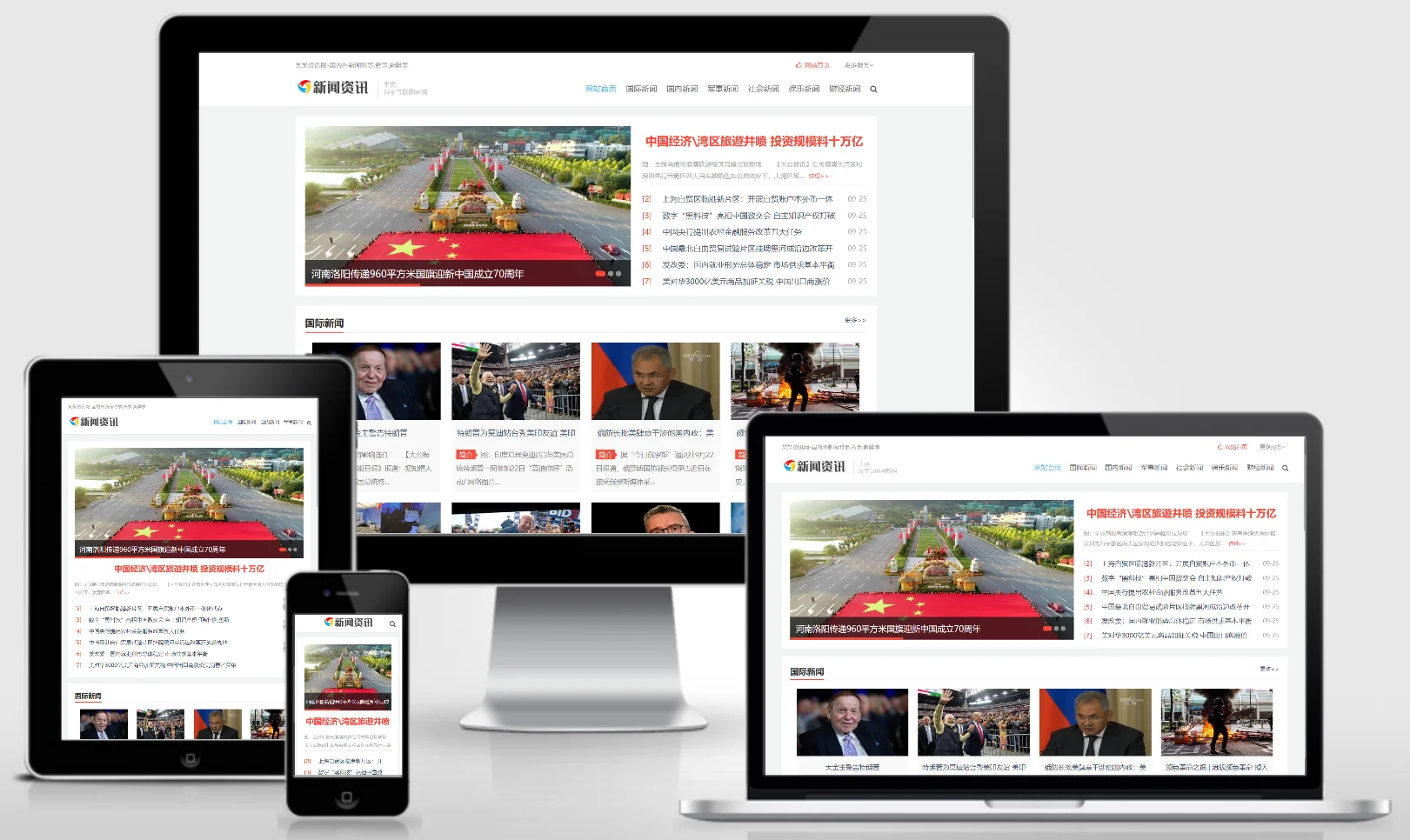
An EyouCMS template designed for clean, news-focused websites. Its minimalist, information-flow design is ideal for publishing news articles, industry updates, trending topics, and in-depth reports. This template helps news websites attract online readers and build media influence. Template Display | Installation Instructions | Website Backend: /login.php | Username: admin | Password: admin | Related Articles: Summary of Common Installation Issues for EyouCMS | EyouCMS (Ey...
👁 33
(Adaptive Mobile Version) Membrane Structure Manufacturer Website Template Download – 1089

(Adaptive Mobile Version) Membrane Structure Manufacturer Website Template Download – 1089 Practical Collection pbootcms Template

A PbootCMS website template designed for membrane structure manufacturers, compatible with both PC and WAP devices. Its modern and professional design is ideal for showcasing membrane structure products, project cases, and design expertise. This template helps membrane structure companies promote their brand online and attract architectural and commercial clients. Template Display | Installation Instructions | Website Backend: /admin.php | Username: admin | Password: admin | Extraction Password: www.4s5.cn | Related Articles...
👁 49
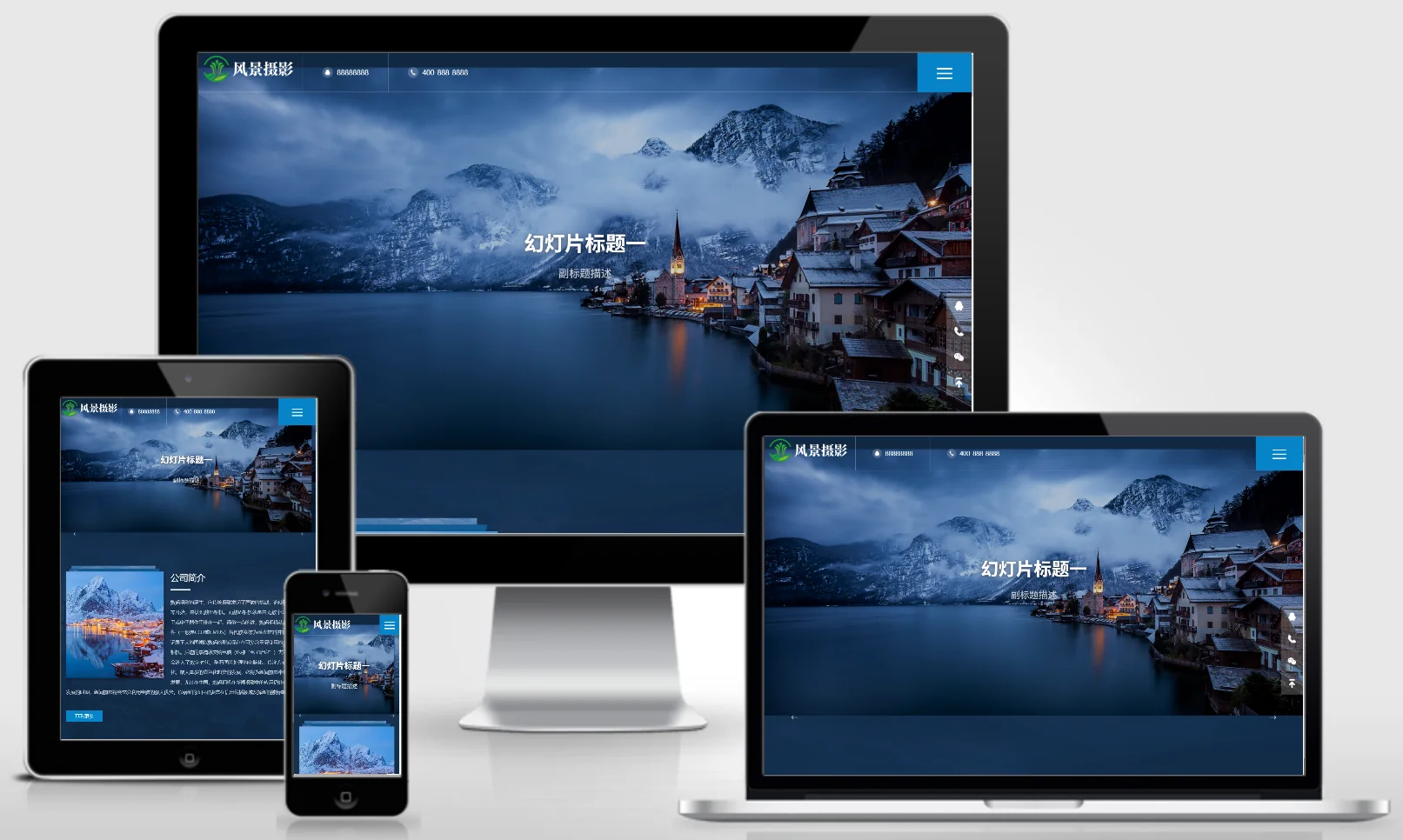
(Adaptive mobile version) Deep blue landscape photography website – PBootCMS template; Download source code for outdoor landscape photography agency websites – 0514

(Adaptive mobile version) Deep blue landscape photography website – PBootCMS template; Download source code for outdoor landscape photography agency websites – 0514 Practical Collection pbootcms Template

A deep blue website template designed for PbootCMS, suitable for landscape and outdoor photography businesses, supporting both PC and WAP devices. Its sophisticated and professional design makes it ideal for photographers to showcase their landscape photography works or promote their outdoor photography services. This template helps photography studios attract both travel-related and corporate clients online. Template Preview | Installation Instructions | Website Backend: /admin.php | Username: admin | Password: admin | Extraction Password: www.4s5.cn
👁 42
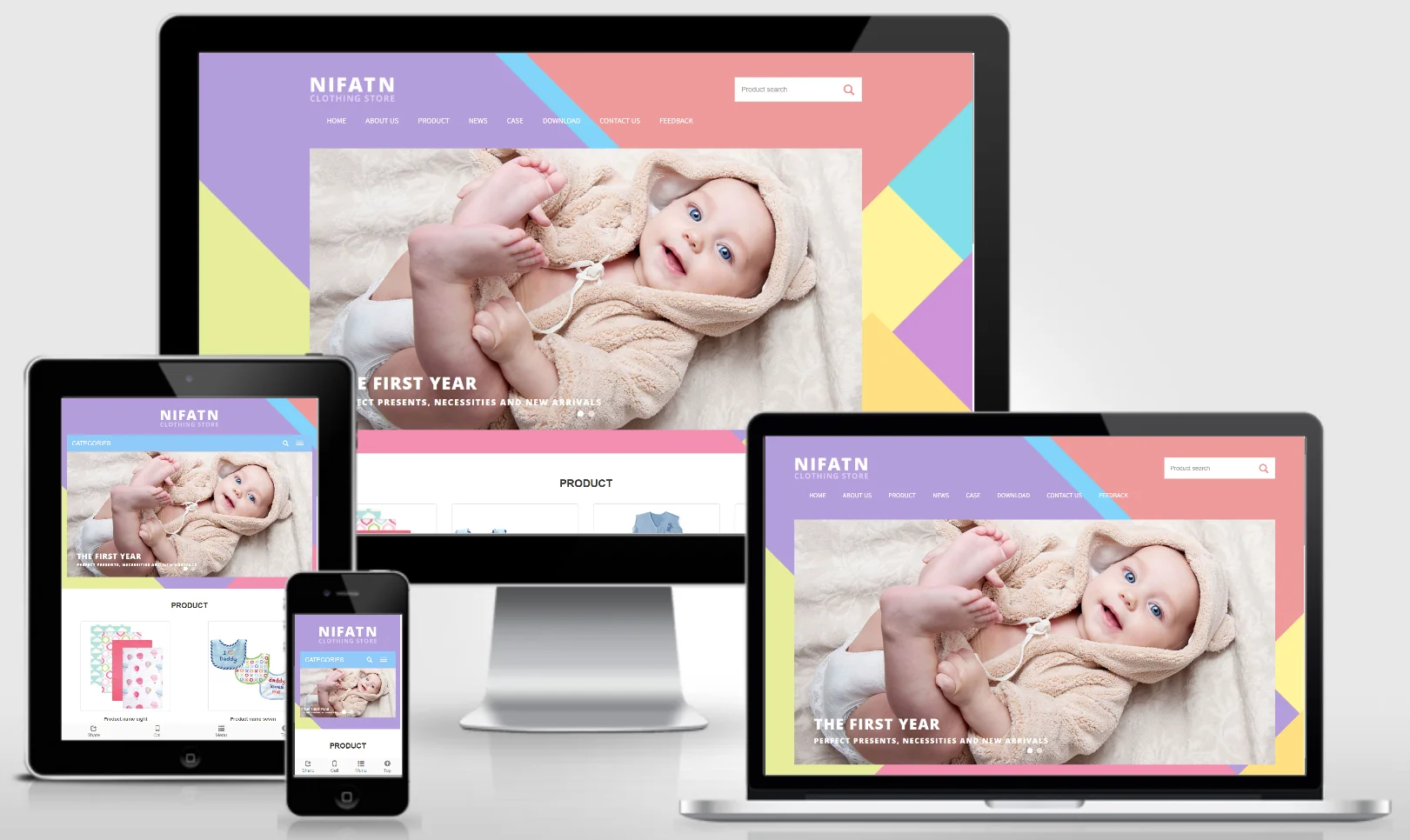
Children's wear international trade responsive English website template – 1115

Children's wear international trade responsive English website template – 1115 Practical Collection Yiyou template

An EyouCMS responsive English-language website template designed for children's wear export trade. Its fashionable and playful design effectively showcases children's clothing products, brand stories, export advantages, and global market presence. This template helps children's wear brands promote their products in international markets and expand their overseas sales channels. Template Overview | Installation Instructions | Website Backend: /login.php | Username: admin | Password: admin | Related Articles: Summary of Common Installation Issues for EyouCMS | EyouCMS...
👁 50
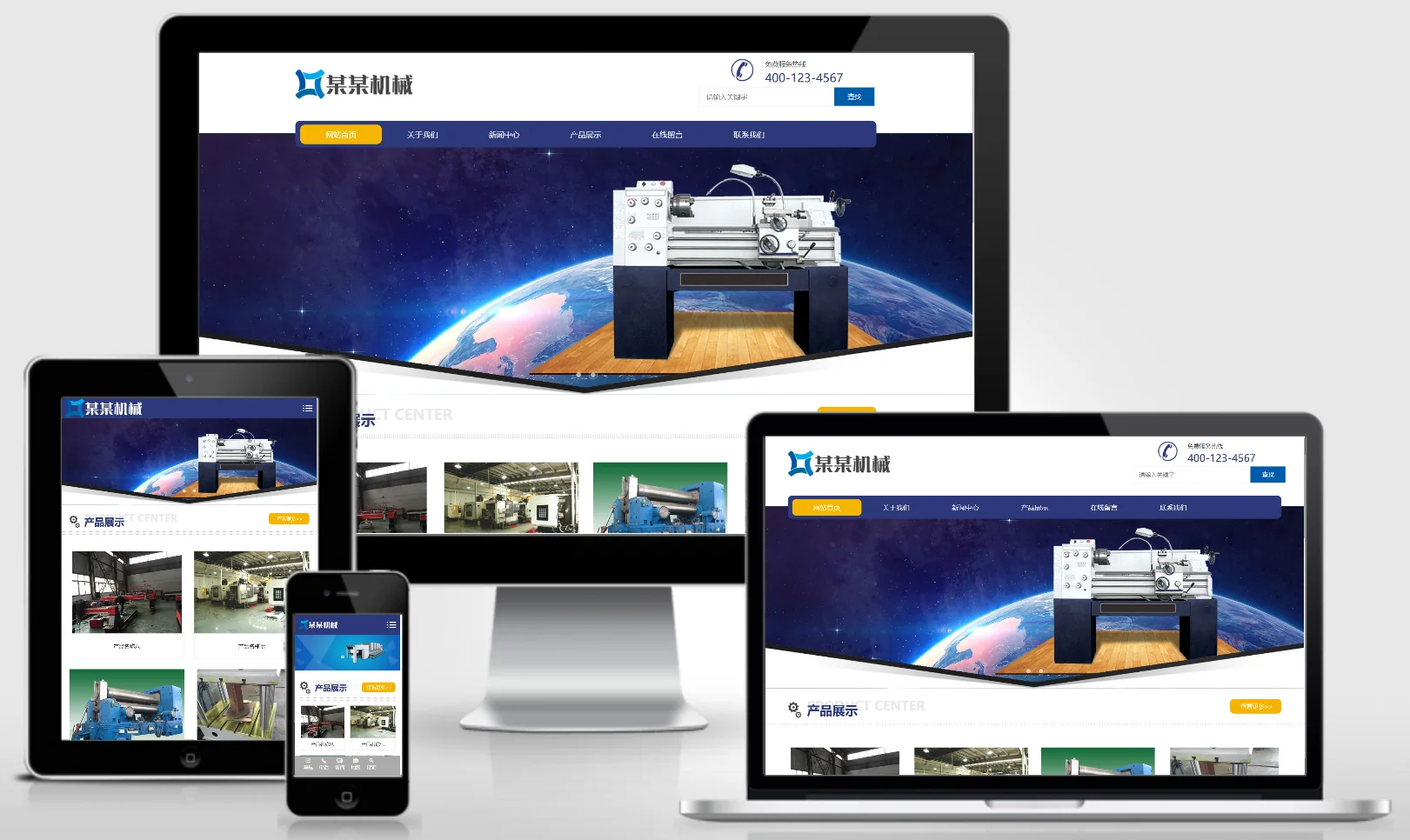
Responsive bending machine manufacturing website template 0506

Responsive bending machine manufacturing website template 0506 Practical Collection Yiyou template

This EyouCMS responsive template is ideal for the bending equipment manufacturing industry, featuring a professional industrial design style that effectively showcases bending equipment products, manufacturing processes, technical specifications, and industrial applications. It enables machinery and equipment enterprises to present their products online and attract industrial customers. Template Display | Installation Instructions | Website Backend: /login.php | Username: admin | Password: admin | Related Articles: Summary of Common Installation Issues for EyouCMS | EyouCMS...
👁 34