pbootcms configuration message sent to QQ mailbox tutorial Program Notes PbootCms
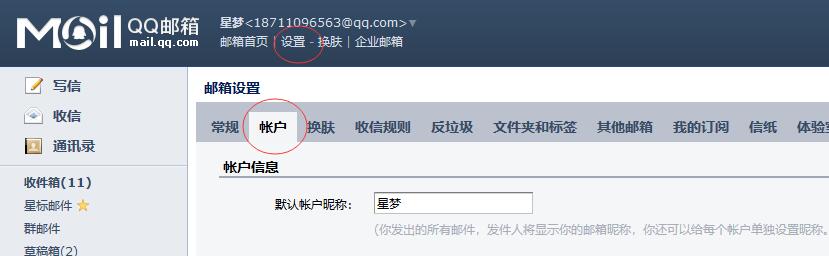
1. Log in to your QQ Mail account, then navigate to Settings> Account; 2. Scroll down to find "SMTP Service Settings"; since we are sending emails, either option (the first or the second) is acceptable – both options support SMTP service – select the first option and click "Enable"; 3. For security verification, select "Send SMS" – follow the on-screen instructions to send a SMS from your mobile device; once completed, click "I've Sent"; 4. Remember the authorization code below and copy it to your clipboard...