Hongmu Notes
Home Program Notes pbootcms pseudo-static configuration rules
Program Notes PbootCms

pbootcms pseudo-static configuration rules

pbootcms pseudo-static configuration rules

Pseudo static configuration

Tag function: After the program is configured pseudo-static, the URL will no longer contain the question mark in compatibility mode, making the entire address more beautiful and easier to promote and optimize.

Applicable versions: 2.X, 3.X

1. IIS7+ environment (the environment of IIS6 can be found on Baidu):

1) Install the rewrite component. If you use a space, it is usually installed by default by the space provider;

2) Go to the background configuration parameters and turn on the pseudo-static switch;

3) Create a web.config file in the site directory (you can copy the rules in the rewrite directory of the source code package). The rules are as follows:

<?xml version="1.0" encoding="UTF-8"?>
<configuration>
    <system.webServer>
        <rewrite>
            <rules>
                 <rule name="reIndex" stopProcessing="true">
                    <match url="^(.*)$" ignoreCase="true" />
                    <conditions logicalGrouping="MatchAll">
                        <add input="{REQUEST_FILENAME}" matchType="IsDirectory" negate="true" />
                        <add input="{REQUEST_FILENAME}" matchType="IsFile" negate="true" />
                    </conditions>
                    <action type="Rewrite" url="index.php?p={R:1}" appendQueryString="true" />
                </rule>
            </rules>
        </rewrite>
    </system.webServer>
</configuration>

2. Apache environment

1) Turn on the Apache rewrite module, please ask Baidu for details. If you use space, the general space provider has been turned on by default;

2) Go to the background configuration parameters and turn on the pseudo-static switch;

3) Create an .htaccess file in the site directory (you can copy the rules in the rewrite directory of the source code package). The rules are as follows:

<IfModule mod_rewrite.c>
  Options +FollowSymlinks
  RewriteEngine On
  
  RewriteCond %{REQUEST_FILENAME} !-d
  RewriteCond %{REQUEST_FILENAME} !-f
  
  RewriteRule ^(.*)$ index.php?p=$1 [QSA,PT,L]
</IfModule>

3. Nginx environment

1. Go to the background configuration parameters to enable pseudo-static;

2. Add rules in the nginx virtual host location configuration. The rules are as follows:

location / {
    if (!-e $request_filename){
        rewrite ^/(.*)$ /index.php?p=$1 last;
     }
}

Note: If the site is deployed in the secondary directory in Nginx, please modify the rewrite rules accordingly. For example, if the secondary directory is test, then: rewrite ^/test/(.*)$ /test/index.php?p=$1 last;


微信赞赏

WeChat

支付宝赞赏

Alipay

✍️ Author: Hong Mu

webmaster · Thanks for reading, stay tuned for more exciting content

Author homepage View home page →

Related articles

Addition of message function to pbootcms website

Addition of message function to pbootcms website Program Notes PbootCms

Scope of application of message board tags: can be used anywhere on the entire site Tag function: used for users to submit messages and retrieve message records 1. Message submission form<form action="{pboot:msgaction}" method="post"> Contact person:<input type="tex…
👁 174
pbootcms introduces public file code

pbootcms introduces public file code Program Notes PbootCms

1. Template file nested reference {include file=***.html} Instructions for use: It can be used nested, such as: index.html nests a head.html, and nested comm.html in head.html supports the use of subdirectories, such as: {include file=comm/*.html} 2. Time formatting tag style=*, such as: within...
👁 235

Recommended reading

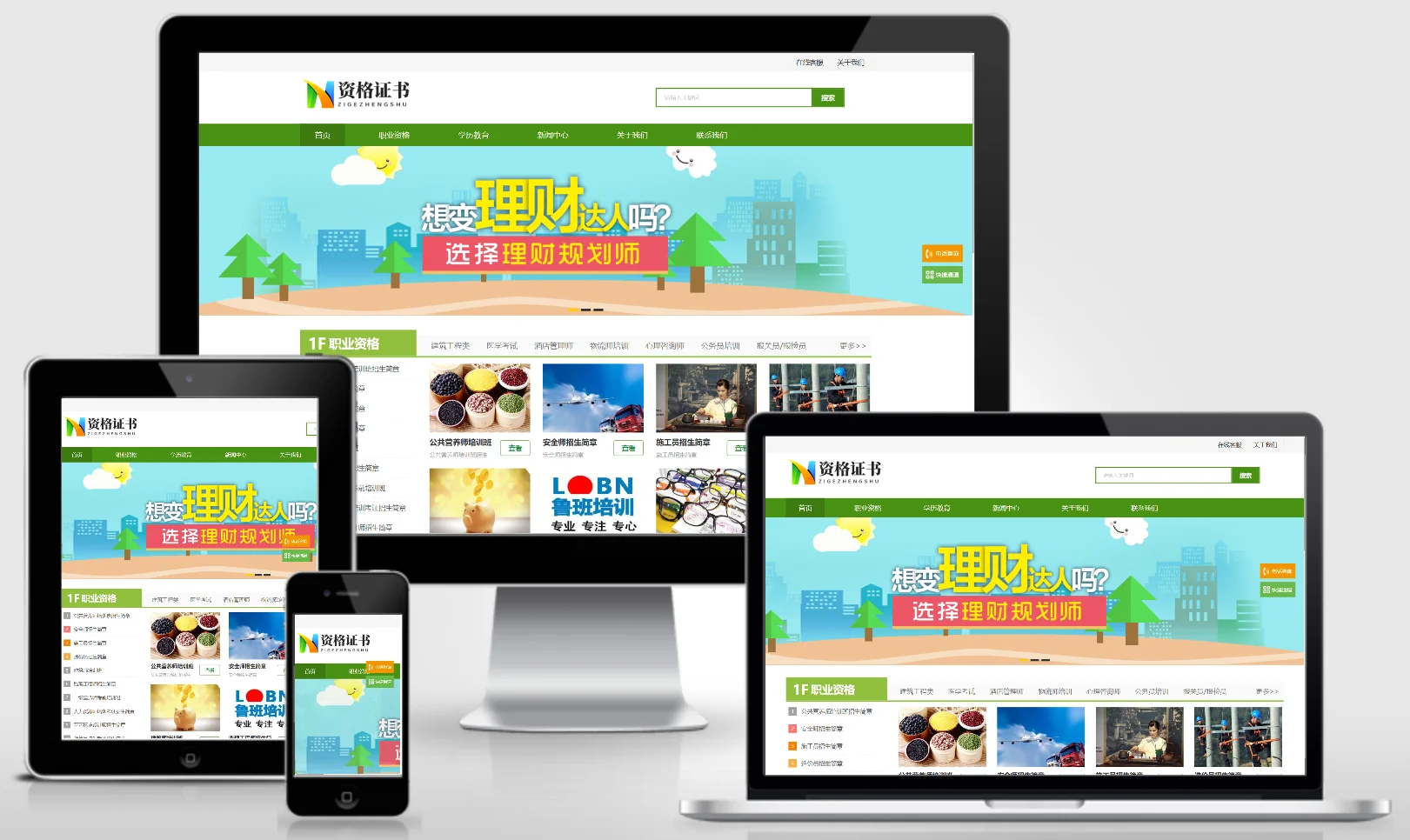
Qualification Certificate – School/Training Institution/Enterprise Website Template 0846

Qualification Certificate – School/Training Institution/Enterprise Website Template 0846 Practical Collection Yiyou template

An eyouCMS website template designed for qualification certification programs, schools, and training institutions. Its professional educational design enables effective presentation of qualification certification training programs, school curricula, faculty expertise, and student achievements, helping vocational education institutions attract learners online. Template Display | Installation Instructions | Website Backend: /login.php | Username: admin | Password: admin | Related Articles: Summary of Common Installation Issues for eyouCMS | eyouCMS (...
👁 38
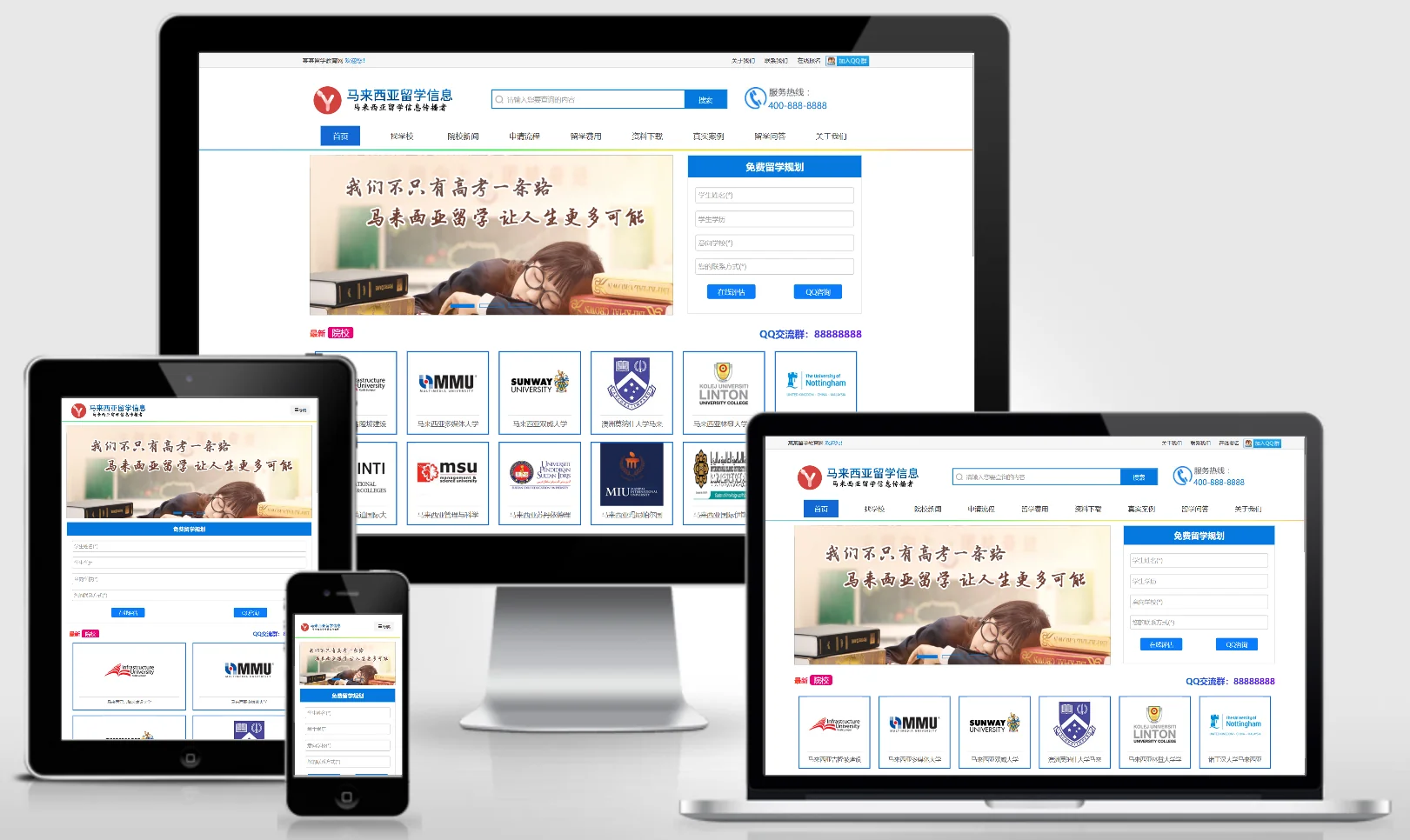
Responsive online study abroad education information and news website template – 0847

Responsive online study abroad education information and news website template – 0847 Practical Collection Yiyou template

This EyouCMS responsive template is ideal for overseas study education and information platforms, featuring an international education design style that effectively showcases study abroad information, university profiles, study abroad services, and success stories. It helps study abroad service providers attract students and families interested in studying abroad online. Template Display | Installation Instructions | Website Backend: /login.php | Username: admin | Password: admin | Related Articles: Common Questions Regarding EyouCMS Installation...
👁 31
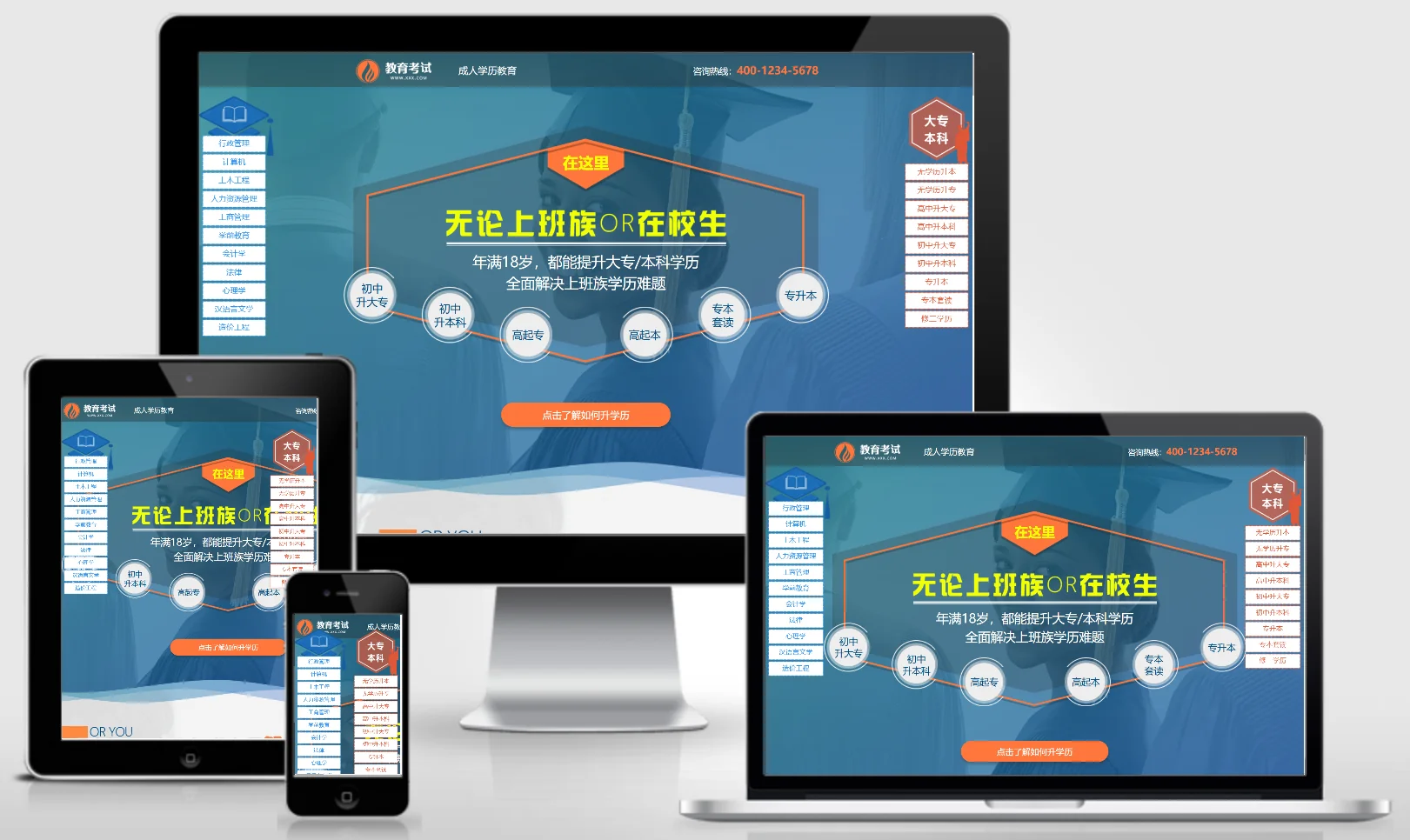
Adult Self-Study Education Promotion Landing Page – Single-Page Website Template 0848

Adult Self-Study Education Promotion Landing Page – Single-Page Website Template 0848 Practical Collection Yiyou template

An EyouCMS single-page website template designed for promoting adult self-study education programs. This template features a strong marketing-oriented design with a compact, efficient layout that effectively highlights course advantages, faculty expertise, and enrollment portals. It serves as an excellent tool for educational institutions conducting SEM campaigns and rapidly acquiring new customers. Template Preview | Installation Instructions | Website Backend: /login.php | Username: admin | Password: admin | Related Articles: Common Installation Questions for EyouCMS...
👁 36
Resource website typecho001 template

Resource website typecho001 template Program Notes Typecho

typecho001 template template please do not modify the folder name of this template. The folder name is: typecho001 1.4 Fix the js output problem on the article page 1.3 Fix the error prompt when the plug-in is not installed Optimize the list page code output 1.2 Fix the comment function and add a custom homepage title 1.1 Fix the comment reply asymmetry function Add a separate title setting function on the homepage Add the website favicon.ico icon Add one...
👁 197
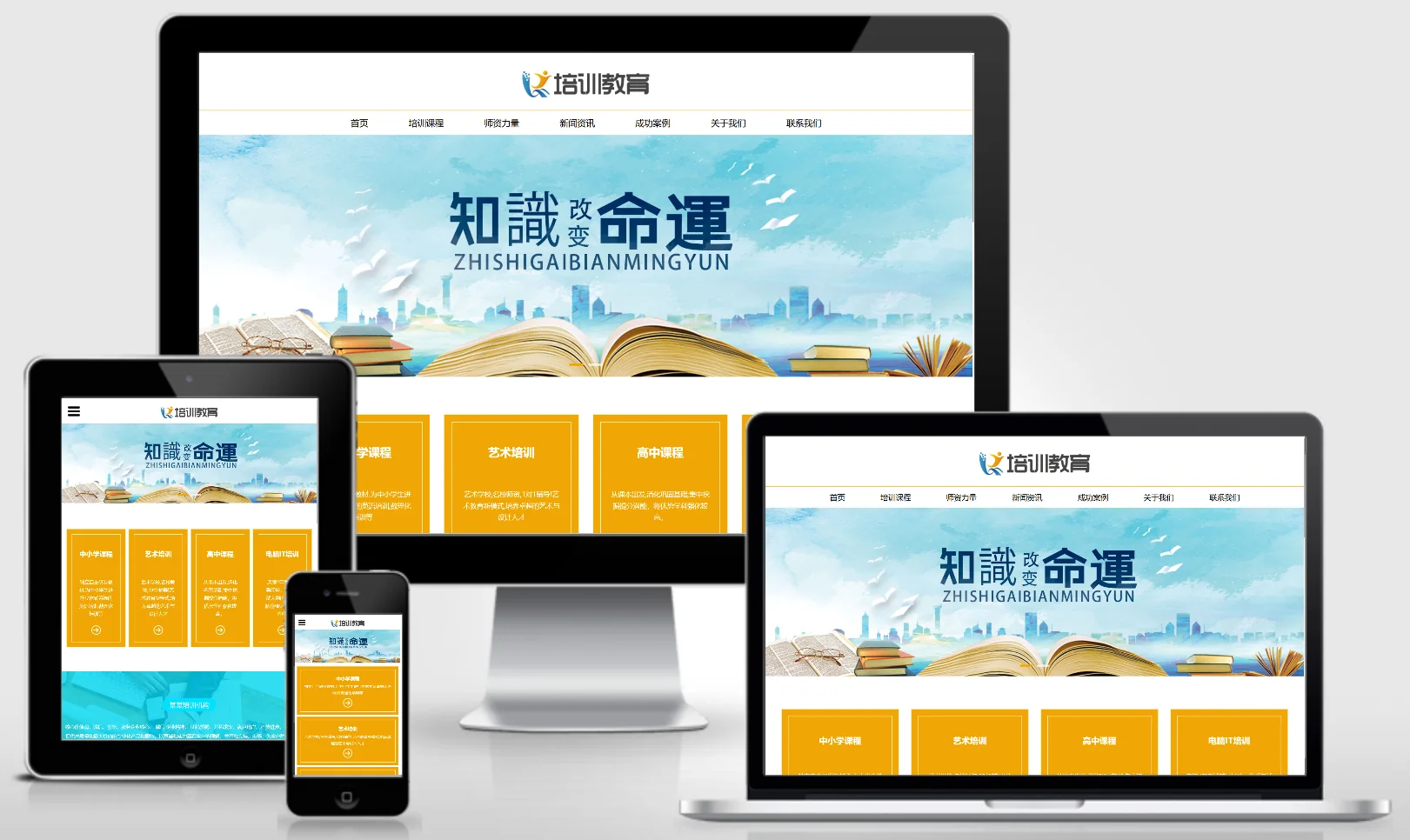
Responsive Business Training and Education Website Template 0849

Responsive Business Training and Education Website Template 0849 Practical Collection Yiyou template

This eyouCMS responsive template is ideal for the business training and education sectors, featuring a professional design style that effectively showcases business training courses, faculty expertise, teaching outcomes, and training services. It helps business training institutions attract corporate learners online. Template Display | Installation Instructions | Website Backend: /login.php | Username: admin | Password: admin | Related Articles: Summary of Common Installation Issues for EyouCMS | EyouCMS (Ey...
👁 38
Modification of typecho paging style

Modification of typecho paging style Program Notes Typecho

Sir, times have changed! Typecho is currently the most perfect solution, because Baidu can only see the code of fixed thinking. The actual generated HTML code is breathtakingly clean and fully customized, including adding classes to the li element, adding classes to the a element, adding classes to the previous page and next page, and removing the li tags that come with typecho to express more. I can even add some text to the content inside...
👁 516