Hongmu Notes
Home Program Notes Detailed step-by-step instructions for upgrading from EmpireCMS 7.2 to EmpireCMS 7.5!
Program Notes Empire cms

Detailed step-by-step instructions for upgrading from EmpireCMS 7.2 to EmpireCMS 7.5!

Detailed step-by-step instructions for upgrading from EmpireCMS 7.2 to EmpireCMS 7.5!
说明:本升级程序不影响原7.2版的数据与模板。 我在升级过程中,很多次使用官方的升级程序出现了sql类报错和第二次升级无法正常的情况 于是我修改了官方的升级程序! 也就是将sql报错屏蔽和第二次升级的函数给删除 这样就可以正常升级了!
导航: 一、升级前备份工作 二、升级步骤 三、会员接口升级说明 四、采用多访问端情况下,子访问端升级说明 五、其它升级说明 六、如果服务器出现意外出错,重新升级步骤说明

I. Pre-upgrade Backup Procedure:

1、备份以下文件和目录: ------------------------------------------ /e/ ------------------------------------------ 即备份整个“e”目录。 2、备份数据库数据。 (小数据可以用phpmyadmin; 大数据用”帝国备份王”:http://ebak.phome.net; 如果是用后台的备份,记得选按十六进制备份数据;)。 3、本次升级所耗时间和信息数量有很大的关系,建议在服务器负载较低的时间段进行升级为佳。 4、升级前请先检查下面目录权限是否为777(包括子目录),以防升级出错: ------------------------------------------ /e/config/config.php /e/data/ ------------------------------------------ 5、如果开启后台网站安全防火墙,请先关闭,然后再升级。(升级完成后再重新开启) 登录后台>系统>系统设置>网站防火墙:关闭。 6、新版本的升级程序支持设置升级密码验证,默认不验证。 如果需要增加验证,设置方法: (注意事项:UTF-8不可以用记事本修改,否则会将文件内容转为GBK,建议用Dreamweaver或Editplus等编辑工具修改。) 可修改升级包里的 /e/update/setconfig.php 文件配置。

II. Upgrade Steps:

1、如果您改了“e/admin”目录名,请先将目录名改回“e/admin”;(升级完成后再修改回来) 2、删除以下2个目录,防止旧版编辑器文件冗余: ------------------------------------------ /e/admin/ecmseditor/ /e/data/ecmseditor/ ------------------------------------------ 3、上传或复制升级包upload目录里的文件到本地帝国CMS系统目录里,覆盖已存在的文件; 4、将以下目录和文件权限设为777;(权限要应用于所有子目录与文件) ------------------------------------------ /ecachefiles/ /e/template/public/checklevel/info1.php ------------------------------------------ 5、在浏览器运行 /e/update/index.php 文件,依提示进行升级; 6、删除 /e/update/ 目录里的所有文件; 7、登录后台>用户>用户管理>管理用户组,修改用户组:设置用户组权限;(新版增加的功能没有加上权限是不显示菜单的) 8、升级完毕。

III. Member Interface Upgrade Instructions: (Skip this step if you do not have an integrated third-party membership system)

1、如果整合过Ucenter接口,需要下载7.5版ucenter接口包进行升级(接口包里有升级说明)。 2、如果整合通行证接口,需要下载7.5版通行证接口覆盖bbs目录下的文件并配置通行证接口参数文件。

IV. Upgrade Instructions for Sub-Access Points in Multi-Access Point Environments: (Skip this step if the multi-access point functionality is not being used)

1、备份各子访问端下的“e”目录。 2、如果您改了“e/admin”目录名,请先将目录名改回“e/admin”;(升级完成后再修改回来) 3、删除子访问端以下2个目录,防止旧版编辑器文件冗余: ------------------------------------------ /e/admin/ecmseditor/ /e/data/ecmseditor/ ------------------------------------------ 4、上传或复制升级包upload目录里除了“/e/update/”目录以外的文件到子访问端帝国CMS系统目录里,覆盖已存在的文件; 5、将以下目录和文件权限设为777;(权限要应用于所有子目录与文件) ------------------------------------------ /ecachefiles/ /e/template/public/checklevel/info1.php ------------------------------------------ 6、复制一份主访问端升级后的“/e/config/config.php”文件,并修改里面的以下配置:(注意事项:UTF-8不可以用记事本修改,否则会将文件内容转为GBK,建议用Dreamweaver或Editplus等编辑工具修改。) ------------------------------------------ $ecms_config['sets']['txtpath']=ECMS_PATH.'d/txt/'; //文本型数据存放目录 $ecms_config['sets']['deftempid']=0; //默认模板组ID $ecms_config['sets']['selfmoreportid']=0; //当前网站访问端ID,0为主访问端 ------------------------------------------ (可复制备份的子访问端 /e/config/config.php 文件上面配置。) 7、将上面修改配置后的 /e/config/config.php 这个文件上传覆盖子访问端下的文件。 8、在主访问端后台更新各端数据库缓存和动态页面: 主访问端后台>系统>网站多访问端>管理网站访问端:“更新所有访问端缓存与动态页面”。 9、子访问端升级完毕。

V. Other Upgrade Notes:

1、如果原来已经安装过“多图同时上传插件”,可以这里下载新的文件覆盖:http://www.phome.net/ecms75/ 2、有调用验证码的页面,需要修改模板增加加载 /e/data/js/ajax.js 文件才可以使用点击显示验证码,如:会员中心的“主界面头部”模板。 即:在模板内容里<head>和</head>之间任意位置加<script src="/e/data/js/ajax.js"></script> 3、新版的WAP模板不再默认使用WML语法,而是采用HTML语法,如果要改为HTML语法可参考安装包里的默认WAP模板/e/wap/template/进行修改。 4、如果使用了MYSQL读写分离功能,需要重新设置参数(可以复制备份的/e/config/config.php文件里的读写分离参数)。

VI. Reupgrade Instructions:

如果服务器出现意外导致升级失败可以按下面方法重新升级: 1、先删除数据库中当前帝国CMS的所有数据表。(防止表已经存在) 2、恢复备份的数据库。 3、恢复备份的 /e/config/config.php 文件。 4、关掉原来的浏览器窗口,重新打开新的浏览器窗口重新升级即可。

Download address
☁️
Download #1
Baidu Skydisk
Download now
微信赞赏

WeChat

支付宝赞赏

Alipay

✍️ Author: Hong Mu

webmaster · Thanks for reading, stay tuned for more exciting content

Author homepage View home page →

Related articles

Empire CMS database statement & SQL statement format

Empire CMS database statement & SQL statement format Program Notes Empire cms

Introduction to Imperial CMS extended SQL program writing, basic examples of Imperial CMS database statements & SQL statement formats: Note: The following examples are based on placing PHP files in the system root directory. Example 1: Connect to MYSQL program. (a.php)<?php require('e/class/connect.php'); //Introduce database configuration files and public function files requ…
👁 351
Empire CMS obtains the system COOKIE variable function getcvar()

Empire CMS obtains the system COOKIE variable function getcvar() Program Notes Empire cms

Get the system COOKIE variable function syntax: getcvar($var,$ecms) Description: $var: is the variable name $ecms: 0 is to set the foreground COOKIE variable, 1 is to set the background COOKIE variable. This parameter can be omitted and defaults to 0. Usage example: getcvar('mlusername'), get the user name of the front-end login member getcvar('loginu...
👁 296
Empire CMS smart label call field collection

Empire CMS smart label call field collection Program Notes Empire cms

Collect and classify all fields that support smart tag calls into Empire CMS smart tags: [e:loop={column ID/topic ID, number of items displayed, operation type, only display pictures with titles, additional SQL conditions, display sorting}] Template code content [/e:loop] Calling time: <?=date('m-d',$bqr[newstime])?> <?=dat…
👁 3749

Recommended reading

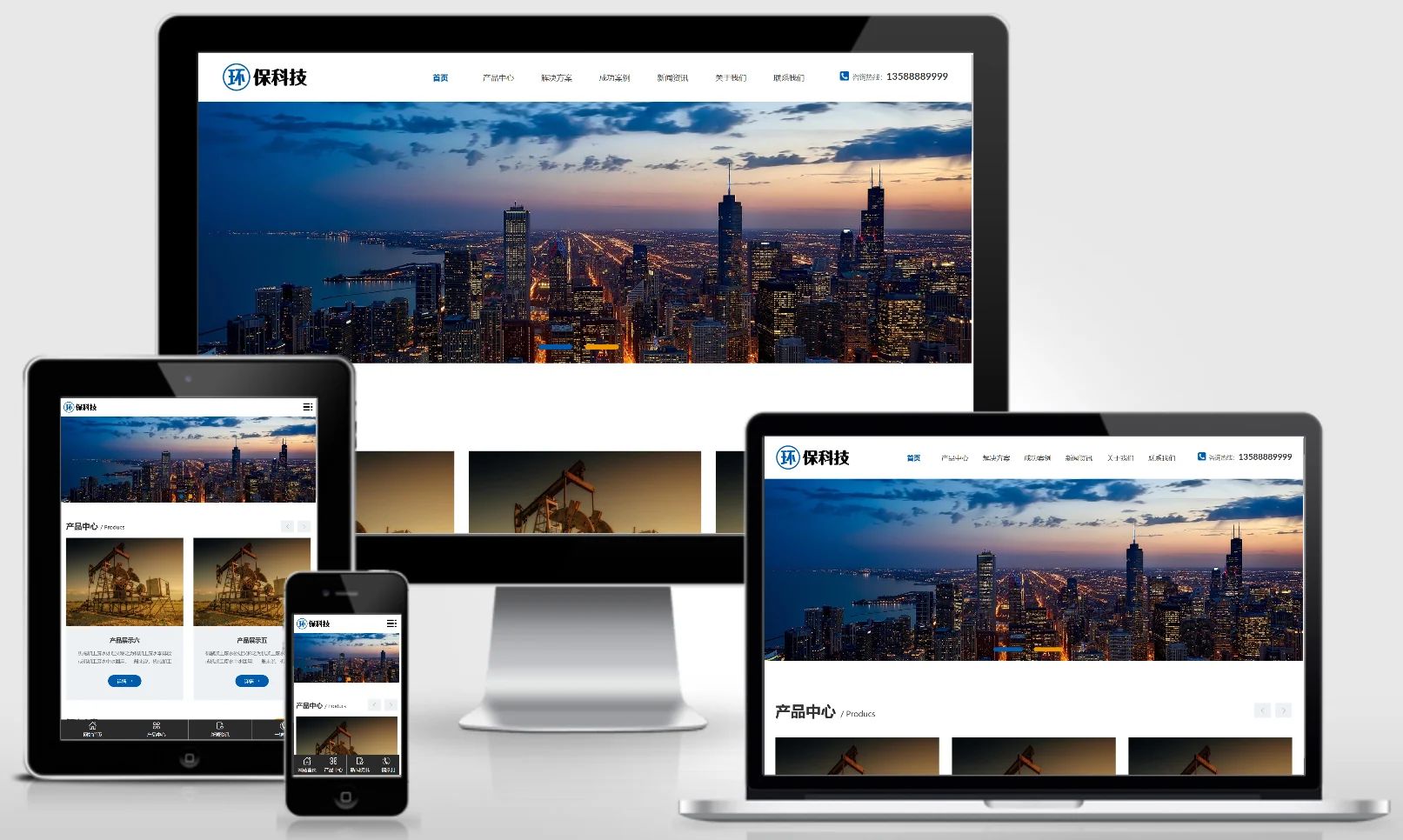
(Adaptive mobile version) Industrial wastewater treatment equipment – PBootCMS website template; Environmental Protection Technology website source code download – 0340

(Adaptive mobile version) Industrial wastewater treatment equipment – PBootCMS website template; Environmental Protection Technology website source code download – 0340 Practical Collection pbootcms Template

This set includes adaptive mobile-friendly industrial wastewater treatment equipment and an eco-friendly technology PbootCMS website template. The professional, tech-driven design is ideal for showcasing wastewater treatment technologies, equipment products, and project cases. It enables environmental engineering companies to present their solutions online and attract industrial enterprise clients. Template Display | Installation Instructions | Website Backend: /admin.php | Username: admin | Password: admin | Extraction Password: www.4s5....
👁 54
PHP: Delete all files in a specified directory.

PHP: Delete all files in a specified directory. Language Notes PHP

You can use PHP's `glob()` function to find all files in the current directory, then use a loop to check whether each file name should be deleted, and use the `unlink()` function to remove the unwanted files. Here is an example code: `<?php $files = glob("*"); // 查找当前目录下的所有文件 foreach($ $file)...`
👁 148
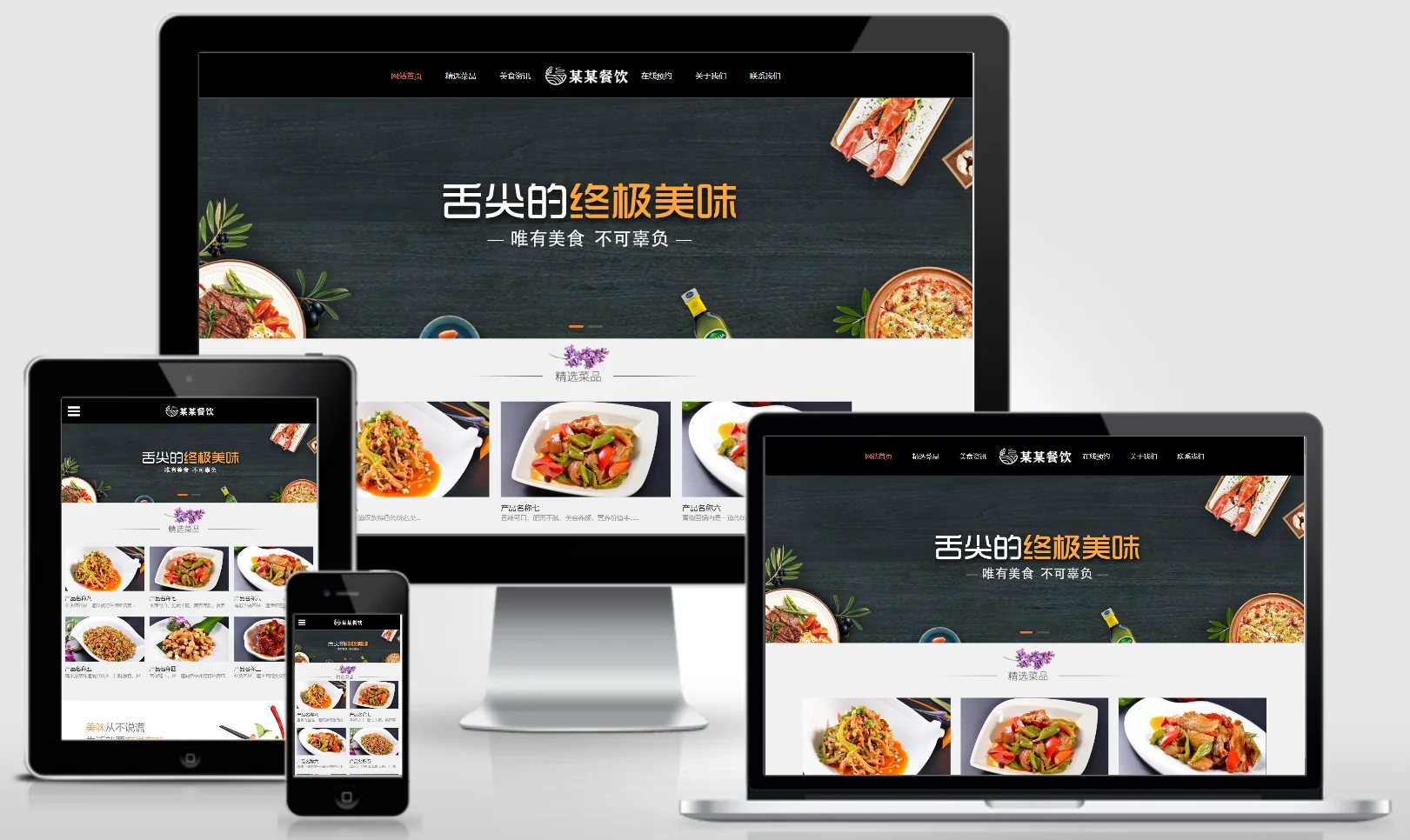
Responsive Catering Investment Management Enterprise Website Template 0247

Responsive Catering Investment Management Enterprise Website Template 0247 Practical Collection Yiyou template

This EyouCMS responsive template is ideal for catering investment and management enterprises. Its professional business design style is perfect for showcasing catering brands, investment projects, management services, and successful case studies. It helps catering investment companies attract investors and franchisees online. Template Display | Installation Instructions | Website Backend: /login.php | Username: admin | Password: admin | Related Articles: Summary of Common Installation Issues for EyouCMS | EyouCMS (E...
👁 51
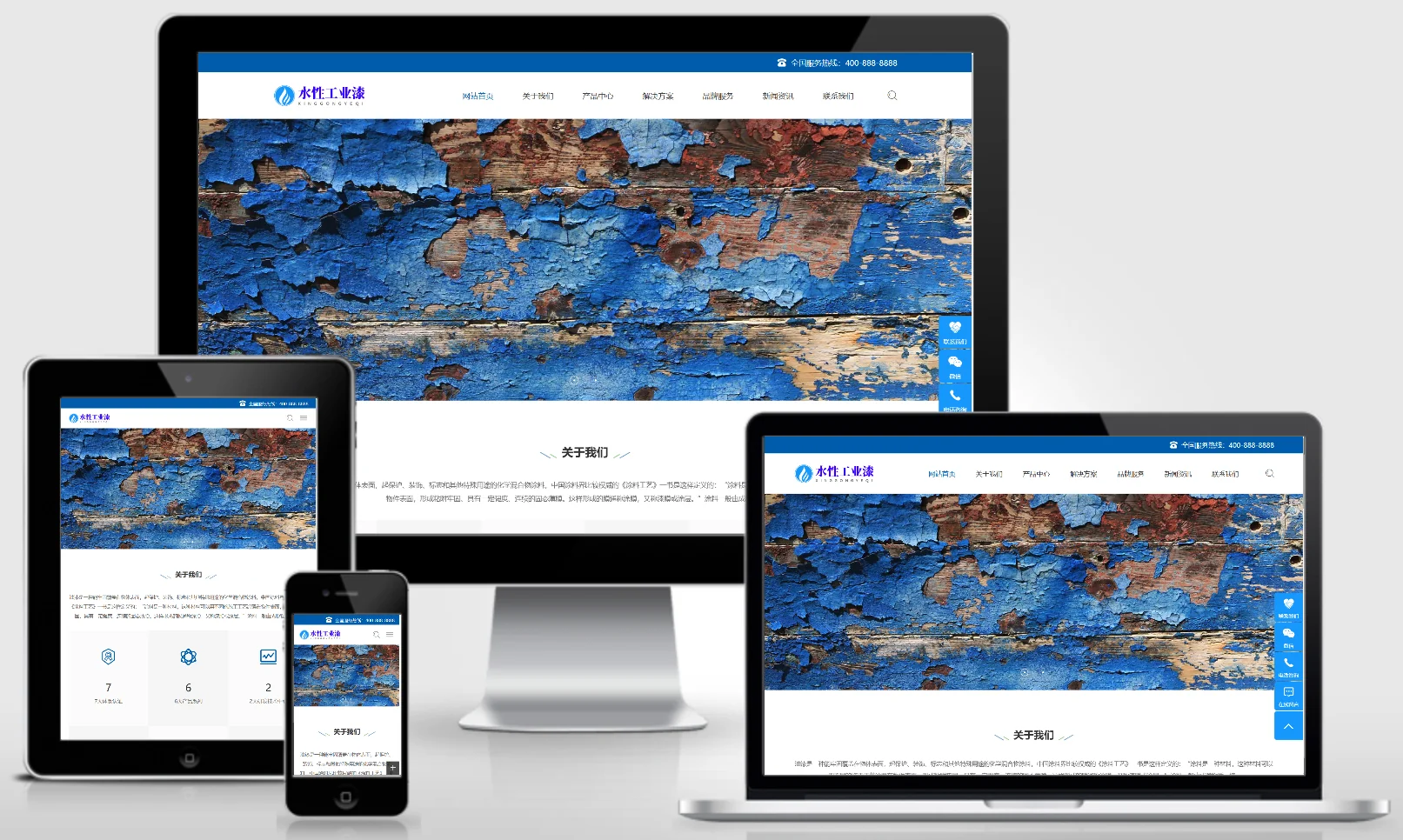
(Adaptive mobile version) Industrial Paint PBootCMS Chemical Industry Website Template – Download Blue Waterborne Industrial Paint Website Source Code – 0341

(Adaptive mobile version) Industrial Paint PBootCMS Chemical Industry Website Template – Download Blue Waterborne Industrial Paint Website Source Code – 0341 Practical Collection pbootcms Template

An adaptive mobile-friendly PbootCMS chemical industry website template for industrial paints and water-based industrial coatings. The professional blue design style is ideal for showcasing industrial coating products, application solutions, and industry-specific use cases. It enables chemical coating companies to present their products online and attract manufacturing and engineering clients. Template Display | Installation Instructions | Website Backend: /admin.php | Username: admin | Password: admin | Extraction Password: www.4s5.c...
👁 40
WordPress database query operations

WordPress database query operations Program Notes wordpress

To connect to a database for a WordPress installation, you need to include the `wp-config.php` file in your PHP script. This file contains the database configuration details for WordPress installation and other constants. Here is a simple example demonstrating how to include the `wp-config.php` file and establish a database connection: // Include the wp-config.php file: require...
👁 378
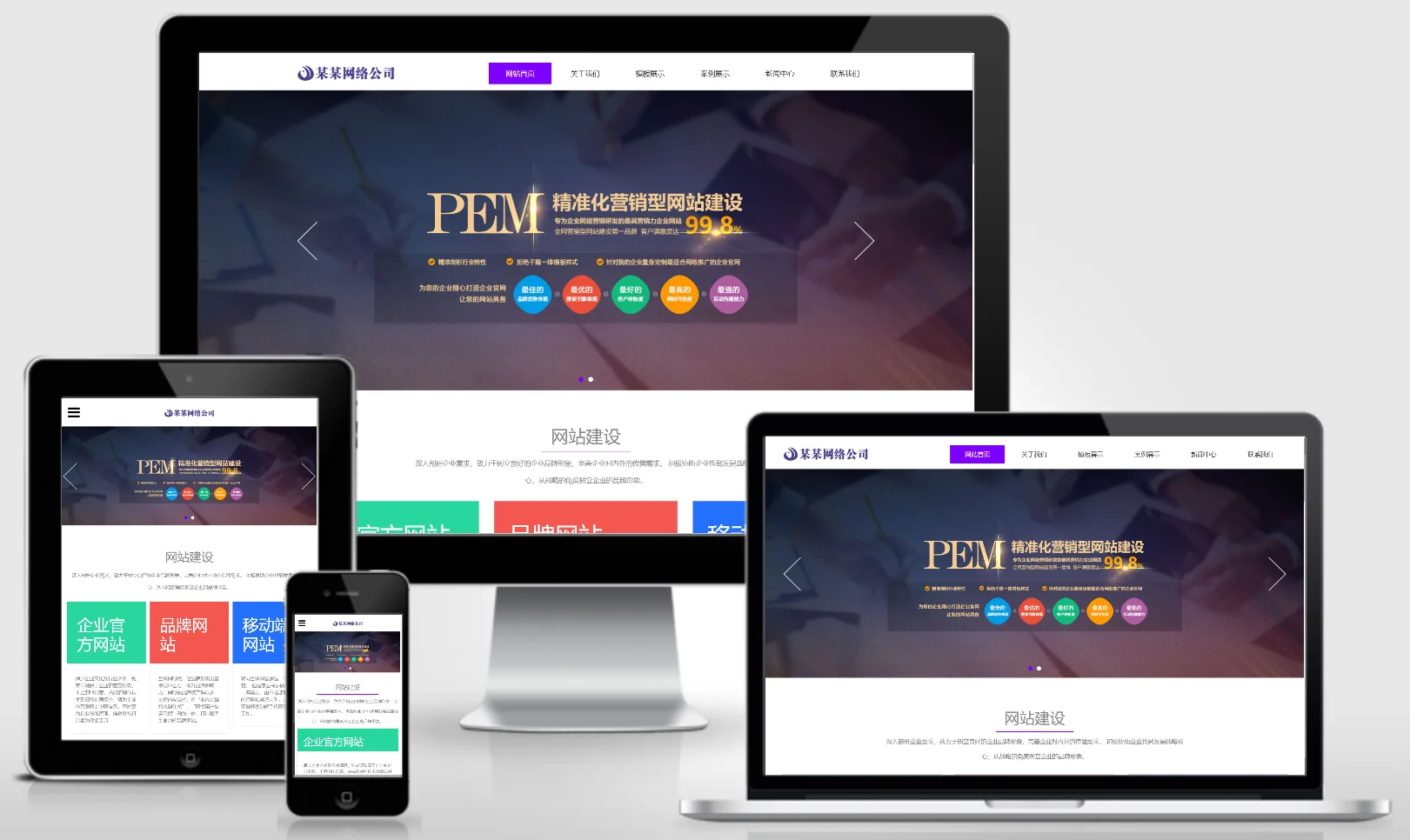
Responsive web development company website templates – 0248

Responsive web development company website templates – 0248 Practical Collection Yiyou template

An eyouCMS responsive website template designed specifically for web development agencies. Its modern, tech-driven design effectively showcases project examples, technical services, solutions, and customer testimonials, helping web development firms attract business clients looking to build websites online. Template Overview | Installation Instructions | Website Backend: /login.php | Username: admin | Password: admin | Related Articles: Summary of Common Installation Issues for eyouCMS | eyouCMS...
👁 44