Hongmu Notes
Home Language Notes Python compresses website images in batches to slim down the website!
Language Notes python

Python compresses website images in batches to slim down the website!

Python compresses website images in batches to slim down the website!

My website loads very slowly because the images are too large.

So, I thought about using Python to compress images.

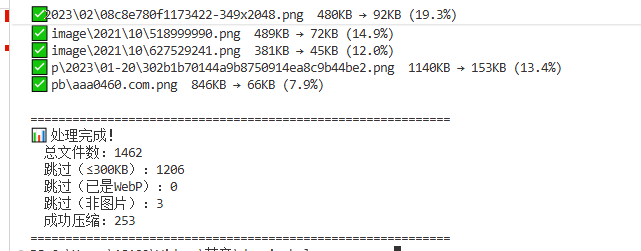
Convert PNG files to WebP format – reduce file size by 88% directly!
20260730211430809-image

The compression ratio is very high yet the image remains clear – a 1.4GB PNG file is compressed to just 120MB – and it's also in high resolution! Does anyone else have something like this?!

Python script functionality:

  1. Recursive traversal uploads All files in the directory.

  2. skip Files with a size of ≤ 300 KB.

  3. Detect real image format(Identified by the file header, not the file extension); if the file is already in WebP format, it is skipped.

  4. support  PNG、JPG、JPEG、BMP、TIFF Convert images to WebP format, with quality set to ; 85(adjustable).

  5. Keep the original file name and extension unchanged.(For example; example.png Still; example.pngHowever, the content is WebP).

  6. Back up the original file Copy to the specified backup directory (keep the complete relative path).

  7. Skip non-image files (e.g.,  ); .zip.pdf.txt   etc.).

Python code:

import os
import shutil
from PIL import Image

# ---------- 配置 ----------
SOURCE_DIR = r"Z:\path\to\your\uploads"  # 替换为你的 uploads 目录路径
BACKUP_DIR = r"Z:\path\to\backup\uploads"  # 备份目录(原文件移动到这里)
QUALITY = 85  # WebP 压缩质量 (1-100)
SIZE_THRESHOLD = 300 * 1024  # 300KB

# 支持的图片扩展名(即使扩展名不对,也会通过文件头检测)
IMAGE_EXTS = {'.png', '.jpg', '.jpeg', '.bmp', '.tiff', '.tif', '.webp'}

# ---------- 核心函数 ----------
def is_webp(filepath):
    """通过文件头判断是否为 WebP 格式"""
    with open(filepath, 'rb') as f:
        header = f.read(12)
    return header[:4] == b'RIFF' and header[8:12] == b'WEBP'

def compress_to_webp(src_path, dst_path, quality):
    """将图片压缩为 WebP 并保存到 dst_path(保持扩展名不变)"""
    with Image.open(src_path) as img:
        # 处理透明度:RGBA 保留,其他转 RGB
        if img.mode in ('RGBA', 'LA', 'P'):
            img = img.convert('RGBA')
        else:
            img = img.convert('RGB')
        # 保存为 WebP,但文件名扩展名不变(浏览器根据文件头识别)
        img.save(dst_path, 'WEBP', quality=quality, method=6)

# ---------- 主程序 ----------
def main():
    if not os.path.exists(SOURCE_DIR):
        print(f"❌ 源目录不存在:{SOURCE_DIR}")
        return

    os.makedirs(BACKUP_DIR, exist_ok=True)

    total_files = 0
    processed = 0
    skipped_webp = 0
    skipped_small = 0
    skipped_nonimage = 0
    errors = []

    for root, dirs, files in os.walk(SOURCE_DIR):
        for filename in files:
            filepath = os.path.join(root, filename)
            total_files += 1

            # 1. 检查文件大小
            if os.path.getsize(filepath) <= SIZE_THRESHOLD:
                skipped_small += 1
                continue

            # 2. 检查是否为支持的图片格式(扩展名初步过滤)
            ext = os.path.splitext(filename)[1].lower()
            if ext not in IMAGE_EXTS:
                skipped_nonimage += 1
                continue

            # 3. 真实格式检测(优先检测是否为 WebP)
            try:
                real_format = Image.open(filepath).format
            except Exception:
                # 无法打开则跳过
                skipped_nonimage += 1
                continue

            # 如果已经是 WebP,跳过
            if real_format == 'WEBP':
                skipped_webp += 1
                continue

            # 4. 准备备份路径(保留相对路径)
            rel_path = os.path.relpath(filepath, SOURCE_DIR)
            backup_path = os.path.join(BACKUP_DIR, rel_path)
            os.makedirs(os.path.dirname(backup_path), exist_ok=True)

            # 5. 备份原文件(移动,而非复制,节省空间)
            try:
                shutil.move(filepath, backup_path)
            except Exception as e:
                errors.append(f"备份失败 {rel_path}: {e}")
                continue

            # 6. 压缩并保存到原位置(文件名不变)
            try:
                compress_to_webp(backup_path, filepath, QUALITY)
                processed += 1
                old_size = os.path.getsize(backup_path)
                new_size = os.path.getsize(filepath)
                print(f"✅ {rel_path}  {old_size//1024}KB → {new_size//1024}KB ({new_size/old_size*100:.1f}%)")
            except Exception as e:
                # 压缩失败,尝试恢复原文件
                shutil.move(backup_path, filepath)
                errors.append(f"压缩失败 {rel_path}: {e}")
                continue

    # 统计报告
    print("\n" + "="*60)
    print(f" 处理完成!")
    print(f"  总文件数:{total_files}")
    print(f"  跳过(≤300KB):{skipped_small}")
    print(f"  跳过(已是WebP):{skipped_webp}")
    print(f"  跳过(非图片):{skipped_nonimage}")
    print(f"  成功压缩:{processed}")
    if errors:
        print(f"  错误数量:{len(errors)}")
        for err in errors:
            print(f"    ⚠️ {err}")
    print("="*60)

if __name__ == "__main__":
    main()

 

微信赞赏

WeChat

支付宝赞赏

Alipay

✍️ Author: Hong Mu

webmaster · Thanks for reading, stay tuned for more exciting content

Author homepage View home page →

Related articles

Import " requests" could not be resolved from source

Import " requests" could not be resolved from source Language Notes python

This error occurred when using Pylance, a Python language server. Among them, " Import " requests" could not be resolved from source" This error message indicates that the requests module is referenced in your code, but Pylance cannot find the location of the module from the source. The possible reason is that you don't have an …
👁 1771
Reinstall Python and requests libraries

Reinstall Python and requests libraries Language Notes python

If you meet " Import " requests" could not be resolved from source" You can try reinstalling Python and requests libraries. First, you need to uninstall the current Python and requests libraries. On Windows systems, you can use the command prompt …
👁 439
WARNING: Skipping requests as it is not installed.

WARNING: Skipping requests as it is not installed. Language Notes python

This error message indicates that your Python environment lacks the requests library, and this library is called in your code, so Python cannot execute your code normally. The solution to this problem is to install the requests library. You can use the pip command on the command line to install: pip install requests If you are using Python3, you can use the pip3 command …
👁 2100
Python reported an error. What is the reason? AttributeError: partially initialized module ' openai'  has no attribute ' Completion' (most likely due to a circular import)

Python reported an error. What is the reason? AttributeError: partially initialized module ' openai' has no attribute ' Completion' (most likely due to a circular import) Language Notes python

This error prompt indicates that there is a problem when importing the openai module and the specific Completion attribute, which is probably caused by circular import. The reason for this error may be that two or more modules in your code are imported from each other, forming a circular dependency. For example, module A imports module B, and module B imports module A.. Cyclic import will cause the module not to initialize correctly when loading, thus …
👁 656
How does python package and run on Windows?

How does python package and run on Windows? Language Notes python

The most common way to package and run Python programs on Windows is to use PyInstaller. PyInstaller is a free and cross-platform Python application packaging tool, which can package Python code and its dependent libraries into an independent executable file, making it possible to run Python programs on systems without Python interpreters installed. The following is to make …
👁 300
What programming software is good for python development?

What programming software is good for python development? Language Notes python

There are many programming softwares developed by Python. The following are some commonly used Python integrated development environments (IDE) and editors: PyCharmPyCharm is an integrated development environment developed by JetBrains, which is specially designed for Python developers. PyCharm is powerful and provides a series of advanced functions such as code completion, debugging, version control, code refactoring, etc., which can help developers improve their work …
👁 175

Recommended reading

How to enable error reporting in php?

How to enable error reporting in php? Summary of pitfalls

Simple and efficient method. Add the code directly. <?php error_reporting(E_ALL); ini_set('display_errors', 1); ini_set('display_startup_errors', 1); ?> Just add the following code at the very top of the erroring PHP file, for the current script only...
👁 84
Responsive brand fashion women's shoes website template 0476

Responsive brand fashion women's shoes website template 0476 Practical Collection Yiyou template

This set of eyoucms responsive templates is suitable for the brand fashion women's shoes industry. The design style is fashionable and exquisite, and can display women's shoe products, brand image, new product releases and investment promotion. It helps women's shoe brands attract consumers and agents online and enhance brand awareness. Template display Installation instructions Website backend: /login.php Account: admin Password: admin Related articles Yiyou CMS installation FAQ summary Yiyou...
👁 56
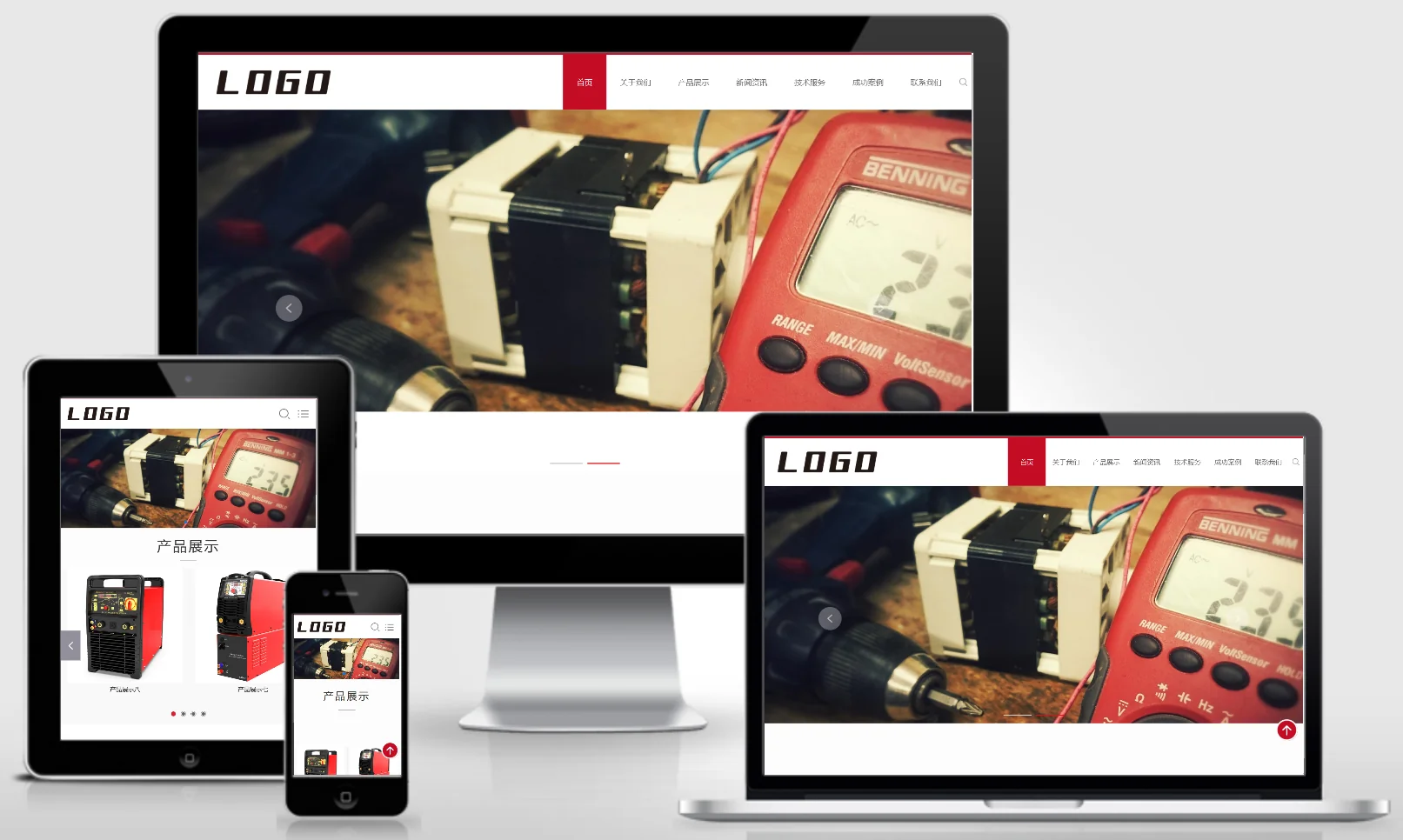
(Adaptive mobile version) Responsive driver chip – PBootCMS template; Download source code for electrical equipment-related websites – 0874

(Adaptive mobile version) Responsive driver chip – PBootCMS template; Download source code for electrical equipment-related websites – 0874 Practical Collection pbootcms Template

A responsive driver chip and electrical equipment PbootCMS website template supporting both PC and WAP devices. The modern, precision design is ideal for showcasing driver chips, power electronic devices, and other products. It enables semiconductor or electrical companies to present their products online and attract electronic engineers and procurement professionals. Template Overview | Installation Instructions | Website Backend: /admin.php | Username: admin | Password: admin | Extraction Password: www.4...
👁 45
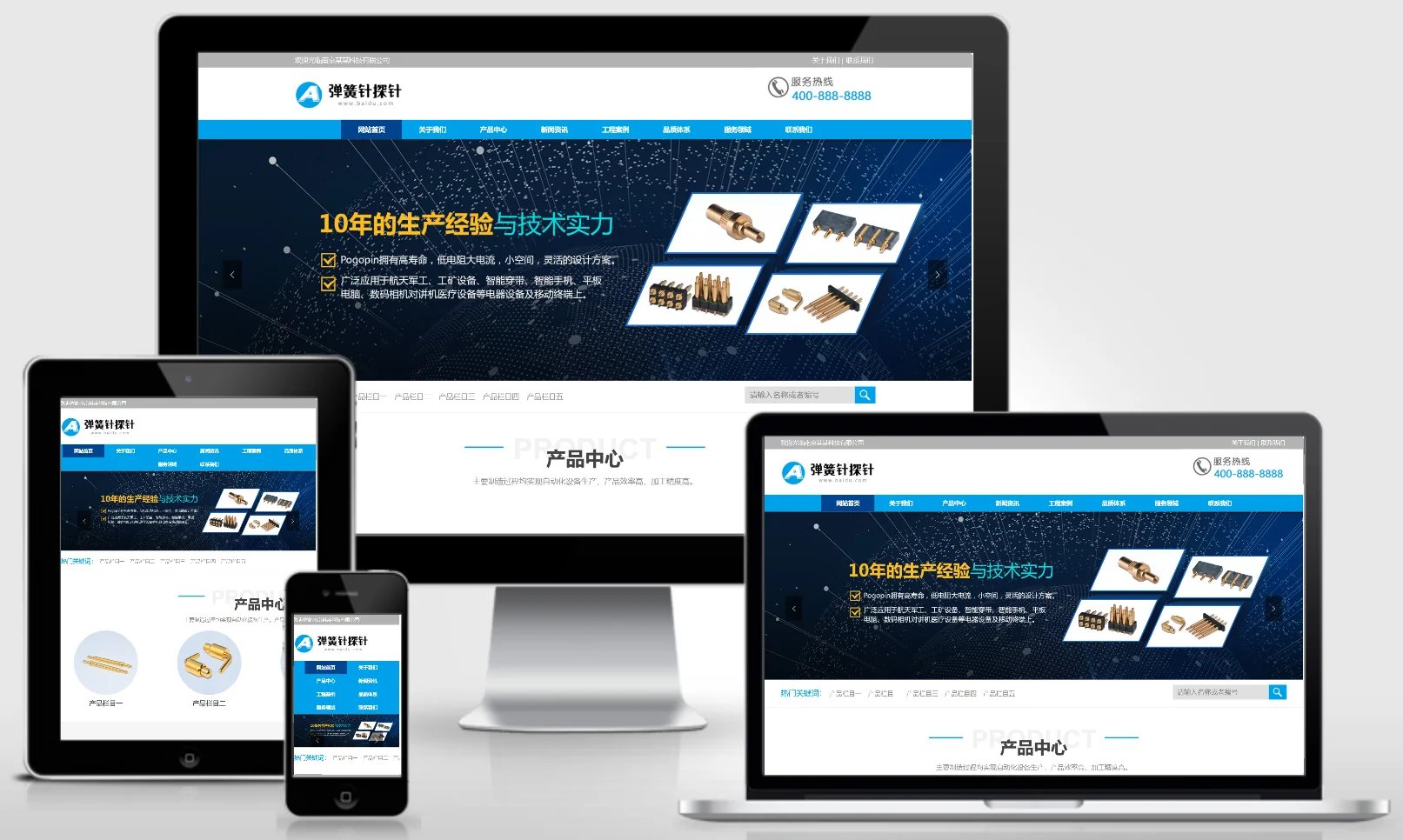
(PC+WAP) Blue Spring Probe Manufacturer's Website – pbootCMS Template; Probe Charging Connector Website Source Code Download – 0110

(PC+WAP) Blue Spring Probe Manufacturer's Website – pbootCMS Template; Probe Charging Connector Website Source Code Download – 0110 Practical Collection pbootcms Template

A PbootCMS website template designed for manufacturers of spring needle and probe charging connectors, featuring a blue color scheme and supporting both PC and WAP devices. Its professional and sophisticated design is ideal for showcasing electronic connector products and core technologies. This template helps precision electronics companies build their online brand identity and expand their customer base within the electronics industry. Template Display | Installation Instructions | Website Backend: /admin.php | Username: admin | Password: admin...
👁 40
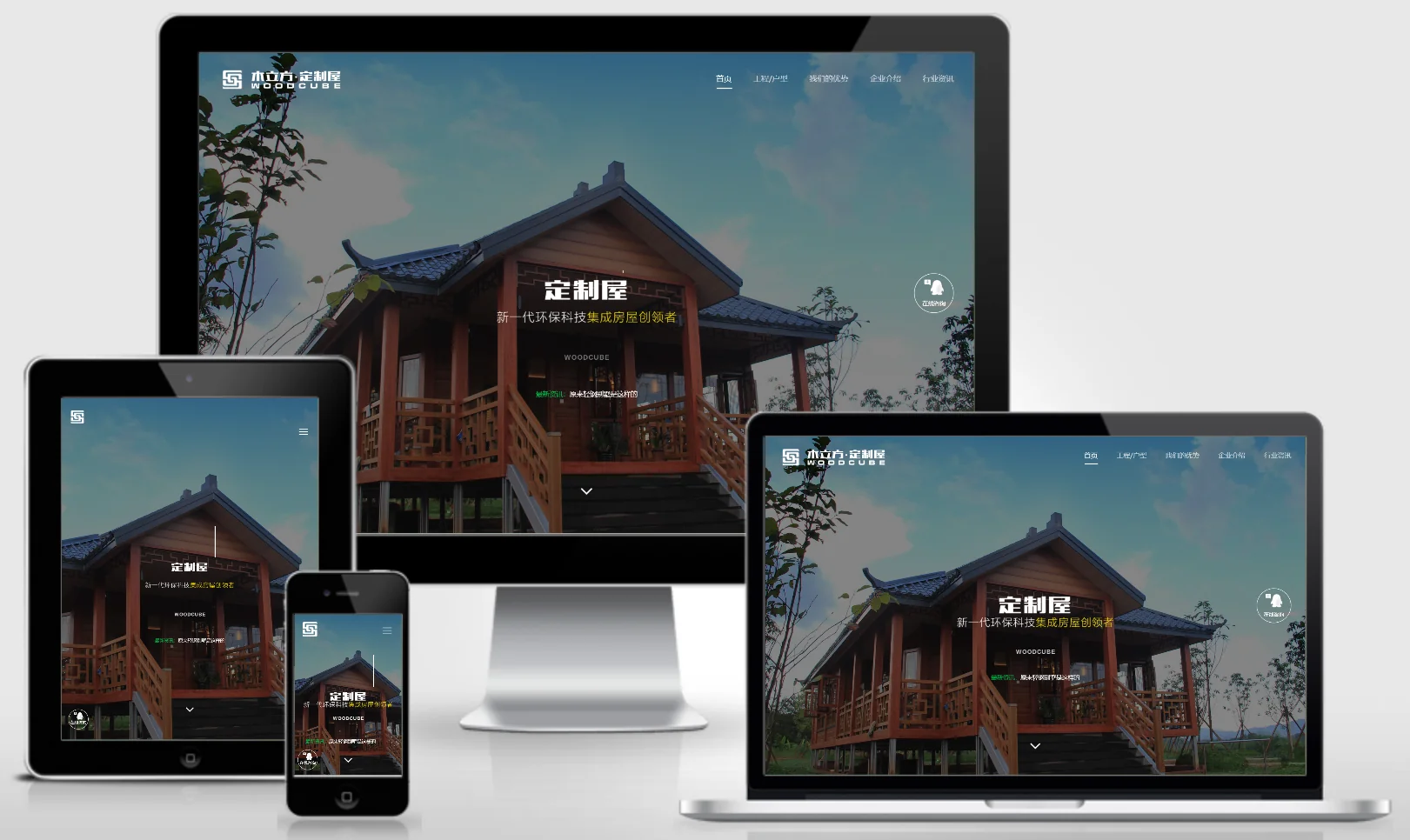
Responsive Construction Technology – Custom Wood Cabin Website Template 0889

Responsive Construction Technology – Custom Wood Cabin Website Template 0889 Practical Collection Yiyou template

An eYouCMS responsive website template designed for the building technology and custom wooden house construction industry. Its modern, eco-friendly design effectively showcases wooden house products, building technologies, custom services, and project cases, helping new construction enterprises demonstrate their commitment to and expertise in green building practices online. Template Overview | Installation Instructions | Website Backend: /login.php | Username: admin | Password: admin | Related Articles: Summary of Common Installation Issues for eYouCMS...
👁 42
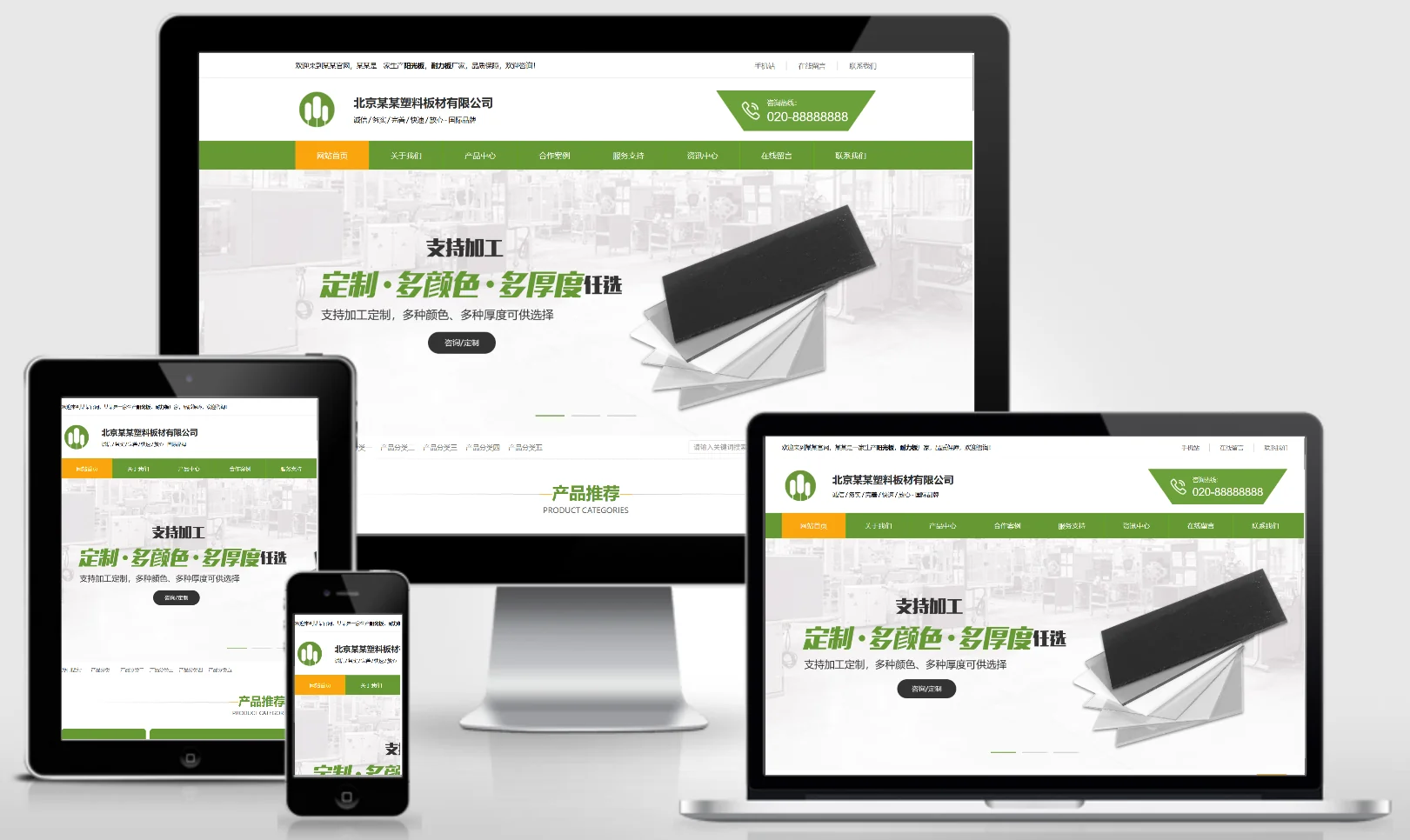
Marketing-oriented plastic sheet purification and environmental protection equipment website template 0092

Marketing-oriented plastic sheet purification and environmental protection equipment website template 0092 Practical Collection Yiyou template

An EyouCMS website template designed for enterprises specializing in marketing-oriented plastic sheet products and environmental purification equipment. Its eco-friendly design is ideal for showcasing plastic sheet products, purification equipment, and technical solutions. This template helps environmental materials companies showcase their products online and attract industrial customers. Template Demo | Installation Instructions | Website Backend: /login.php | Username: admin | Password: admin | Related Articles: Summary of Common Installation Issues for EyouCMS | Eyou...
👁 42