Hongmu Notes
Home Language Notes Python measures picture width and height, interactive measurement script
Language Notes python

Python measures picture width and height, interactive measurement script

Python measures picture width and height, interactive measurement script
import cv2
import numpy as np

image_path = r"C:\Users\18102\Downloads\bg.png"

# 读取图片(保留Alpha通道)
img = cv2.imread(image_path, cv2.IMREAD_UNCHANGED)
if img is None:
    print("无法读取图片,请检查路径")
    exit()

# 分离通道
if img.shape[2] == 4:
    bgr = img[:, :, :3]
    alpha = img[:, :, 3] / 255.0
    # 创建白色背景 (也可以改为 (200,200,200) 浅灰色)
    white_bg = np.full_like(bgr, 255, dtype=np.uint8)
    # 混合:前景*alpha + 背景*(1-alpha)
    blended = (bgr.astype(np.float32) * alpha[:, :, np.newaxis] + 
               white_bg.astype(np.float32) * (1 - alpha[:, :, np.newaxis]))
    display_img = blended.astype(np.uint8)
else:
    display_img = img  # 无透明通道,直接显示

# 可选:显示棋盘格辅助背景(更专业)
# 这里提供棋盘格生成函数,如果需要可注释掉上面的白色,启用下面代码
def create_checkerboard(width, height, square=20, color1=(200,200,200), color2=(255,255,255)):
    board = np.zeros((height, width, 3), dtype=np.uint8)
    for y in range(height):
        for x in range(width):
            if (x // square + y // square) % 2 == 0:
                board[y, x] = color1
            else:
                board[y, x] = color2
    return board

# 如果要用棋盘格背景,取消注释以下4行,并注释掉上面的白色背景代码:
# checker = create_checkerboard(img.shape[1], img.shape[0])
# checker_bgr = checker.astype(np.float32)
# blended = (bgr.astype(np.float32) * alpha[:, :, np.newaxis] + 
#            checker_bgr * (1 - alpha[:, :, np.newaxis]))
# display_img = blended.astype(np.uint8)

clone = display_img.copy()
points = []

def click_event(event, x, y, flags, param):
    if event == cv2.EVENT_LBUTTONDOWN:
        points.append((x, y))
        cv2.circle(clone, (x, y), 5, (0, 0, 255), -1)  # 红色点更醒目
        cv2.putText(clone, f"({x},{y})", (x+10, y-10), cv2.FONT_HERSHEY_SIMPLEX, 0.6, (0,0,255), 2)
        cv2.imshow("Image", clone)
        print(f"已记录点: ({x}, {y})")
        if len(points) == 2:
            x1, y1 = points[0]
            x2, y2 = points[1]
            left = min(x1, x2)
            top = min(y1, y2)
            right = max(x1, x2)
            bottom = max(y1, y2)
            width = right - left
            height = bottom - top
            print("\n========== 测量结果 ==========")
            print(f"左上角: ({left}, {top})")
            print(f"右下角: ({right}, {bottom})")
            print(f"宽度: {width}, 高度: {height}")
            print(f"SCREEN_RECT = ({left}, {top}, {width}, {height})")
            print("================================")
            cv2.destroyAllWindows()

cv2.namedWindow("Image", cv2.WINDOW_NORMAL)  # 可调整窗口大小
cv2.imshow("Image", clone)
cv2.setMouseCallback("Image", click_event)
print("请依次点击图片中屏幕区域的左上角和右下角(点击两下后自动退出)")
cv2.waitKey(0)
cv2.destroyAllWindows()


 

微信赞赏

WeChat

支付宝赞赏

Alipay

✍️ Author: Hong Mu

webmaster · Thanks for reading, stay tuned for more exciting content

Author homepage View home page →

Related articles

Import " requests" could not be resolved from source

Import " requests" could not be resolved from source Language Notes python

This error occurred when using Pylance, a Python language server. Among them, " Import " requests" could not be resolved from source" This error message indicates that the requests module is referenced in your code, but Pylance cannot find the location of the module from the source. The possible reason is that you don't have an …
👁 1771
Reinstall Python and requests libraries

Reinstall Python and requests libraries Language Notes python

If you meet " Import " requests" could not be resolved from source" You can try reinstalling Python and requests libraries. First, you need to uninstall the current Python and requests libraries. On Windows systems, you can use the command prompt …
👁 439
WARNING: Skipping requests as it is not installed.

WARNING: Skipping requests as it is not installed. Language Notes python

This error message indicates that your Python environment lacks the requests library, and this library is called in your code, so Python cannot execute your code normally. The solution to this problem is to install the requests library. You can use the pip command on the command line to install: pip install requests If you are using Python3, you can use the pip3 command …
👁 2100
Python reported an error. What is the reason? AttributeError: partially initialized module ' openai'  has no attribute ' Completion' (most likely due to a circular import)

Python reported an error. What is the reason? AttributeError: partially initialized module ' openai' has no attribute ' Completion' (most likely due to a circular import) Language Notes python

This error prompt indicates that there is a problem when importing the openai module and the specific Completion attribute, which is probably caused by circular import. The reason for this error may be that two or more modules in your code are imported from each other, forming a circular dependency. For example, module A imports module B, and module B imports module A.. Cyclic import will cause the module not to initialize correctly when loading, thus …
👁 656
How does python package and run on Windows?

How does python package and run on Windows? Language Notes python

The most common way to package and run Python programs on Windows is to use PyInstaller. PyInstaller is a free and cross-platform Python application packaging tool, which can package Python code and its dependent libraries into an independent executable file, making it possible to run Python programs on systems without Python interpreters installed. The following is to make …
👁 300
What programming software is good for python development?

What programming software is good for python development? Language Notes python

There are many programming softwares developed by Python. The following are some commonly used Python integrated development environments (IDE) and editors: PyCharmPyCharm is an integrated development environment developed by JetBrains, which is specially designed for Python developers. PyCharm is powerful and provides a series of advanced functions such as code completion, debugging, version control, code refactoring, etc., which can help developers improve their work …
👁 175

Recommended reading

Responsive outdoor gear and sports equipment website template – 0981

Responsive outdoor gear and sports equipment website template – 0981 Practical Collection Yiyou template

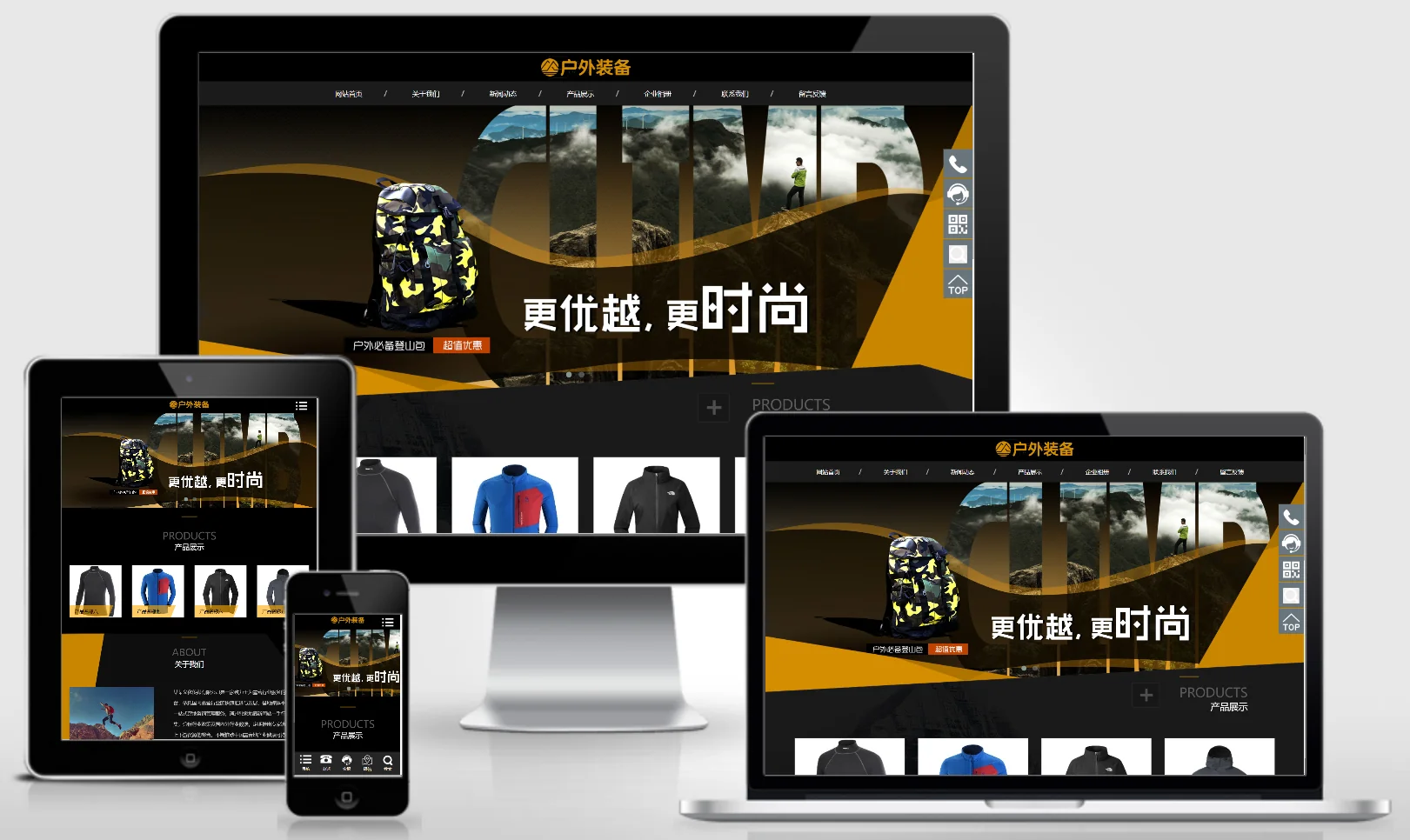
This EyouCMS responsive template is ideal for the outdoor and sports equipment industries. Its dynamic outdoor design style is perfect for showcasing outdoor gear products, sports goods, brand stories, and sports solutions. It helps outdoor sports brands showcase their products online and attract sports enthusiasts. Template Demo | Installation Instructions | Website Backend: /login.php | Username: admin | Password: admin | Related Articles: Summary of Common Installation Issues for EyouCMS...
👁 48
Treadmill Fitness Equipment Website Template 0390

Treadmill Fitness Equipment Website Template 0390 Practical Collection Yiyou template

An eYouCMS website template designed for the treadmill, fitness equipment, and general machinery industries. Its vibrant and healthy design style is ideal for showcasing fitness equipment products, treadmill ranges, workout plans, and brand imagery. This template helps fitness equipment brands showcase their products online and attract both gym members and home users. Template Overview | Installation Instructions | Website Backend: /login.php | Username: admin | Password: admin | Related Articles: EasyYouCMS Installation Guide...
👁 33
(Adaptive Mobile Version) High-end Corporate Group Website Template – 0993

(Adaptive Mobile Version) High-end Corporate Group Website Template – 0993 Practical Collection pbootcms Template

A premium, sophisticated PbootCMS website template designed for both PC and WAP devices. Featuring a modern, high-end design and comprehensive functional modules, this template is ideal for large corporate groups to showcase their brand strength and business segments. Template Overview | Installation Instructions | Website Backend: /admin.php | Username: admin | Password: admin | Extraction Password: www.4s5.cn | Related Articles: Complete PbootCMS Security and Maintenance Guide...
👁 41
(Adaptive Mobile Version) Brown Furniture Interior Design PBootCMS Website Template – Download Responsive Furniture & Building Materials Website Source Code – 0437

(Adaptive Mobile Version) Brown Furniture Interior Design PBootCMS Website Template – Download Responsive Furniture & Building Materials Website Source Code – 0437 Practical Collection pbootcms Template

This set includes an adaptive mobile-friendly brown furniture decoration and building materials PbootCMS responsive website template. The design features a warm, wooden aesthetic, making it ideal for showcasing furniture products, interior design projects, or building materials trade opportunities. It helps furniture and building materials enterprises showcase their brands online and attract both renovation companies and consumers. Template Preview | Installation Instructions | Website Backend: /admin.php | Username: admin | Password: admin | Extraction Password: www.4s5.cn...
👁 47
Responsive premium watch and luggage website template – 0982

Responsive premium watch and luggage website template – 0982 Practical Collection Yiyou template

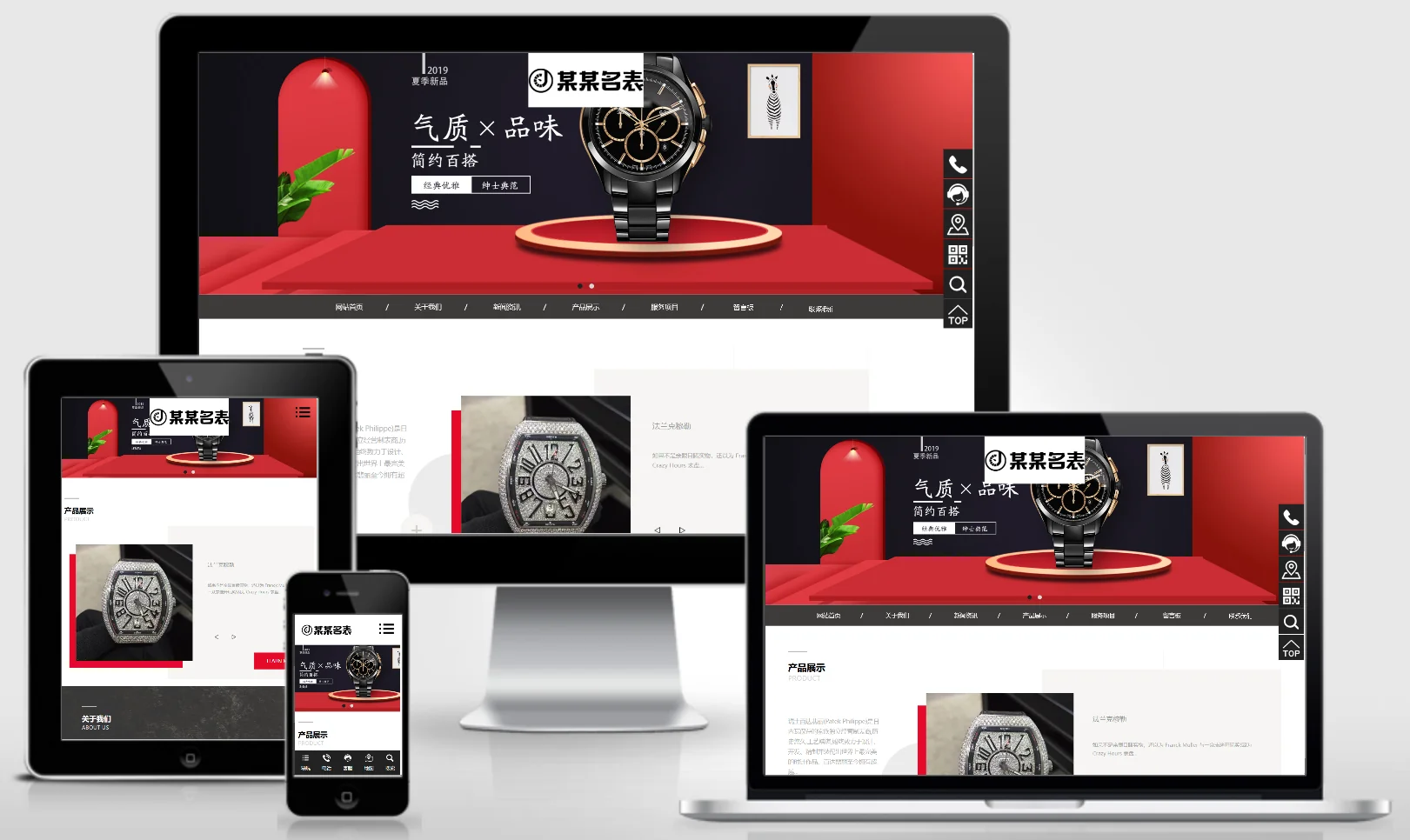
An eYouCMS responsive website template designed for the premium watch and luggage industry. Its sophisticated and trendy design is ideal for showcasing watch products, luggage collections, brand stories, and customisation services. This template helps luxury brands present their products online and attract high-net-worth customers. Template Demo | Installation Instructions | Website Backend: /login.php | Username: admin | Password: admin | Related Articles: Summary of Common Installation Issues for eYouCMS | eYouCMS...
👁 31