Hongmu Notes
Home Summary of pitfalls How can I download files from my private storage using Qiniu Cloud Object Storage with PHP?
Summary of pitfalls

How can I download files from my private storage using Qiniu Cloud Object Storage with PHP?

How can I download files from my private storage using Qiniu Cloud Object Storage with PHP?

To download a file from a private space in Qiniu Cloud Object Storage, you first need to obtain the download link for that file. You can follow these steps to do so:

  1. Get a private space download domain name

In the Qiniu Cloud backend, select the appropriate storage space, then navigate to the "Domain Name Settings" page and locate the download domain name for your private space (e.g.:http(s)://<domain>), note down this address for future reference.

  1. Generate download link

Use the `Auth` class from the Qiniu Cloud PHP SDK to generate a temporary download link based on parameters such as the expiration time of the download link and the file name. The example code is as follows:

require 'vendor/autoload.php';

use Qiniu\Auth;
use Qiniu\Storage\BucketManager;

$accessKey = '<AccessKey>';
$secretKey = '<SecretKey>';
$bucket = '<BucketName>';

// 初始化签权对象
$auth = new Auth($accessKey, $secretKey);

// 下载链接有效期为1小时
$expires = 3600;

// 文件名
$key = 'test.jpg';

// 生成私有空间文件的下载链接
$baseUrl = 'http(s)://<Domain>/<Path>';
$downloadUrl = $auth->privateDownloadUrl($baseUrl, $expires);

among,`baseUrl` is the access URL for files in a private space, i.e.http(s)://<Domain>/<Path>/<FileName>`Expires` specifies the validity period of the download link (in seconds); `$downloadUrl` is the generated download link.

  1. Use the download link to download the file.

Simply use the generated download link $downloadUrl to download the file via your web browser or a download utility.

Please note that the file download link for a private space can only be accessed once and has an expiration date. If you need to access the file multiple times, you can use the persistent storage feature in Qiniu Cloud Object Storage to migrate the file to a public space and generate a permanent link for that public space.


微信赞赏

WeChat

支付宝赞赏

Alipay

✍️ Author: Hong Mu

webmaster · Thanks for reading, stay tuned for more exciting content

Author homepage View home page →

Related articles

How to upload files using Qiniu Cloud Object Storage with PHP? How to compress images during file upload?

How to upload files using Qiniu Cloud Object Storage with PHP? How to compress images during file upload? Summary of pitfalls

Recently, I came across an image-sharing platform and, out of necessity, decided to use Object Storage. After reviewing the official documentation, I finally managed to implement the functionality I needed – so, here's a summary! How do you upload files to Qiniu Cloud Object Storage? First, include the official SDK file in your project. Then, in PHP, simply write the code; due to the confidentiality requirements of my business, I will only share the code for the file-upload portion! <?php require'./vendor/a...
👁 173
Qiniu Cloud Object Storage enables simple PHP file uploads.

Qiniu Cloud Object Storage enables simple PHP file uploads. Summary of pitfalls

Qiniu Cloud Object Storage supports simple file uploads; the official documentation also provides upload code examples. The following code can be used to test file uploads—simply replace the placeholders with your own access key and storage bucket name. <?php require 'vendor/autoload.php'; use Qiniu\Auth; // Import the upload class use Qiniu\Storage\Uploa...
👁 193
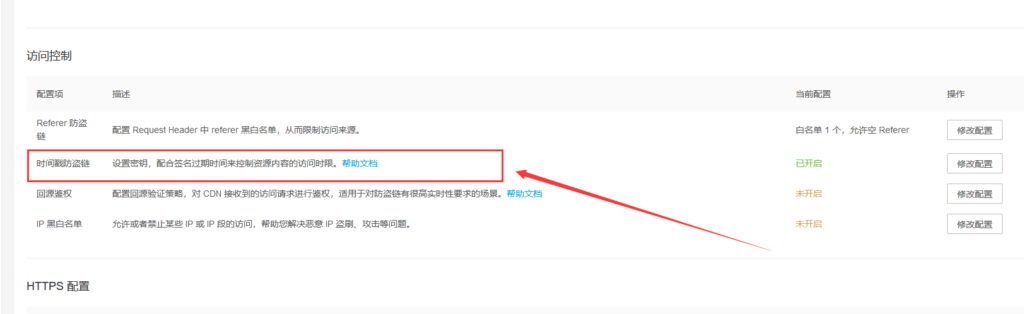
After enabling the Private Space feature in Qiniu Cloud Object Storage and subsequently activating the Timestamp-based Anti-Link Hijacking feature, how can you retrieve a download link using PHP?

After enabling the Private Space feature in Qiniu Cloud Object Storage and subsequently activating the Timestamp-based Anti-Link Hijacking feature, how can you retrieve a download link using PHP? Summary of pitfalls

This tool is really handy! After enabling the private space feature in Qiniu Cloud Object Storage, the timestamp-based防盗 linking feature was also activated. How can you obtain a download link? When the timestamp verification feature is enabled for your Qiniu Cloud Object Storage private space, you need to include a timestamp parameter when generating a temporary download link. Here are the specific steps: To obtain the download domain name for your private space: In the Qiniu Cloud backend, select the corresponding storage space, navigate to the "Domain Name Settings" page, and locate the section for the private space...
👁 212
Qiniu Cloud – Are there any ways to prevent unauthorized transactions on my object storage account?

Qiniu Cloud – Are there any ways to prevent unauthorized transactions on my object storage account? Summary of pitfalls

The CDN supports various防盗链配置 options; different防盗链 mechanisms are suitable for different application scenarios. It is recommended to configure the following in the "CDN> Domain Name Management> Configuration> Access Control" section: 1. Referer-based防盗链: Only HTTP requests that include the corresponding Referer HTTP header can access the resource. However, from a technical perspective, the Referer header can be forged...
👁 375
What does "CDN return traffic" mean?

What does "CDN return traffic" mean? Summary of pitfalls

CDN origin traffic refers to the data transfer volume that occurs when a user requests content hosted on a CDN node; if the requested content is not cached at that node or if the cached content has expired, the CDN will send a request to the origin server to retrieve the original content, then transmit that content back to the CDN node over the network, and finally deliver it to the user. The amount of data transferred during this process is known as origin traffic. The primary purpose of a CDN is to cache content at nodes located as close as possible to the end users...
👁 342
What does outbound traffic to the external network mean in Object Storage?

What does outbound traffic to the external network mean in Object Storage? Summary of pitfalls

In object storage, external outbound traffic refers to the volume of data transmitted from the data center within the object storage service to the public internet. External outbound traffic is generated whenever a user downloads or accesses an object stored in the object storage service. The calculation of external outbound traffic is typically based on the total amount of data transferred, measured in bytes. This includes the amount of data transmitted to users over protocols such as HTTP, HTTPS, FTP, and others. The generation of external outbound traffic is primarily...
👁 476

Recommended reading

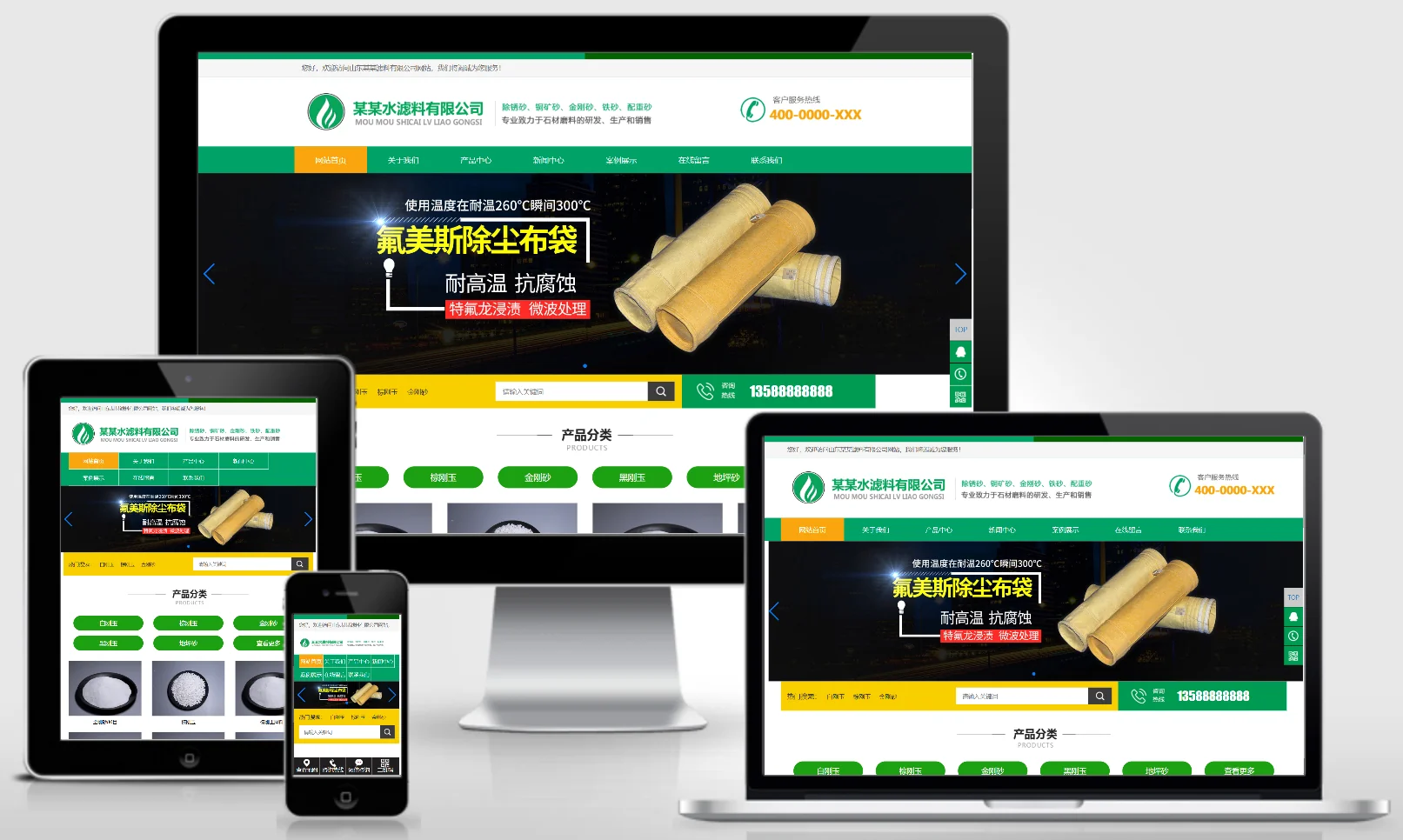
(Adaptive Mobile Version) Green HTML5 minimalist and stylish filter material-based PBootCMS corporate template – Download filter material and stone website source code: 0756

(Adaptive Mobile Version) Green HTML5 minimalist and stylish filter material-based PBootCMS corporate template – Download filter material and stone website source code: 0756 Practical Collection pbootcms Template

A green, minimalist, and stylish PbootCMS corporate template for filter media and stone filtration applications, compatible with both PC and WAP devices. Its fresh, natural design is ideal for showcasing filter materials, stone products, and industrial applications. This template helps environmental materials companies showcase their products online and attract clients in the water treatment and construction sectors. Template Display | Installation Instructions | Website Backend: /admin.php | Username: admin | Password: admin | Extraction Password: www.4s5....
👁 57
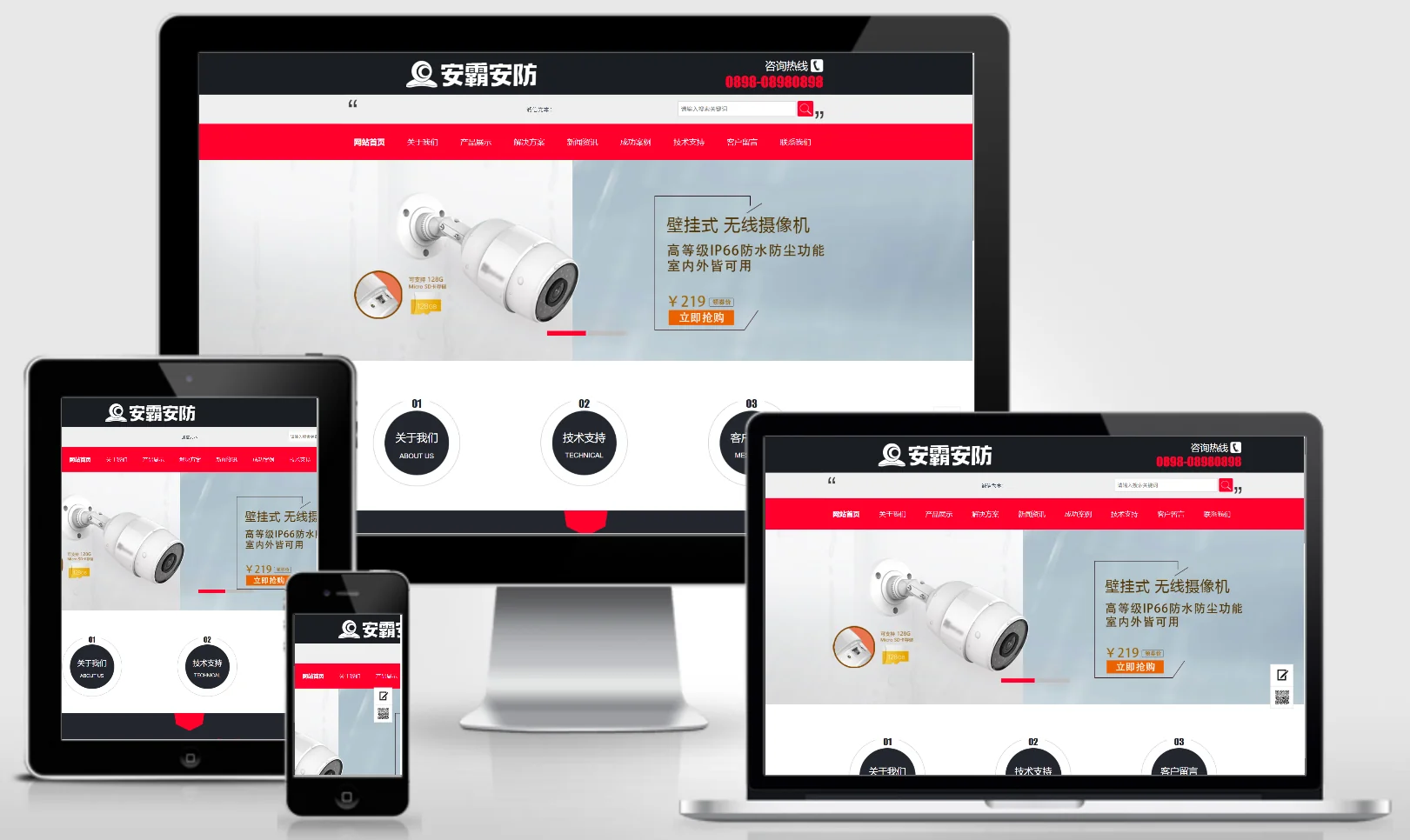
Home monitoring and security system corporate website template 0230

Home monitoring and security system corporate website template 0230 Practical Collection Yiyou template

An eyoucms website template for home monitoring and security system companies. The design style is technological and safe, and can display monitoring equipment, security systems, solutions and engineering cases. It helps security technology companies display their products online and attract home and business customers. Template display Installation instructions Website backend: /login.php Account: admin Password: admin Related articles Summary of common problems in Yiyou CMS installation Yi...
👁 42
Home Furnishings & Sofas Website Template 0900

Home Furnishings & Sofas Website Template 0900 Practical Collection Yiyou template

This EyouCMS template is ideal for the home furnishings, furniture, and sofa industries. Its modern and comfortable design style is perfect for showcasing furniture products, sofa collections, home decor combinations, and brand stories. It helps furniture brands present their products online and attract household consumers. Template Preview | Installation Instructions | Website Backend: /login.php | Username: admin | Password: admin | Related Articles: Summary of Common Installation Issues for EyouCMS | EyouCMS (E...
👁 51
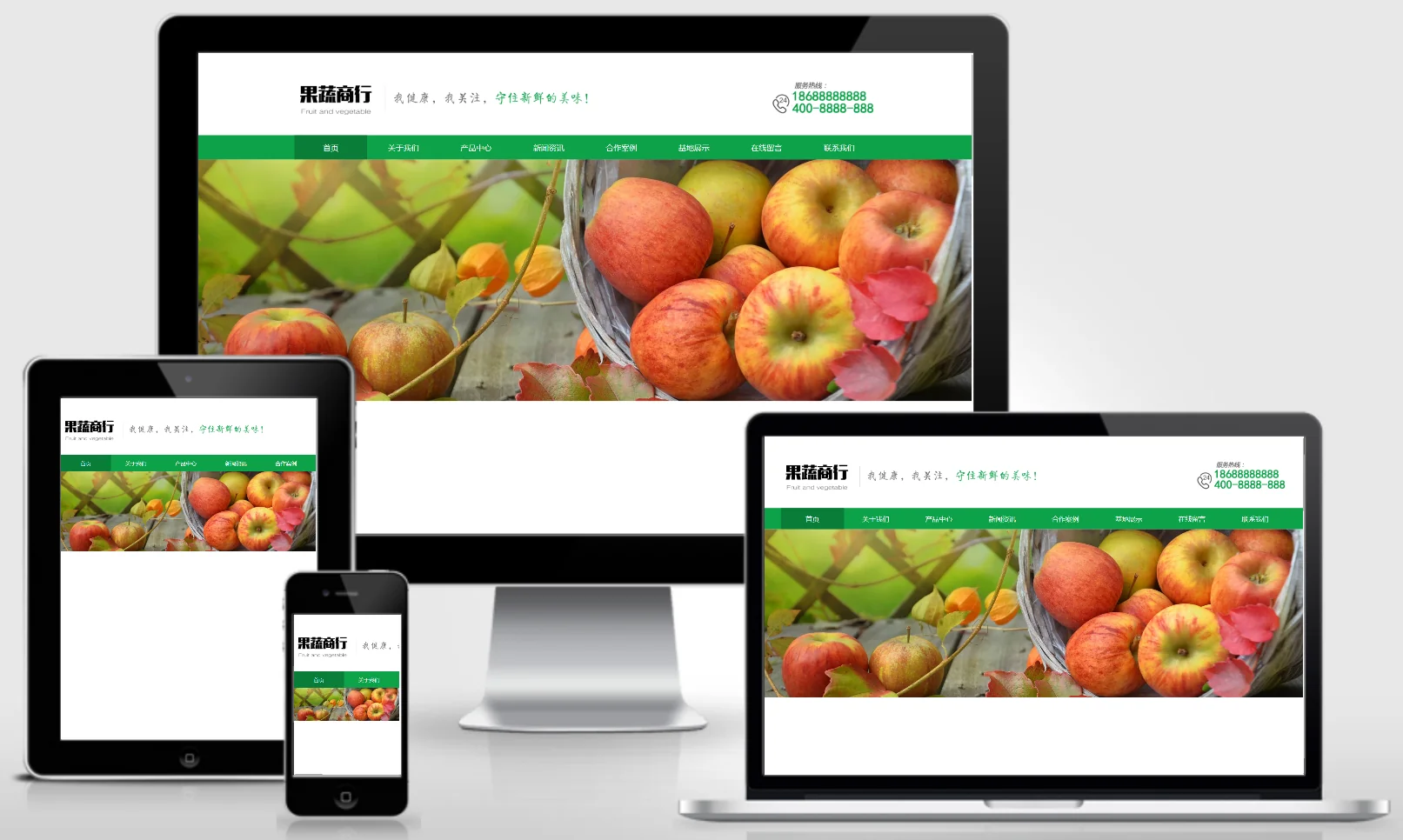
(PC + WAP) Vegetable and Fruit Delivery Website – PBootCMS Template; Vegetable and Fruit Production Base Website Source Code Download – 0116

(PC + WAP) Vegetable and Fruit Delivery Website – PBootCMS Template; Vegetable and Fruit Production Base Website Source Code Download – 0116 Practical Collection pbootcms Template

A PbootCMS website template designed for vegetable and fruit distribution services as well as agricultural production bases, supporting access on both PC and WAP devices. Its fresh, green design effectively showcases the freshness of agricultural products and the quality of delivery services. The template includes built-in product display and ordering consultation modules, helping agricultural cooperatives or fresh produce distribution companies expand their online business. Template Display | Installation Instructions | Website Backend: /admin.php | Username: admin | Password: admin...
👁 49
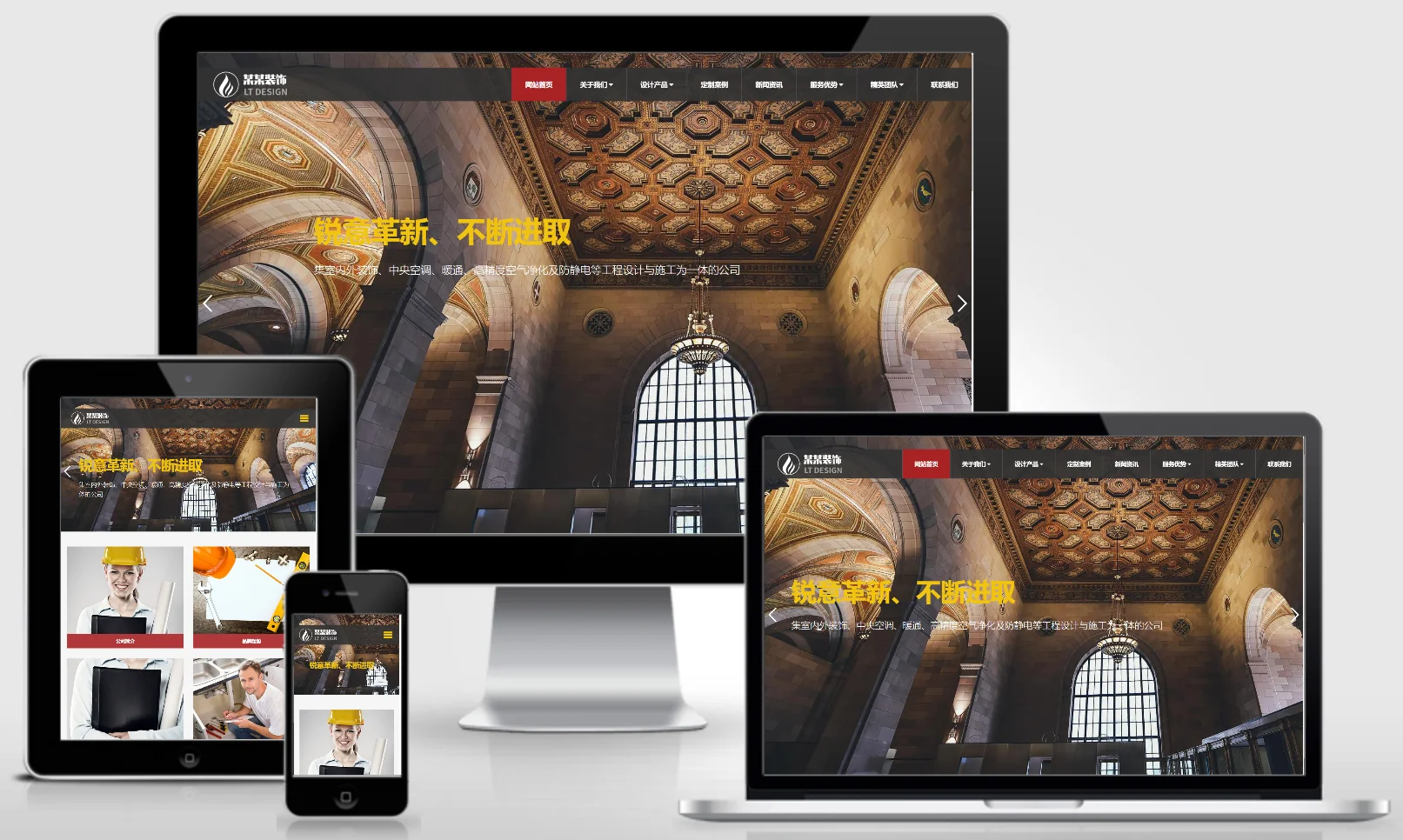
(Adaptive mobile version) Responsive decorative engineering website template – PBootCMS; Download HTML5 source code for a decoration company website – 0757

(Adaptive mobile version) Responsive decorative engineering website template – PBootCMS; Download HTML5 source code for a decoration company website – 0757 Practical Collection pbootcms Template

A responsive PbootCMS website template designed for decoration and renovation companies, compatible with both PC and WAP devices. Its modern and professional design is ideal for showcasing decoration project examples, construction expertise, and design concepts. This template helps renovation companies attract clients online and secure new projects. Template Preview | Installation Instructions | Website Backend: /admin.php | Username: admin | Password: admin | Extraction Password: www.4s5.cn | Related Articles...
👁 48