Hongmu Notes
Home Program Notes After clicking to submit the form in Empire CMS, use js to combine the URL and redirect it
Program Notes Empire cms Language Notes JavaScript

After clicking to submit the form in Empire CMS, use js to combine the URL and redirect it

After clicking to submit the form in Empire CMS, use js to combine the URL and redirect it

Often, search engine-generated links are excessively long and contain numerous query parameters; we therefore wish to implement pseudo-static URL rewriting while ensuring these links remain accessible for subsequent visits. Original HTML code:

 隐藏内容:登录后可查看
<form class="form-search" id="q-form" method="get">
                <div class="input-append" id="q-input">
                    <input type="text" class="span6 search-query" name="q" title="输入任意关键词皆可搜索"
                           value="">
                    <button type="submit" class="btn">搜索</button>
                </div>
            </form>

我们修改为:
<form class="form-search" id="q-form" method="get">
  <div class="input-append" id="q-input">
    <input type="text" class="span6 search-query" name="q" title="输入任意关键词皆可搜索"
           value="" onkeypress="return handleKeyPress(event)">
    <button type="button" class="btn" onclick="submitForm()">搜索</button>
  </div>
</form>

<script>
function handleKeyPress(event) {
  if (event.keyCode === 13) { // 13是回车键的键码
    event.preventDefault(); // 阻止默认行为
    submitForm(); // 调用submitForm()方法处理表单提交
  }
}

function submitForm() {
  // 获取输入框的值
  var query = document.getElementById("q-input").querySelector("input[name='q']").value;
  
  // 组合URL
  var url = "/moreSearch/" + encodeURIComponent(query) + ".html";
  
  // 重定向到URL
  window.location.href = url;
}
</script>


将提交按钮的type属性设置为button,这样它就不会提交表单。然后使用JavaScript来获取输入框的值,并将它们组合成一个URL。最后,使用JavaScript中的window.location.href将页面重定向到新的URL。 如果用户在输入框中按下回车键,它会默认触发表单的提交行为,为了避免这种情况,可以使用JavaScript来截取回车事件,并阻止默认行为。
微信赞赏

WeChat

支付宝赞赏

Alipay

✍️ Author: Hong Mu

webmaster · Thanks for reading, stay tuned for more exciting content

Author homepage View home page →

Related articles

EmpireCMS uses PHP to directly submit data for updating articles.

EmpireCMS uses PHP to directly submit data for updating articles. Program Notes Empire cms Language Notes PHP

Submitted code: While having some free time, I took the time to thoroughly study the Train Engine module and integrate it with Empire CMS, resulting in the following code. Experienced PHP developers are welcome to modify this code; however, this is merely a simple submission script – the data must be configured manually! <?php $url = "http://www.4s5.cn/e/admin/123.php"; // Replace this with the actual URL where the data should be received...
👁 386
Empire CMS database statement & SQL statement format

Empire CMS database statement & SQL statement format Program Notes Empire cms

Introduction to Imperial CMS extended SQL program writing, basic examples of Imperial CMS database statements & SQL statement formats: Note: The following examples are based on placing PHP files in the system root directory. Example 1: Connect to MYSQL program. (a.php)<?php require('e/class/connect.php'); //Introduce database configuration files and public function files requ…
👁 351
Empire CMS obtains the system COOKIE variable function getcvar()

Empire CMS obtains the system COOKIE variable function getcvar() Program Notes Empire cms

Get the system COOKIE variable function syntax: getcvar($var,$ecms) Description: $var: is the variable name $ecms: 0 is to set the foreground COOKIE variable, 1 is to set the background COOKIE variable. This parameter can be omitted and defaults to 0. Usage example: getcvar('mlusername'), get the user name of the front-end login member getcvar('loginu...
👁 295
Empire CMS smart label call field collection

Empire CMS smart label call field collection Program Notes Empire cms

Collect and classify all fields that support smart tag calls into Empire CMS smart tags: [e:loop={column ID/topic ID, number of items displayed, operation type, only display pictures with titles, additional SQL conditions, display sorting}] Template code content [/e:loop] Calling time: <?=date('m-d',$bqr[newstime])?> <?=dat…
👁 3749

Recommended reading

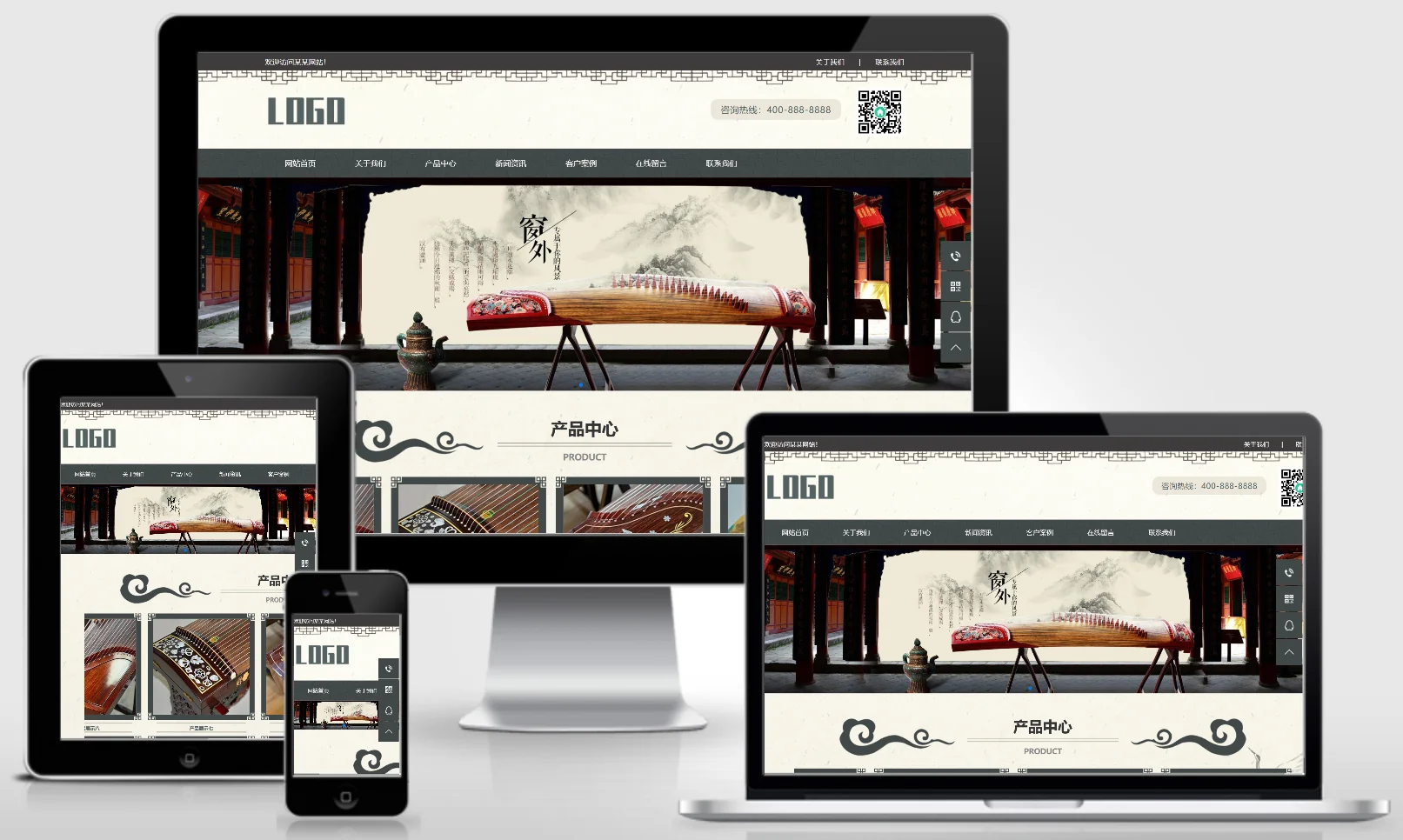
(PC+WAP) Guzheng Art Training Website – pbootCMS Template; Ink-Wash Classical Style Website Template – 1039

(PC+WAP) Guzheng Art Training Website – pbootCMS Template; Ink-Wash Classical Style Website Template – 1039 Practical Collection pbootcms Template

A Guzheng art training platform and ink-wash classical style PbootCMS website template, compatible with both PC and WAP devices. Featuring a classical and elegant design, this template is ideal for guzheng training institutions and art schools to showcase their courses and faculty. It helps art education organizations attract students online and enhance their brand image. Template Demo | Installation Instructions | Website Backend: /admin.php | Username: admin | Password: admin | Extraction Password: www.4s5.c...
👁 39
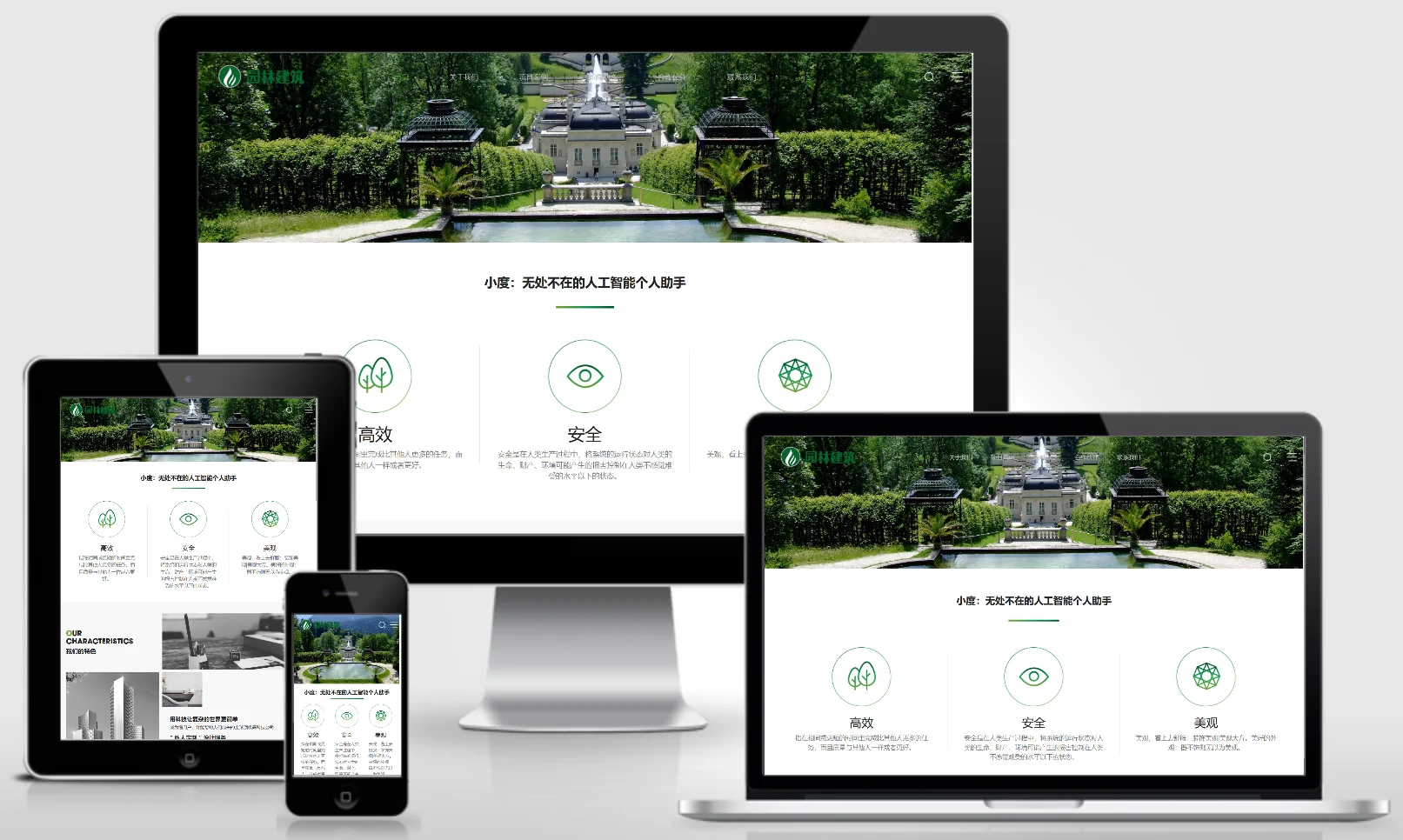
(Adaptive mobile version) PBootCMS template for landscape architecture websites; Download source code for landscape architecture design websites – 0331

(Adaptive mobile version) PBootCMS template for landscape architecture websites; Download source code for landscape architecture design websites – 0331 Practical Collection pbootcms Template

An adaptive mobile-friendly PbootCMS website template for landscape architecture and garden design projects. Featuring a natural and artistic design style, this template is ideal for showcasing landscape design works, garden engineering projects, and plant arrangement schemes. It enables landscape design firms to present their projects online, effectively attracting property owners and developers. Template Demo | Installation Instructions | Website Backend: /admin.php | Username: admin | Password: admin | Extraction Password: www.4s5.cn...
👁 47
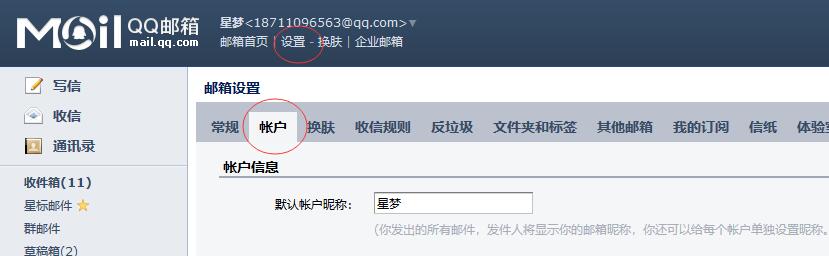
pbootcms configuration message sent to QQ mailbox tutorial

pbootcms configuration message sent to QQ mailbox tutorial Program Notes PbootCms

1. Log in to your QQ Mail account, then navigate to Settings> Account; 2. Scroll down to find "SMTP Service Settings"; since we are sending emails, either option (the first or the second) is acceptable – both options support SMTP service – select the first option and click "Enable"; 3. For security verification, select "Send SMS" – follow the on-screen instructions to send a SMS from your mobile device; once completed, click "I've Sent"; 4. Remember the authorization code below and copy it to your clipboard...
👁 161
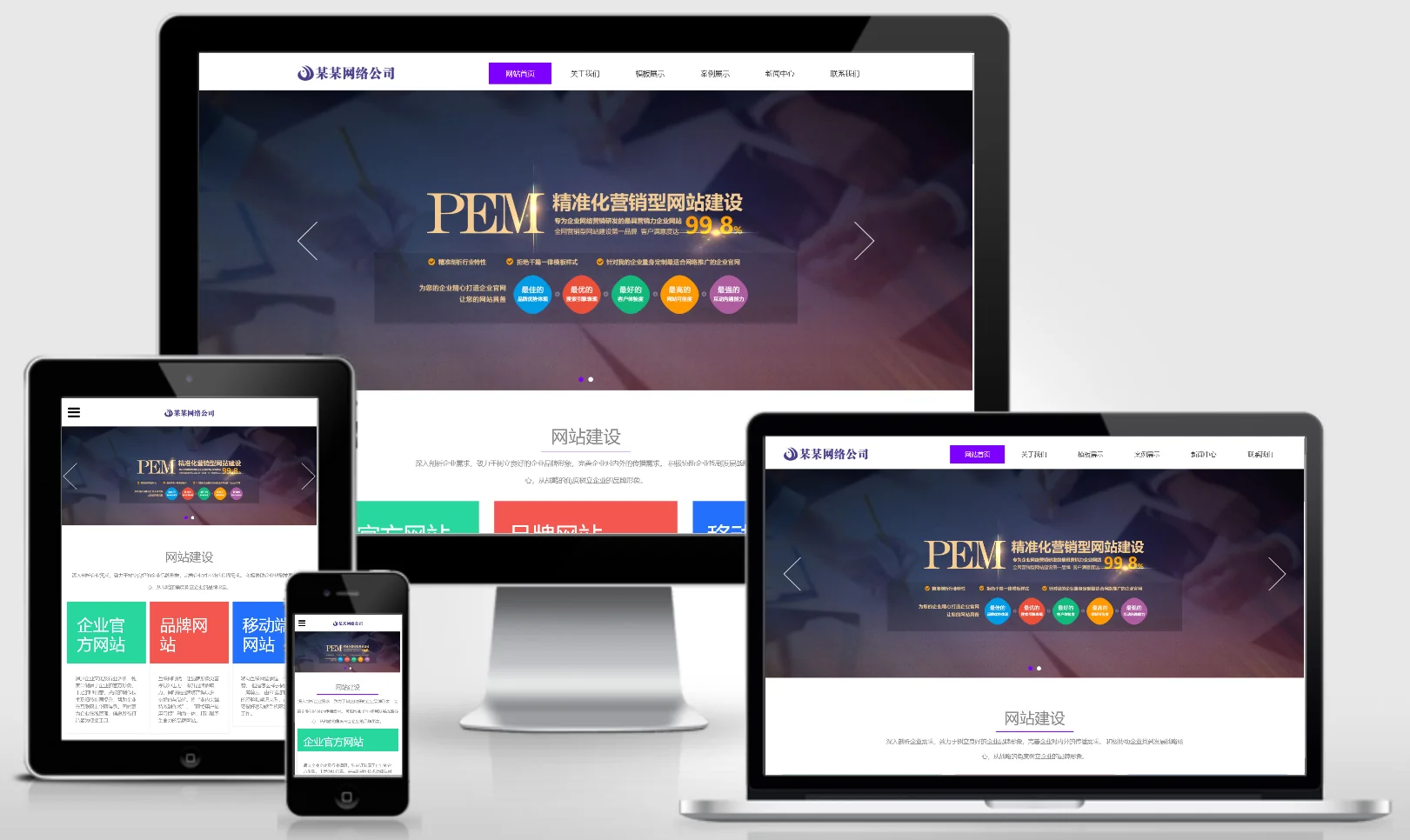
Responsive web development company website templates – 0593

Responsive web development company website templates – 0593 Practical Collection Yiyou template

This EyouCMS responsive template is ideal for web development agencies, featuring a modern, tech-driven design that effectively showcases project examples, technical services, solutions, and customer testimonials. It helps web development firms attract business clients seeking website development services online and enhances their brand visibility. Template Display | Installation Instructions | Website Backend: /login.php | Username: admin | Password: admin | Related Articles: Common Installation Questions for EyouCMS...
👁 41
(Adaptive Mobile Version) Website Publishing Page – pbootCMS Website Template (1040)

(Adaptive Mobile Version) Website Publishing Page – pbootCMS Website Template (1040) Practical Collection pbootcms Template

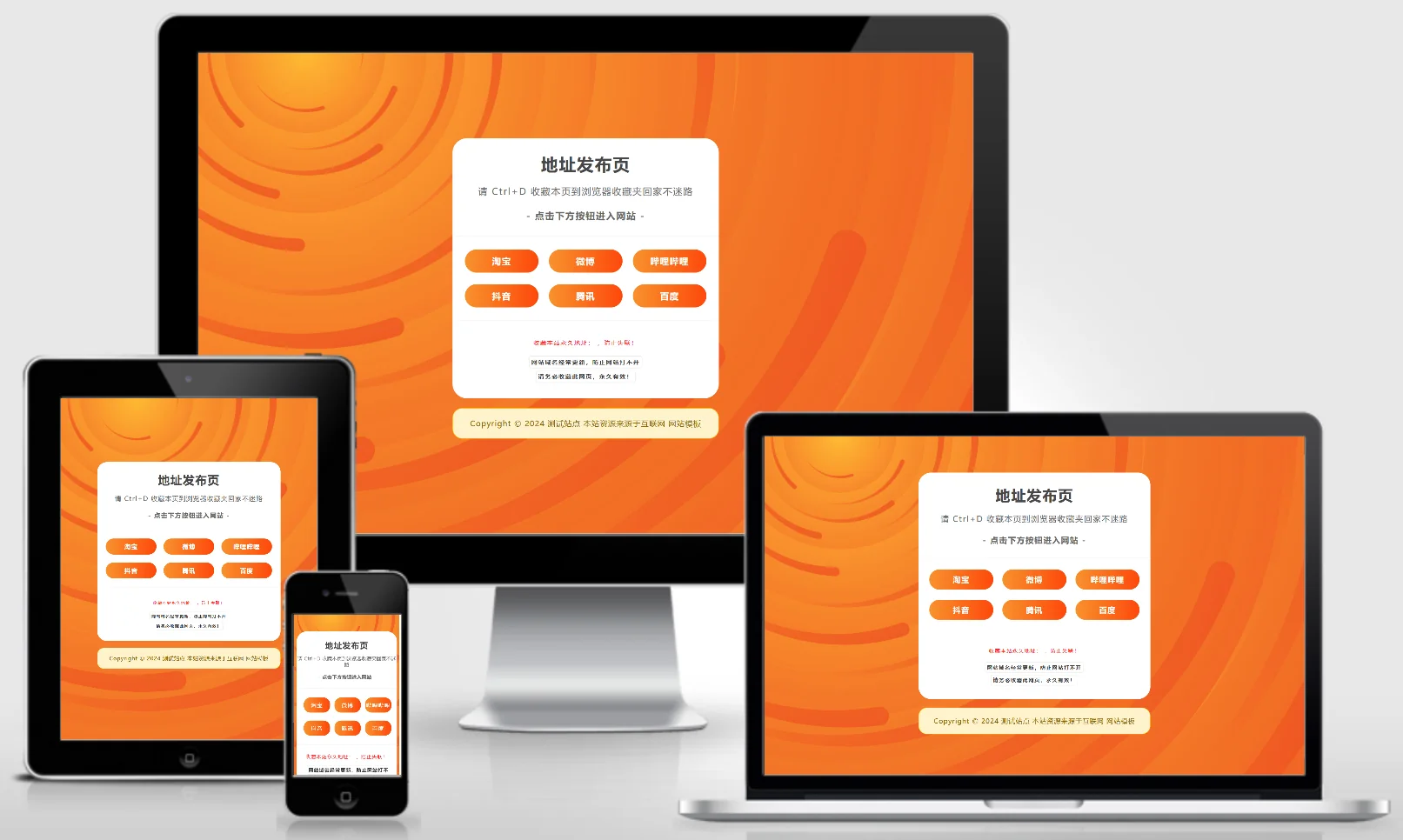
A PbootCMS website template designed for publishing URLs, compatible with both PC and WAP devices. Its clean and practical design makes it ideal for personal or corporate URL navigation and information publishing pages, facilitating the quick sharing and display of important links and information. Template Preview | Installation Instructions | Website Backend: /admin.php | Username: admin | Password: admin | Extraction Password: www.4s5.cn | Related Articles: PbootCMS...
👁 54