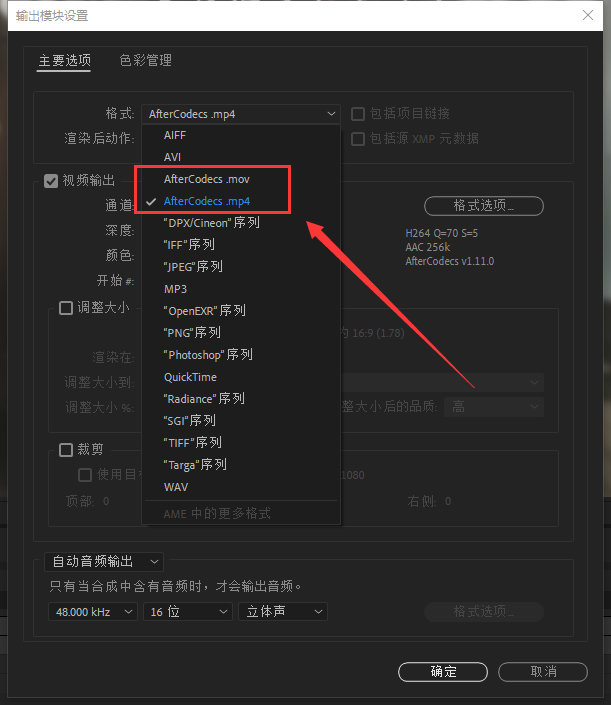
This is a warning message that usually appears when using developer tools or certain applications to alert you that there are large groups of items in the navigation panel, which may affect the performance of the navigation panel.
In large project groups, the navigation panel needs to load and render large amounts of data, which can slow down performance and cause lag or stuttering. To avoid this, it is recommended to disable item groups or use other methods to group navigation panels.
Here are some tips that may help improve navigation panel performance:
- Disable project group
Most developer tools provide a way to disable project groups in the navigation panel. By disabling item groups, the navigation panel will render all items in a flat manner, which will greatly reduce the amount of data loaded and rendered, thus improving performance.
- Use smaller project groups
If you must use item groups, try using smaller item groups. By breaking the item groups in the navigation panel into smaller pieces, you can reduce the amount of data in each item group, thereby improving performance.
- Lazy loading
Lazy loading is a lazy loading technique used to load and render items in a navigation panel when needed. With lazy loading, the required items are loaded and rendered only when the user opens the navigation panel and scrolls to them, reducing the amount of data loaded and rendered, thereby improving performance.
In summary, it is recommended to disable item groups or use other methods to group navigation panels to improve navigation panel performance and responsiveness.