Hongmu Notes
Home Language Notes How can I write a jQuery condition that stops code execution if the value is empty?
Language Notes JavaScript

How can I write a jQuery condition that stops code execution if the value is empty?

How can I write a jQuery condition that stops code execution if the value is empty?

You can use the conditional statement if to make a judgment. If the value of a variable or expression is empty, use the return keyword to terminate the execution of the function, for example:

function myFunction() {
var myVar = $('#myInput').val();
if (!myVar) { // 如果 myVar 的值为空,使用 ! 进行判断
return; // 终止函数的执行
}
// 如果 myVar 不为空,继续执行下面的代码
console.log('myVar is not empty');
}

In this example, if the value of myVar is empty, the return keyword will terminate the execution of the function and the subsequent code will not be executed, otherwise a message will be output.


微信赞赏

WeChat

支付宝赞赏

Alipay

✍️ Author: Hong Mu

webmaster · Thanks for reading, stay tuned for more exciting content

Author homepage View home page →

Related articles

js move the mouse up to modify the style attribute

js move the mouse up to modify the style attribute Language Notes JavaScript

When the mouse hovers over the element, the color changes to red; when the mouse leaves the element, the color changes to black. To retrieve an element by its ID: `document.getElementById()`; Event handler for mouse hover: `onmouseover`; Event handler for mouse leave: `onmouseout`.<!DOCTYPE html><html lang= "en">...
👁 130

Recommended reading

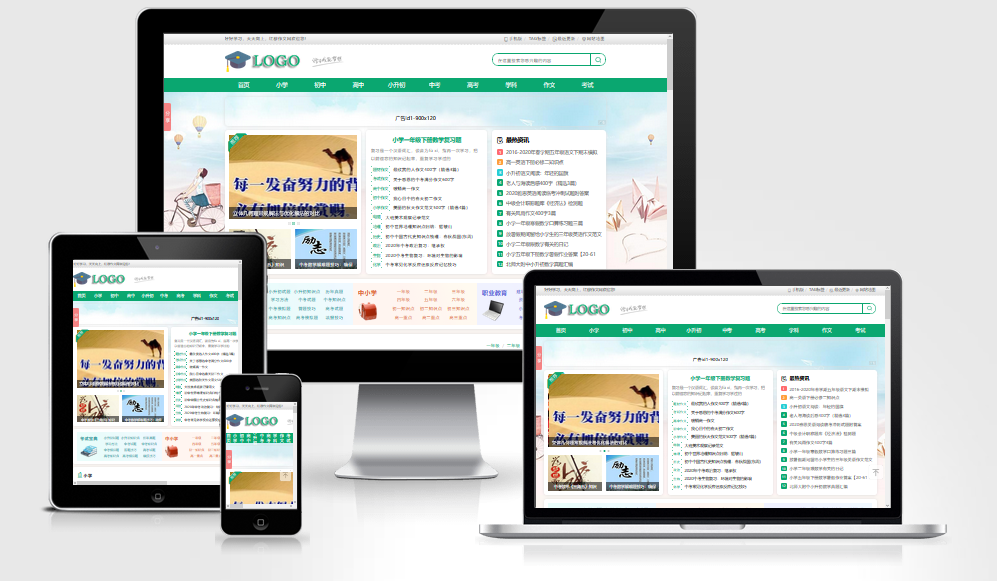
Empire CMS – Literary Essay Template (WAP + PC Dual-Platform Adaptive Template) 037

Empire CMS – Literary Essay Template (WAP + PC Dual-Platform Adaptive Template) 037 Practical Collection empire template

A beautifully designed and highly user-friendly Empire template – perfect for literary websites! Available for both PC and mobile devices; the backend includes a dual-device synchronization plugin! Several backend issues have been fixed! Preview image: Extraction password 🔒 – Hide content: View after commenting. If no password prompt appears on the download page, the default password is: www.4s5.cn
👁 389
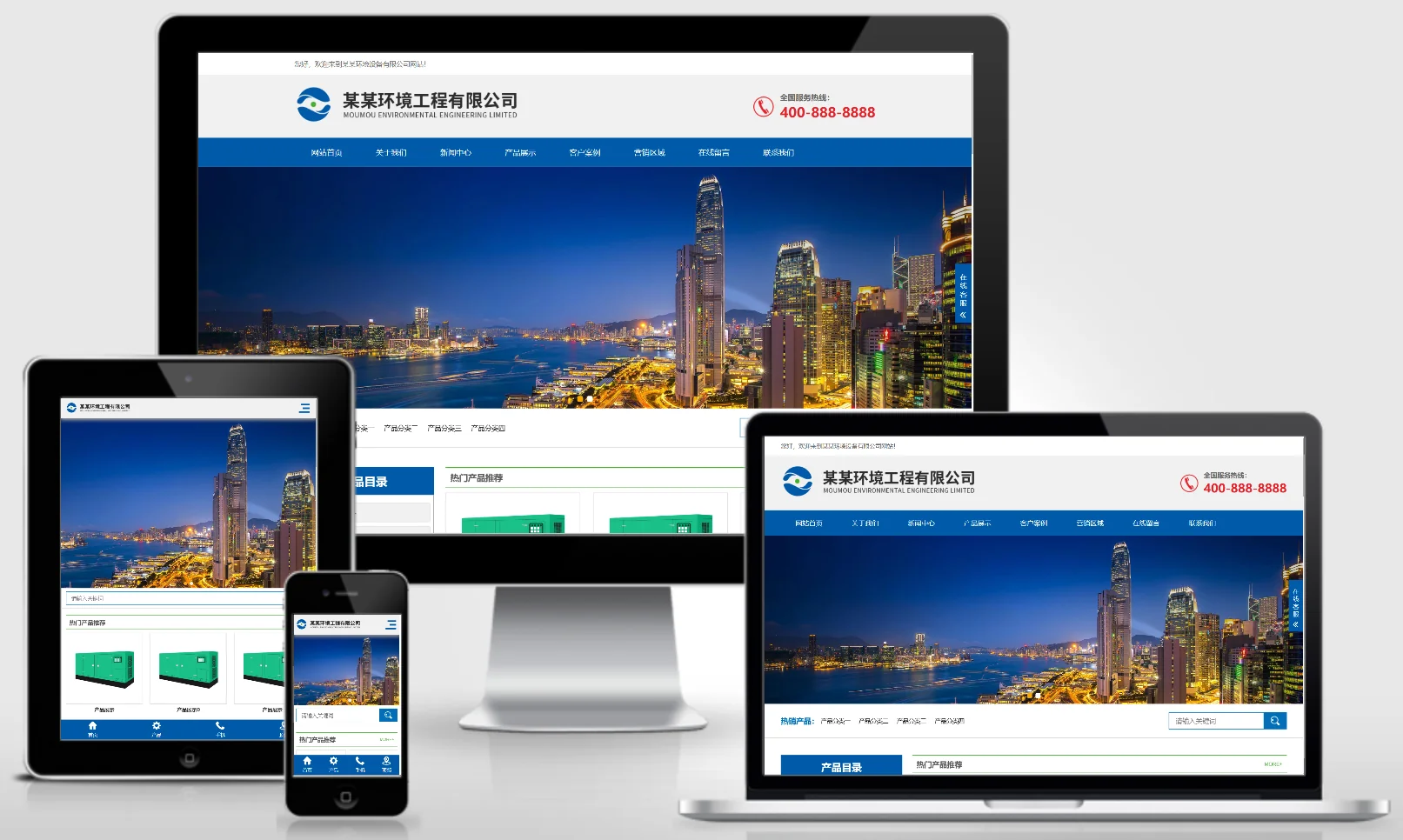
(Adaptive mobile version) Blue responsive environmental engineering equipment PBootCMS website template – Download HTML5 environmental equipment website source code – 0402

(Adaptive mobile version) Blue responsive environmental engineering equipment PBootCMS website template – Download HTML5 environmental equipment website source code – 0402 Practical Collection pbootcms Template

An adaptive, blue-responsive website template for PbootCMS, designed for environmental engineering and eco-friendly equipment projects, built using HTML5 technology. Its professional, tech-oriented design is ideal for showcasing environmental engineering projects, equipment products, and solutions. This template helps environmental engineering companies demonstrate their technical expertise online and attract potential clients. Template Overview | Installation Instructions | Website Backend: /admin.php | Username: admin | Password: admin | Extraction Password: w...
👁 51
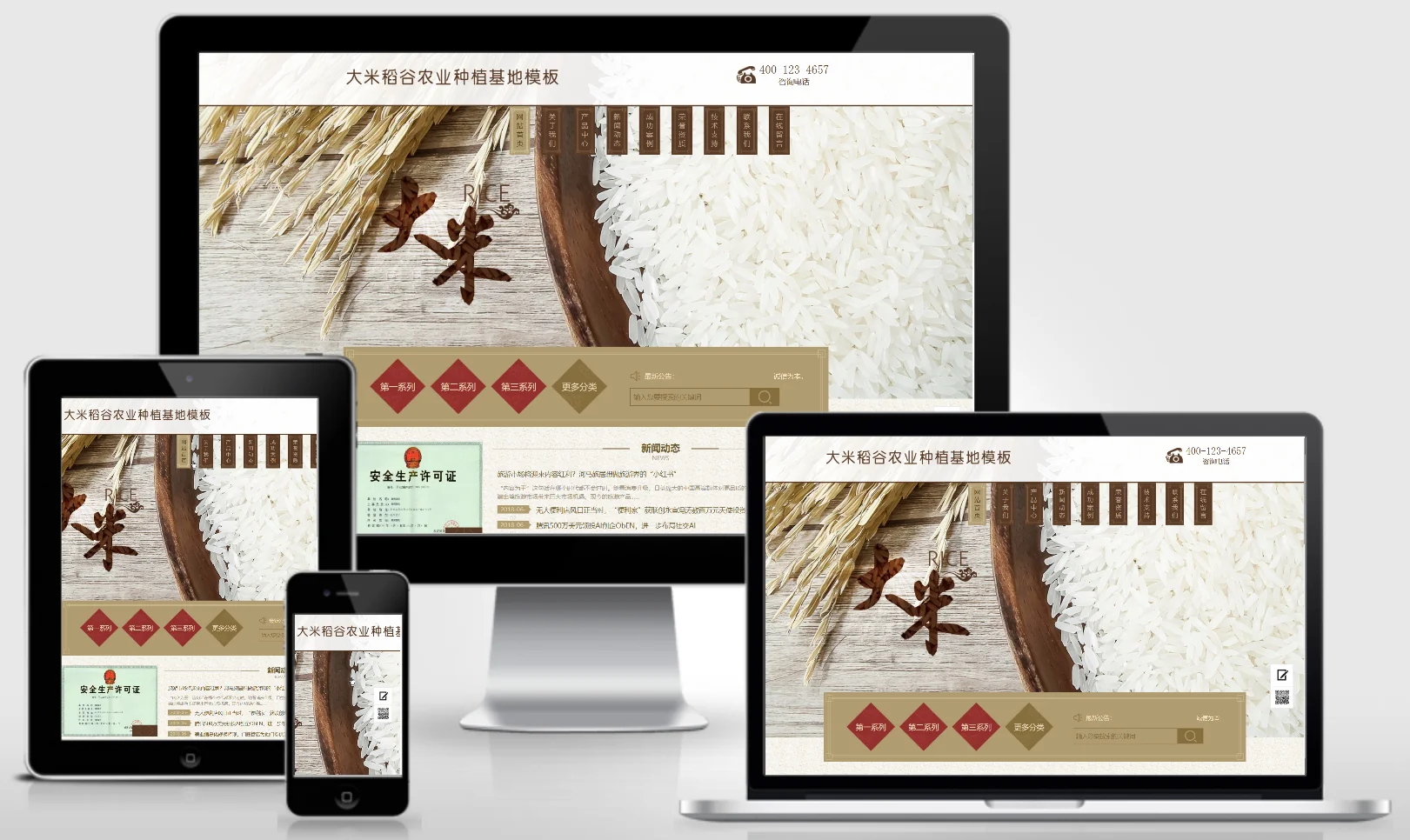
Rice and Cereal Planting Base Website Template 0338

Rice and Cereal Planting Base Website Template 0338 Practical Collection Yiyou template

An EyouCMS website template designed for rice and grain cultivation bases. Its natural and fresh design style is ideal for showcasing grain products, cultivation environments, agricultural technologies, and brand stories. This template helps agricultural enterprises showcase their products online and attract consumers and distributors. Template Display | Installation Instructions | Website Backend: /login.php | Username: admin | Password: admin | Related Articles: Summary of Common Installation Issues for EyouCMS | EyouCMS...
👁 29
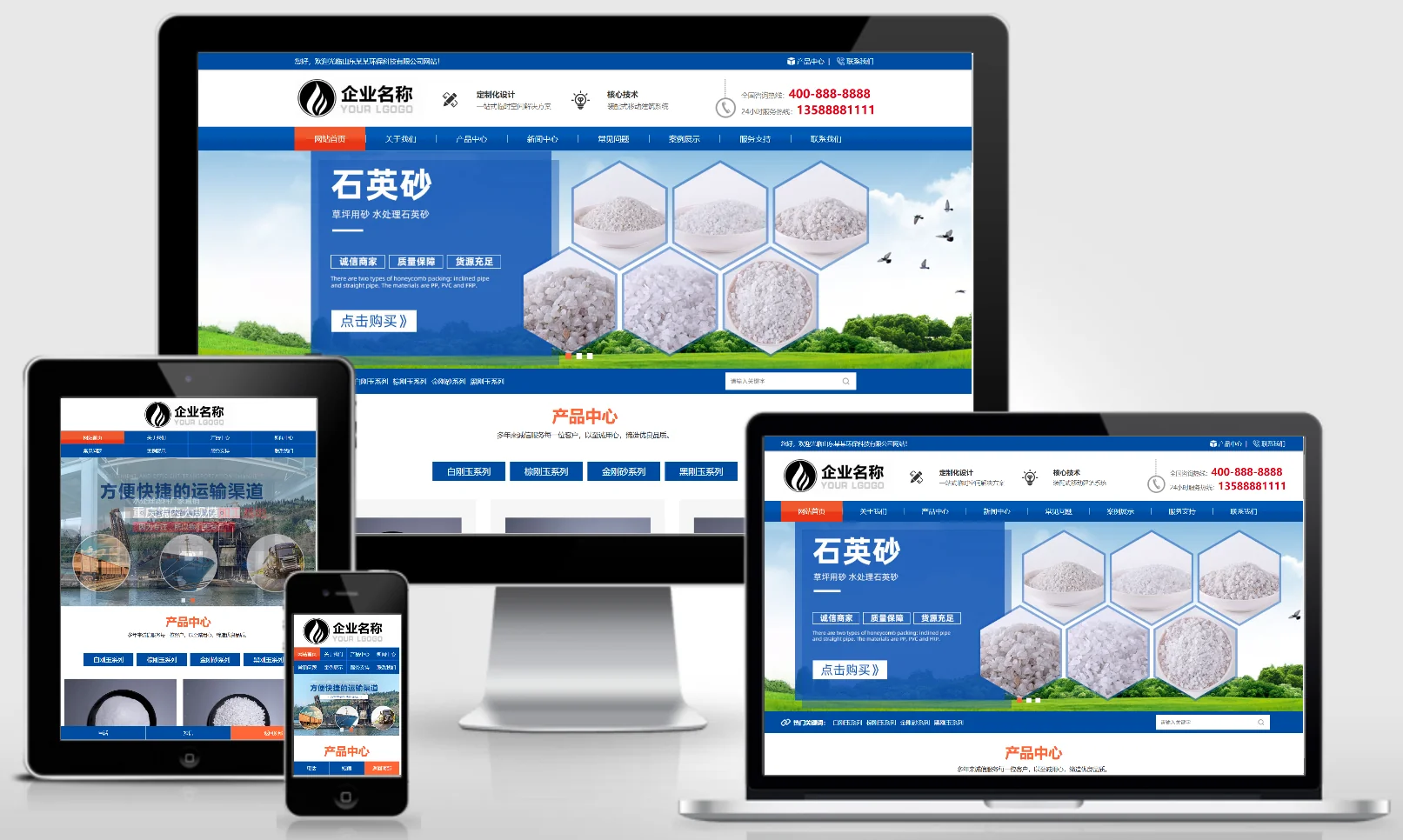
(Adaptive mobile version) Blue atmospheric chemical filter media – Stone manufacturer; PBootCMS template – Abrasives production website source code download – 0403

(Adaptive mobile version) Blue atmospheric chemical filter media – Stone manufacturer; PBootCMS template – Abrasives production website source code download – 0403 Practical Collection pbootcms Template

This set includes an adaptive mobile-friendly PbootCMS website template designed for the production of blue industrial chemical filter media and abrasives. The professional and sophisticated design is ideal for showcasing chemical filter media, abrasive products, and industrial applications. It helps chemical materials companies demonstrate their production capabilities online and attract industrial customers. Template Display | Installation Instructions | Website Backend: /admin.php | Username: admin | Password: admin | Extraction Password: www.4s5.cn – Related...
👁 42
Heavy Industry Machinery – Excavator Website Template 0339

Heavy Industry Machinery – Excavator Website Template 0339 Practical Collection Yiyou template

This EyouCMS template is designed for the heavy machinery and excavator industry, featuring a bold yellow design style ideal for showcasing excavator products, heavy-duty machinery equipment, technical specifications, and construction case studies. It enables heavy machinery enterprises to showcase their products online and attract mining and infrastructure clients. Template Display | Installation Instructions | Website Backend: /login.php | Username: admin | Password: admin | Related Articles: Summary of Common Installation Issues for EyouCMS...
👁 63
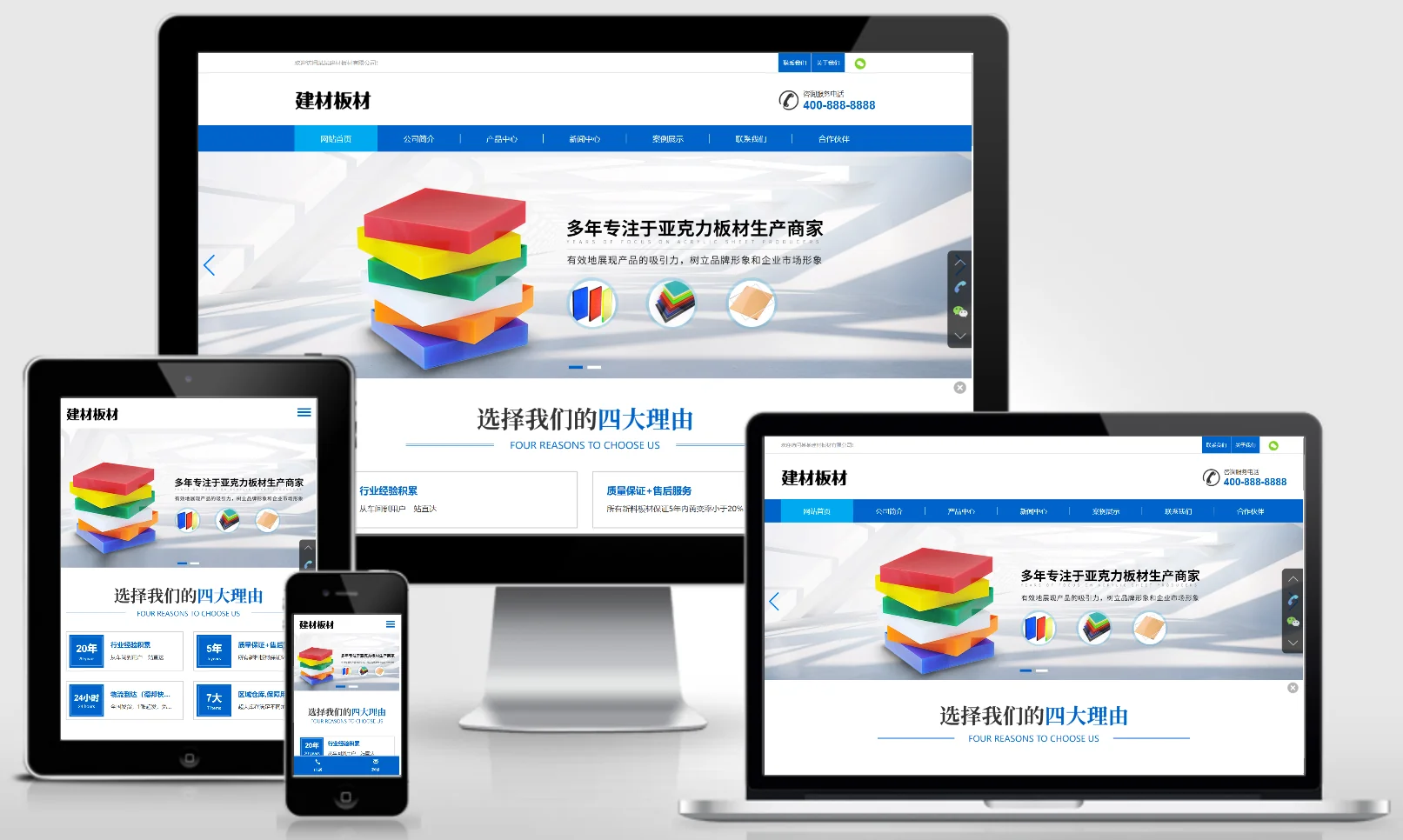
(Adaptive mobile version) Blue Building Materials Panel PBootCMS Website Template; Acrylic Panel Website Source Code Download – 0404

(Adaptive mobile version) Blue Building Materials Panel PBootCMS Website Template; Acrylic Panel Website Source Code Download – 0404 Practical Collection pbootcms Template

An adaptive mobile-friendly website template for blue building materials panels and acrylic panels, powered by PbootCMS. The modern and professional design is ideal for showcasing panel products, custom manufacturing services, and project cases. It enables building materials companies to display their products online and attract clients from the renovation and advertising industries. Template Preview | Installation Instructions | Website Backend: /admin.php | Username: admin | Password: admin | Extraction Password: www.4s5.cn...
👁 45