Hongmu Notes
Home Program Notes Why does the remote saving of pictures in the Empire CMS editor fail?
Program Notes Empire cms

Why does the remote saving of pictures in the Empire CMS editor fail?

Why does the remote saving of pictures in the Empire CMS editor fail?

Imperial CMS remote image localization is a very important function. It is often used even if you do not need to collect daily updates. We sometimes find that this function does not take effect. What are the common reasons why it does not take effect?

Reasons why the remote image localization of Empire CMS does not take effect

1. Image format and size setting issues

The default image format of Empire does not include png, but our current QQ screenshots and so on are all in png image format, just add it. If the image format of the source site does not exist in the Empire backend, it will definitely not be saved.

System parameter settings - file settings - file extension

At the same time, set the size of the images that can be uploaded.

2. Server configuration issues

You need to set allow_url_fopen to on in php.in

3. Storage timeout 502 problem

This may occur when there are a large number of pictures. Set the PHP execution time to be longer. The default is 60s. Change it to a few minutes.

4. The source site image link is https

A new website built with Imperial CMS7.5. When publishing an article, I checked "Remotely save images" under the editor, but it had no effect. There was no normal remote download to the server, and the absolute address of the image in the editor did not become the corresponding relative address.

After inspection, it turns out that the current site is http, and the image address to be downloaded remotely is https. If the image address is changed to the http protocol, the remote download can be normal. After checking on the official forum of Empire CMS, some netizens suggested that saving images remotely does not support https and requires PHP to enable the SSL module.

Open the file /e/class/connect.php:

Step 1: At the top of the connect.php file, add the following function below <?php:

function getHTTPS($url) {
    $ch = curl_init();
    curl_setopt($ch, CURLOPT_SSL_VERIFYPEER, FALSE);
    curl_setopt($ch, CURLOPT_HEADER, false);
    curl_setopt($ch, CURLOPT_FOLLOWLOCATION, true);
    curl_setopt($ch, CURLOPT_URL, $url);
    curl_setopt($ch, CURLOPT_REFERER, $url);
    curl_setopt($ch, CURLOPT_RETURNTRANSFER, TRUE);
    $result = curl_exec($ch);
    curl_close($ch);
    return $result;
}

Step 2: Search for function ReadFiletext and find the following function:

function ReadFiletext($filepath){
    $filepath=trim($filepath);
    $htmlfp=@fopen($filepath,"r");
    //远程
    if(strstr($filepath,"://"))
    {
        while($data=@fread($htmlfp,500000))
        {
            $string.=$data;
        }
    }
    //本地
    else
    {
        $string=@fread($htmlfp,@filesize($filepath));
    }
    @fclose($htmlfp);
    return $string;
}



Replace with the following code:

function ReadFiletext($filepath){
    $filepath=trim($filepath);
    $htmlfp=@fopen($filepath,"r");
    //远程
    if(strstr($filepath,"https://")){
        return getHTTPS($filepath);
    }
    if(strstr($filepath,"://"))
    {
        while($data=@fread($htmlfp,500000))
        {
            $string.=$data;
        }
    }
    //本地
    else
    {
        $string=@fread($htmlfp,@filesize($filepath));
    }
    @fclose($htmlfp);
    return $string;
}

微信赞赏

WeChat

支付宝赞赏

Alipay

✍️ Author: Hong Mu

webmaster · Thanks for reading, stay tuned for more exciting content

Author homepage View home page →

Related articles

Empire CMS database statement & SQL statement format

Empire CMS database statement & SQL statement format Program Notes Empire cms

Introduction to Imperial CMS extended SQL program writing, basic examples of Imperial CMS database statements & SQL statement formats: Note: The following examples are based on placing PHP files in the system root directory. Example 1: Connect to MYSQL program. (a.php)<?php require('e/class/connect.php'); //Introduce database configuration files and public function files requ…
👁 353
Empire CMS obtains the system COOKIE variable function getcvar()

Empire CMS obtains the system COOKIE variable function getcvar() Program Notes Empire cms

Get the system COOKIE variable function syntax: getcvar($var,$ecms) Description: $var: is the variable name $ecms: 0 is to set the foreground COOKIE variable, 1 is to set the background COOKIE variable. This parameter can be omitted and defaults to 0. Usage example: getcvar('mlusername'), get the user name of the front-end login member getcvar('loginu...
👁 296
Empire CMS smart label call field collection

Empire CMS smart label call field collection Program Notes Empire cms

Collect and classify all fields that support smart tag calls into Empire CMS smart tags: [e:loop={column ID/topic ID, number of items displayed, operation type, only display pictures with titles, additional SQL conditions, display sorting}] Template code content [/e:loop] Calling time: <?=date('m-d',$bqr[newstime])?> <?=dat…
👁 3749

Recommended reading

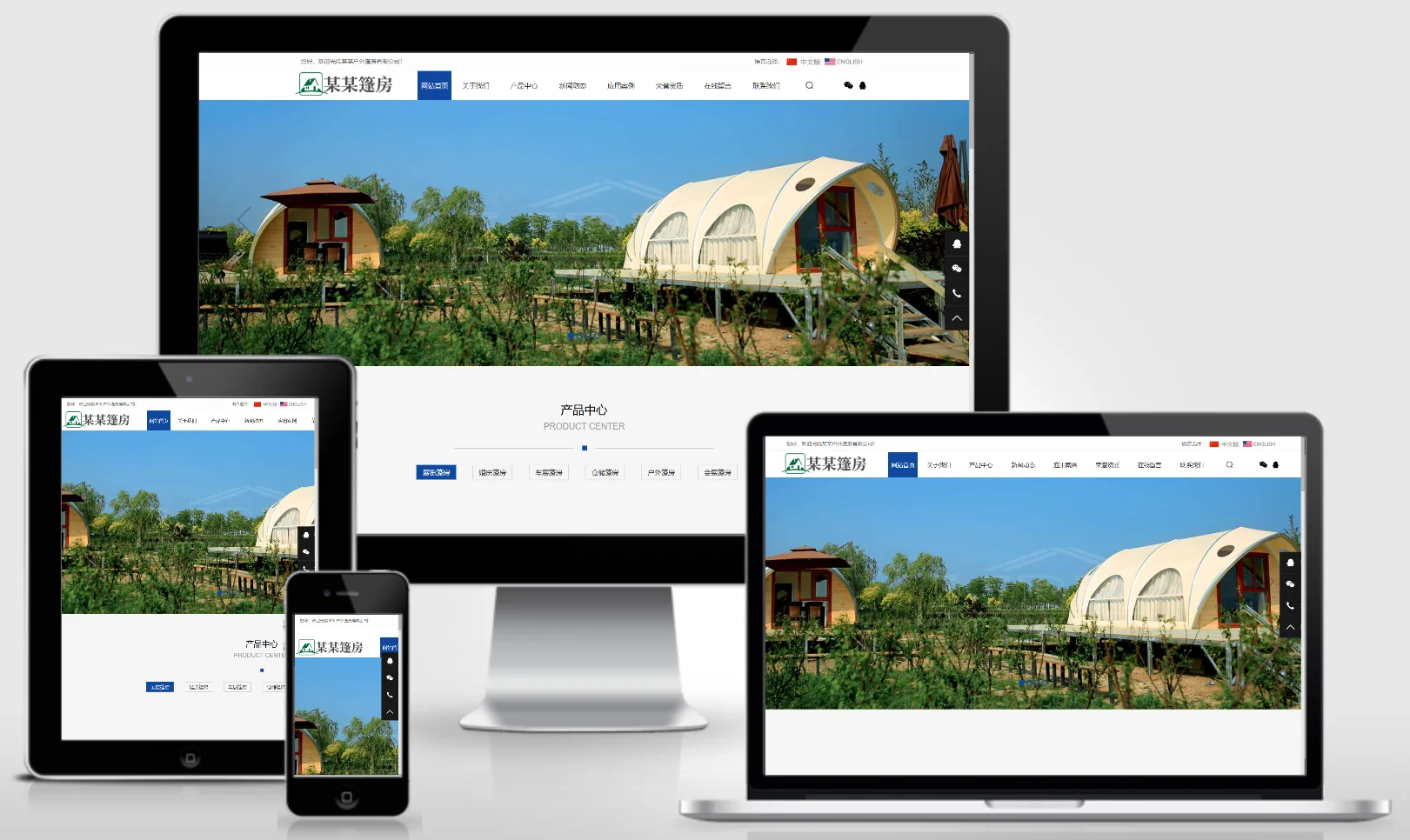
Bilingual (Chinese/English) Outdoor Tent and Sleeping Bag Website Template – 1074

Bilingual (Chinese/English) Outdoor Tent and Sleeping Bag Website Template – 1074 Practical Collection Yiyou template

This bilingual (Chinese/English) EyouCMS template is ideal for businesses specializing in outdoor tent camps, tents, and sleeping bags. Its international outdoor design style effectively showcases outdoor gear products, tents, sleeping bags, and the company's competitive advantages in the export market. It helps outdoor equipment exporters promote their brands across global markets. Template Display | Installation Instructions | Website Backend: /login.php | Username: admin | Password: admin | Related Articles: Summary of Common Installation Issues for EyouCMS | EyouCMS...
👁 61
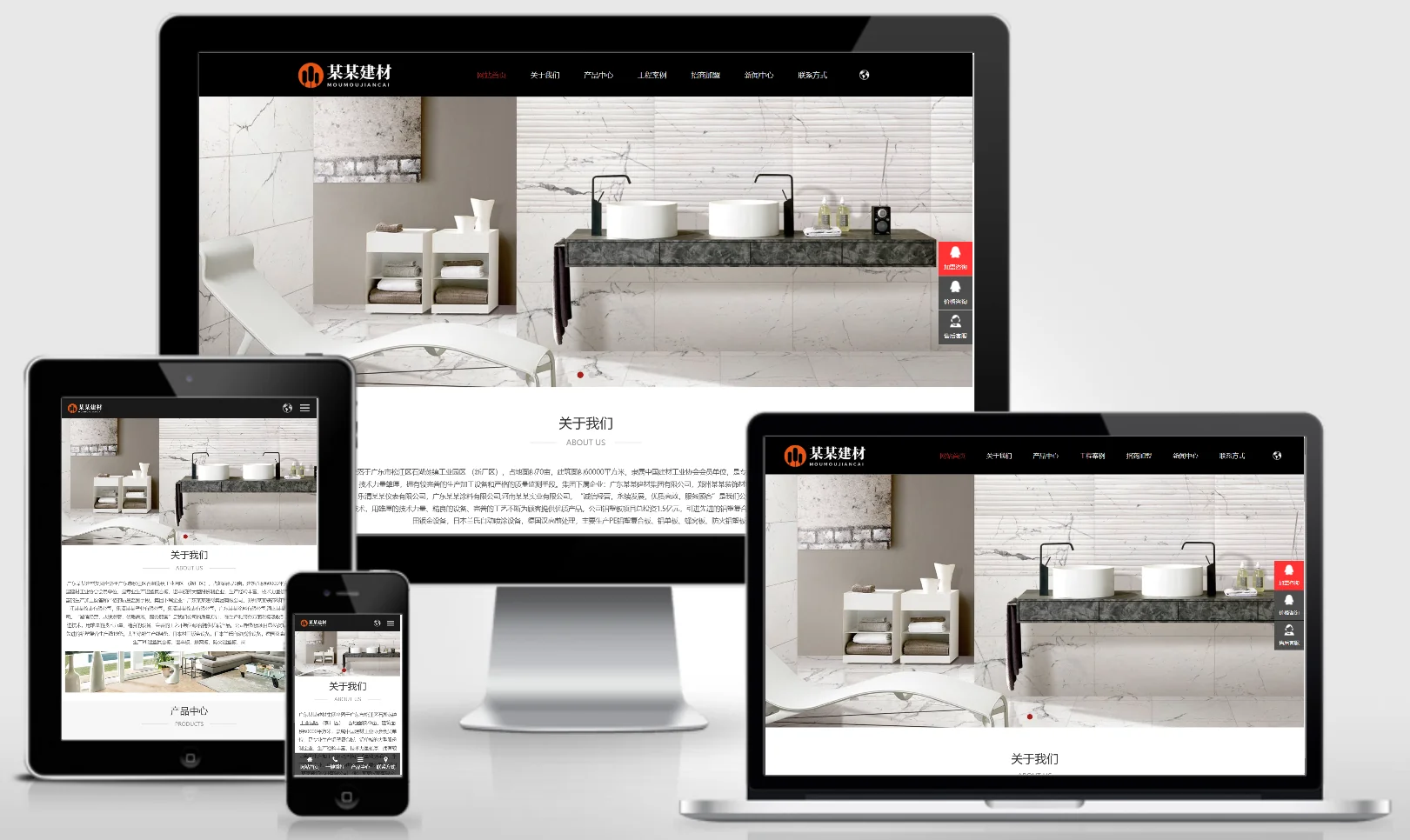
Responsive bilingual (Chinese/English) building materials exhibition and sales website template – 1075

Responsive bilingual (Chinese/English) building materials exhibition and sales website template – 1075 Practical Collection Yiyou template

An eYouCMS responsive website template designed specifically for the bilingual (Chinese and English) building materials exhibition and sales industry. Its international, professional design style enables effective presentation of building materials products, export advantages, project cases, and brand image. The multi-language support facilitates brand promotion for building materials enterprises in global markets. Template Display | Installation Instructions | Website Backend: /login.php | Username: admin | Password: admin | Related Articles: Summary of Common Installation Issues for eYouCMS...
👁 44
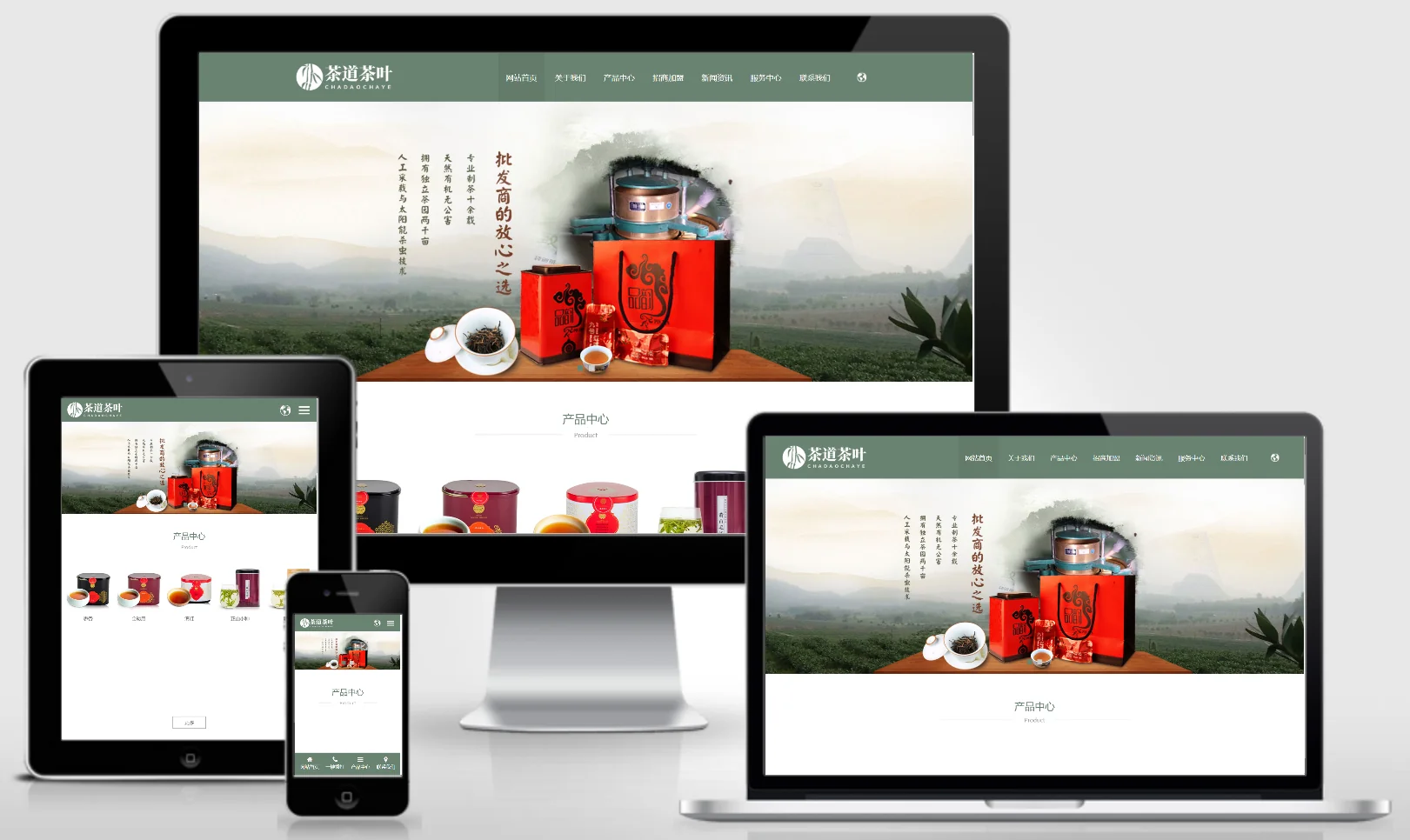
Responsive bilingual (Chinese/English) tea ceremony website template – 1076

Responsive bilingual (Chinese/English) tea ceremony website template – 1076 Practical Collection Yiyou template

This EyouCMS responsive bilingual (Chinese/English) template is ideal for the tea industry, featuring a classical yet international design style that effectively showcases tea products, tea ceremony culture, export advantages, and brand stories. The multilingual support enables tea brands to convey their cultural heritage across global markets. Template Display | Installation Instructions | Website Backend: /login.php | Username: admin | Password: admin | Related Articles: Summary of Common Installation Issues for EyouCMS | EyouCMS...
👁 54
Resource website typecho001 template

Resource website typecho001 template Program Notes Typecho

typecho001 template template please do not modify the folder name of this template. The folder name is: typecho001 1.4 Fix the js output problem on the article page 1.3 Fix the error prompt when the plug-in is not installed Optimize the list page code output 1.2 Fix the comment function and add a custom homepage title 1.1 Fix the comment reply asymmetry function Add a separate title setting function on the homepage Add the website favicon.ico icon Add one...
👁 199
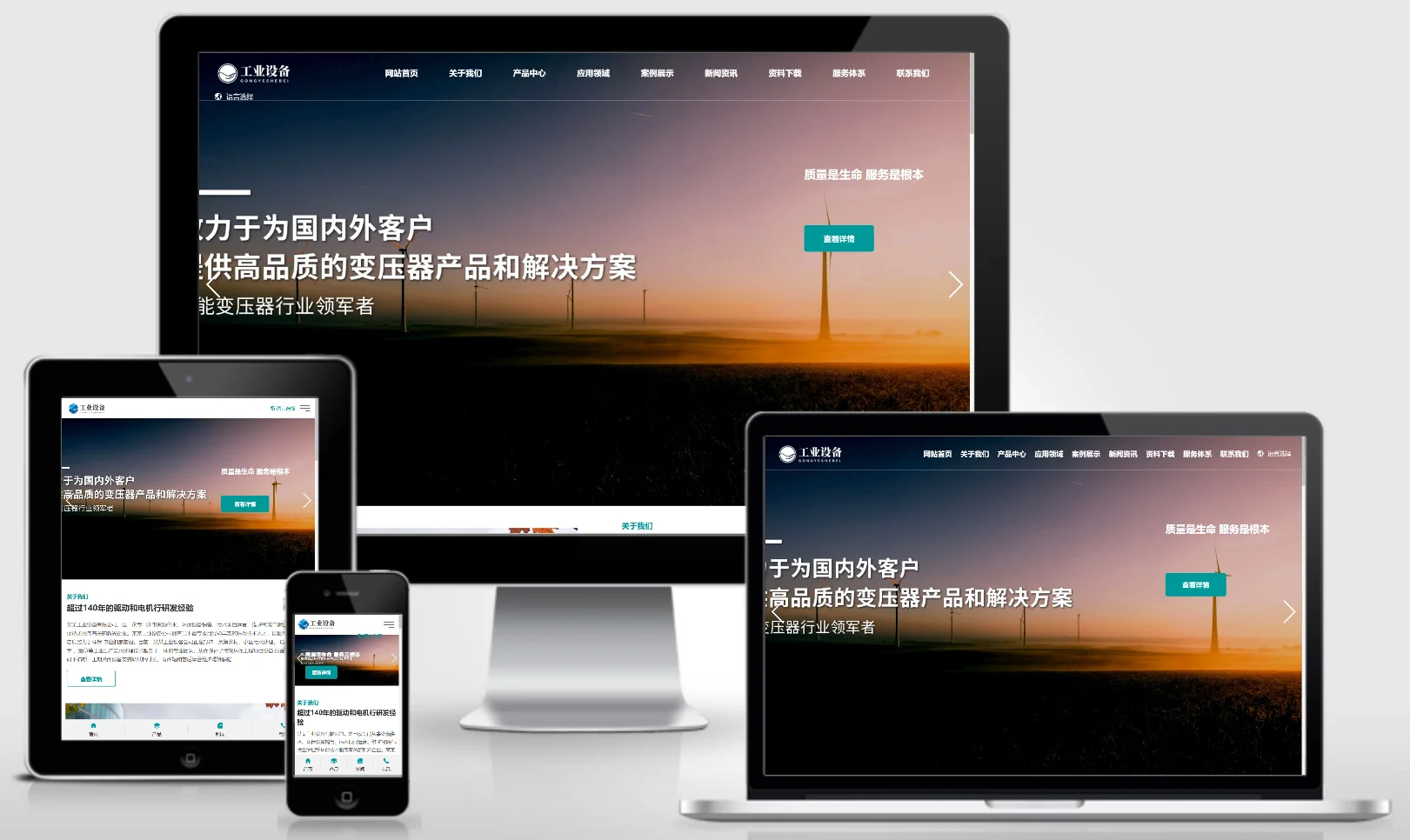
China–UK Foreign Trade Industrial Equipment Website Template 1077

China–UK Foreign Trade Industrial Equipment Website Template 1077 Practical Collection Yiyou template

An EyouCMS website template designed specifically for the Chinese and British foreign trade and industrial equipment sectors. Its professional, international design style effectively showcases industrial equipment products, technical specifications, export advantages, and global market presence, helping industrial equipment enterprises promote their brands in international markets. Template Overview | Installation Instructions | Website Backend: /login.php | Username: admin | Password: admin | Related Articles: Summary of Common Installation Issues for EyouCMS | EyouCMS (...
👁 51
Modification of typecho paging style

Modification of typecho paging style Program Notes Typecho

Sir, times have changed! Typecho is currently the most perfect solution, because Baidu can only see the code of fixed thinking. The actual generated HTML code is breathtakingly clean and fully customized, including adding classes to the li element, adding classes to the a element, adding classes to the previous page and next page, and removing the li tags that come with typecho to express more. I can even add some text to the content inside...
👁 517