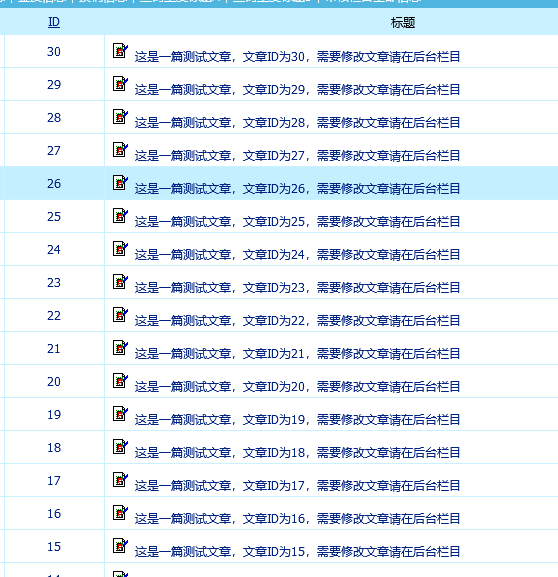
Modified effect
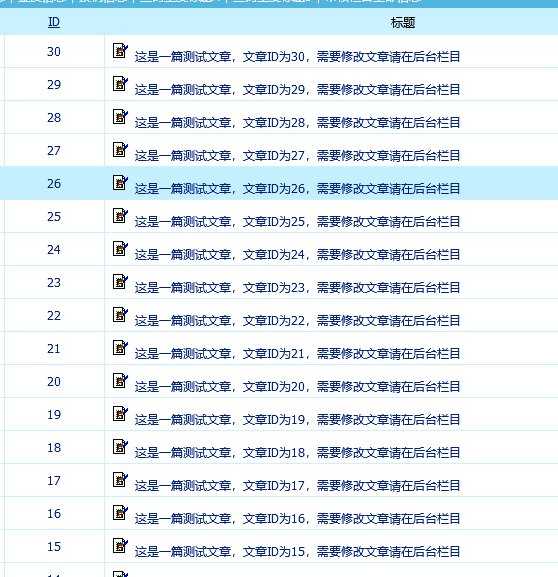
SQLcode
Quick batch thumbnail creation
The thumbnail can be configured directly using PHP.
PHP code: Randomly select an image from a specified folder and then redirect the user.
<?php

$file = "/skin/static/pic";
$img = glob(".".$file.'/*.{webp,png,jpg,jpeg}',GLOB_BRACE);
$name = basename($img[mt_rand(0,(count($img)-1))]);
$url = "{$file}/{$name}";

header("Location: " . $url);
To ensure that all images are randomly selected, simply add an extra GET parameter when generating the thumbnails...
SQLcode
Home Slide
Typically, go to Backend> Other> Image Information Management.
SQL statement
Simply replace the image URL with your own image URL.
INSERT INTO `phome_enewspic` (`picid`, `title`, `pic_url`, `url`, `pic_width`, `pic_height`, `open_pic`, `border`, `pictext`, `classid`) VALUES (NULL, '后台-其他-图片信息管理', '/skin/static/images/f5.jpg', '/', '100', '50', '_blank', '0', '', '2');method of calling
[e:loop={'SELECT * FROM `[!db.pre!]enewspic` WHERE `classid` = 2',20,24,0}]
	<li style="background:url(<?=$bqr['pic_url']?>) center 0 no-repeat;">
		<a href="<?=$bqr['url']?>"><?=$bqr['title']?></a>
	</li>
[/e:loop]