Hongmu Notes
Home Program Notes A quick and simple way to implement the "Like" feature in Empire CMS
Program Notes Empire cms

A quick and simple way to implement the "Like" feature in Empire CMS

A quick and simple way to implement the "Like" feature in Empire CMS

The first step is to add a tag or button button that you want to like id="dianzan" Properties

The second step is to add the label you want to display the number of likes. class="likes-count" Properties

The third step is to put the following js code into the content page of your website

<script>
function makeRequest(url, callback, method) {
  var xhr = new XMLHttpRequest();
  xhr.open(method, url);
  xhr.onreadystatechange = function() {
	if (xhr.readyState === 4 && xhr.status === 200) {
	  callback(xhr.responseText);
	}
  };
  xhr.send();
}

function updateLikes(event) {
  event.preventDefault(); // 阻止默认链接行为

  var likesCountElement = document.querySelector('.likes-count');
  var likeButton = document.getElementById('dianzan');
  var url = "/e/public/digg/?classid=[!--classid--]&id=[!--id--]&dotop=1&doajax=1&ajaxarea=diggnum";

  makeRequest(url, function(responseText) {
	var responseArray = responseText.split("|");
	var likes = responseArray[0];
	likesCountElement.textContent = likes;

	alert(responseArray[2]);
  }, "GET");
}

var likeButton = document.getElementById('dianzan');
likeButton.addEventListener('click', updateLikes);
</script>

Finish!

微信赞赏

WeChat

支付宝赞赏

Alipay

✍️ Author: Hong Mu

webmaster · Thanks for reading, stay tuned for more exciting content

Author homepage View home page →

Related articles

Empire CMS database statement & SQL statement format

Empire CMS database statement & SQL statement format Program Notes Empire cms

Introduction to Imperial CMS extended SQL program writing, basic examples of Imperial CMS database statements & SQL statement formats: Note: The following examples are based on placing PHP files in the system root directory. Example 1: Connect to MYSQL program. (a.php)<?php require('e/class/connect.php'); //Introduce database configuration files and public function files requ…
👁 351
Empire CMS obtains the system COOKIE variable function getcvar()

Empire CMS obtains the system COOKIE variable function getcvar() Program Notes Empire cms

Get the system COOKIE variable function syntax: getcvar($var,$ecms) Description: $var: is the variable name $ecms: 0 is to set the foreground COOKIE variable, 1 is to set the background COOKIE variable. This parameter can be omitted and defaults to 0. Usage example: getcvar('mlusername'), get the user name of the front-end login member getcvar('loginu...
👁 295
Empire CMS smart label call field collection

Empire CMS smart label call field collection Program Notes Empire cms

Collect and classify all fields that support smart tag calls into Empire CMS smart tags: [e:loop={column ID/topic ID, number of items displayed, operation type, only display pictures with titles, additional SQL conditions, display sorting}] Template code content [/e:loop] Calling time: <?=date('m-d',$bqr[newstime])?> <?=dat…
👁 3749

Recommended reading

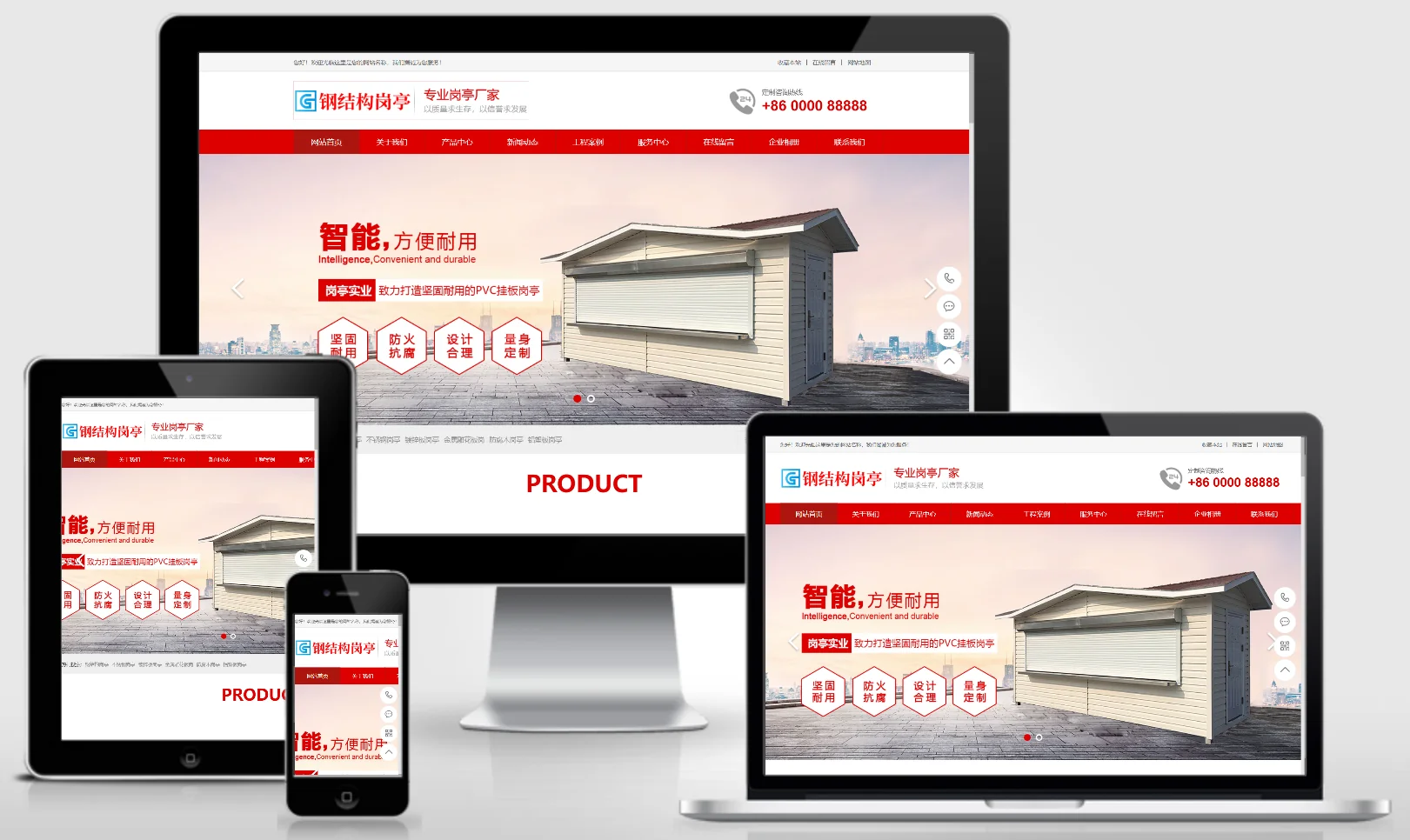
Steel Structure Outpost Website Template 0807

Steel Structure Outpost Website Template 0807 Practical Collection Yiyou template

This EyouCMS template is designed for the steel structure booth industry, featuring a professional industrial design style that effectively showcases steel structure booth products, project cases, and customized services. It enables steel structure enterprises to present their products online and attract both municipal and commercial clients. Template Display | Installation Instructions | Website Backend: /login.php | Username: admin | Password: admin | Related Articles: Summary of Common Installation Issues for EyouCMS | EyouCMS (Eyou...
👁 49
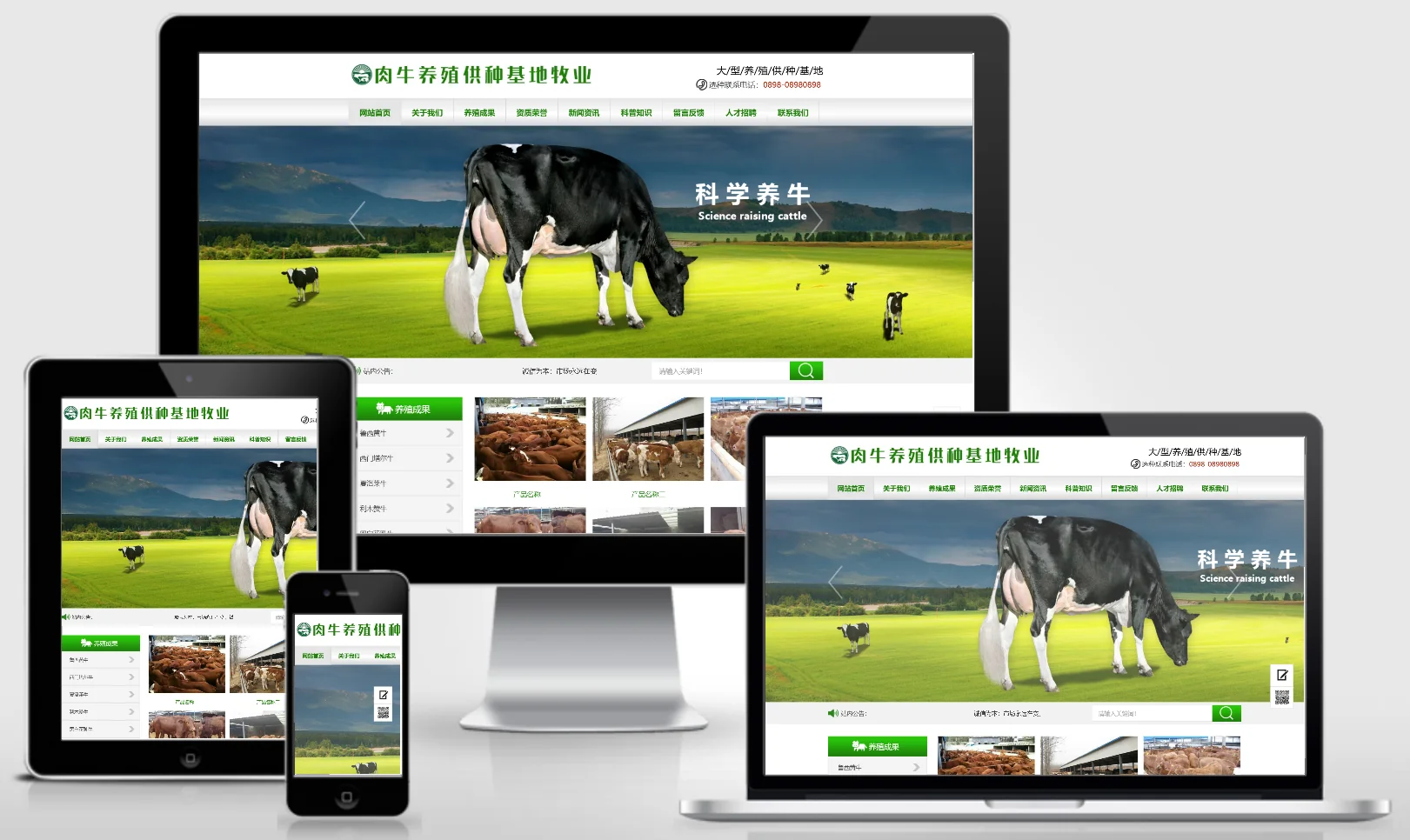
Beef Cattle Farming Supply Base Website Template 0157

Beef Cattle Farming Supply Base Website Template 0157 Practical Collection Yiyou template

This EyouCMS template is ideal for beef cattle farming and supply bases. Its natural yet professional design effectively showcases the farming environment, cattle breeds, product offerings, and breeding techniques. It helps livestock farming enterprises demonstrate their capabilities online and expand their sales channels. Template Display | Installation Instructions | Website Backend: /login.php | Username: admin | Password: admin | Related Articles: Summary of Common Installation Issues for EyouCMS | EyouCMS (Ey...
👁 54
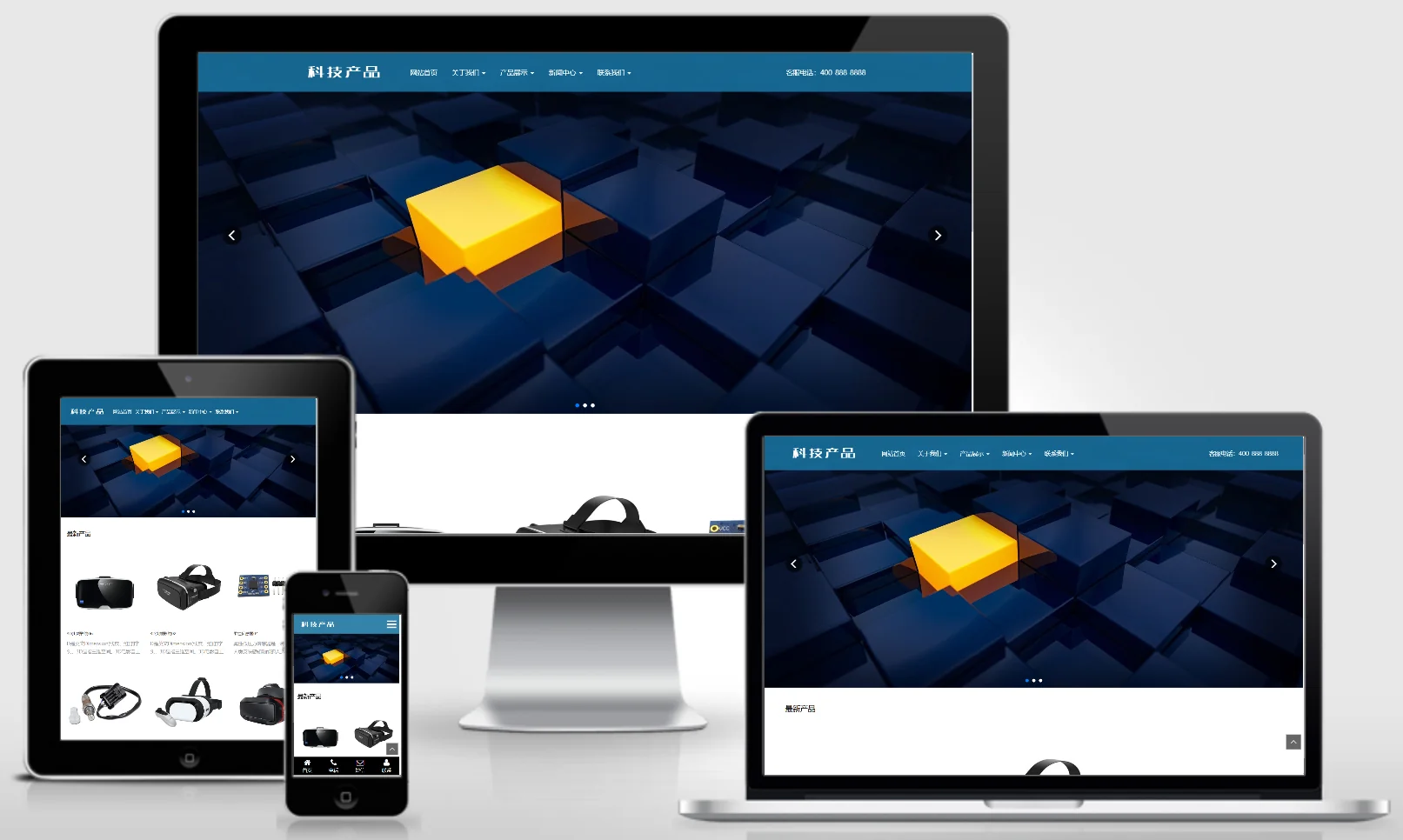
(Adaptive Mobile Version) Responsive tech product sensor-based website – PBootCMS template; HTML5 blue smart electronic products website source code download – 0698

(Adaptive Mobile Version) Responsive tech product sensor-based website – PBootCMS template; HTML5 blue smart electronic products website source code download – 0698 Practical Collection pbootcms Template

A responsive tech product paired with a sensor-based PbootCMS website template, compatible with both PC and WAP devices. Featuring a minimalist, tech-oriented design, this template is ideal for showcasing high-tech products such as sensors and smart hardware. It helps technology R&D enterprises present their innovative products online, attracting investment and partners. Template Display | Installation Instructions | Website Backend: /admin.php | Username: admin | Password: admin | Extraction Password: www.4s5...
👁 49
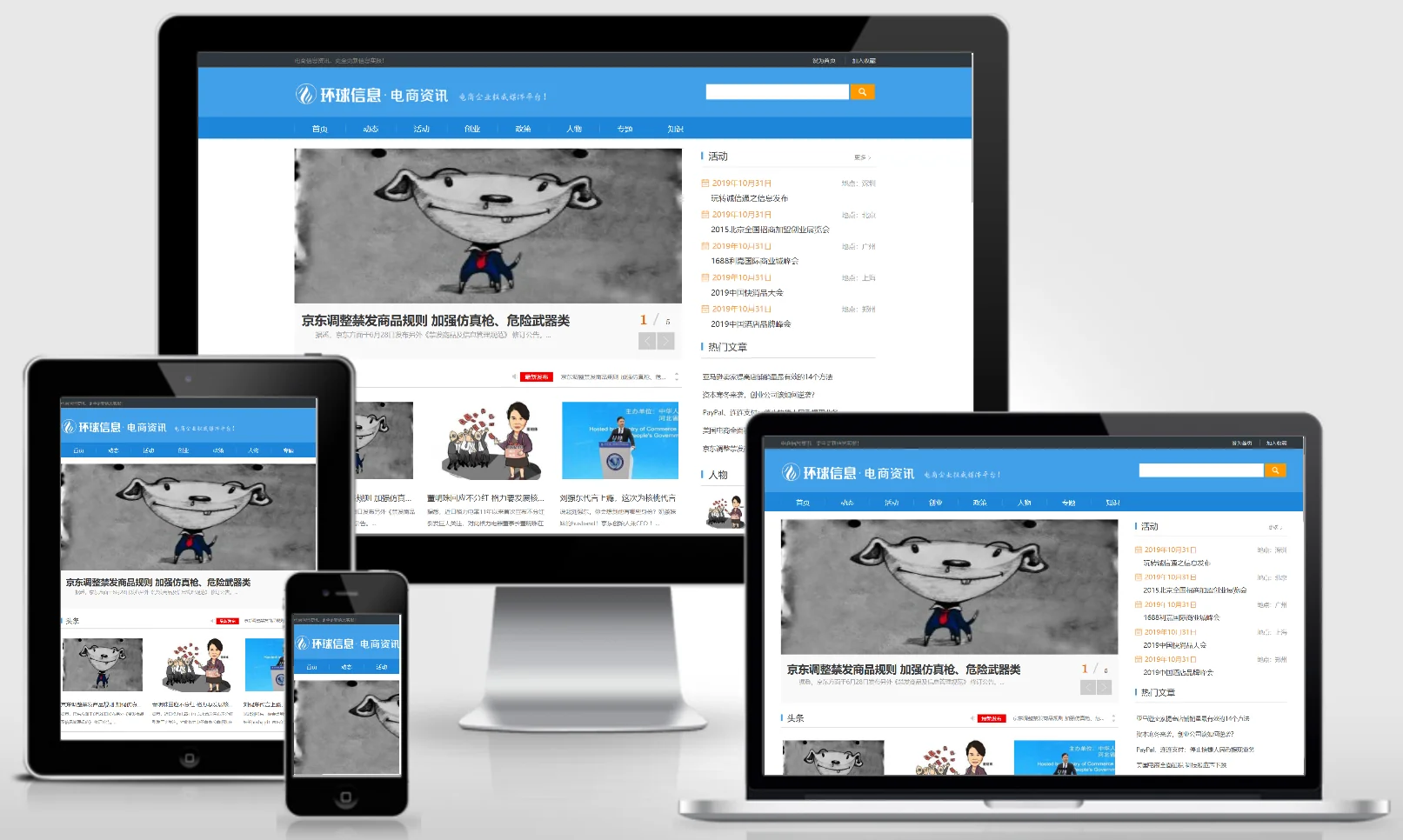
(PC + WAP) E-commerce Information Consulting and News Website – pbootCMS Template; Download Source Code for E-commerce Information Websites – 0072

(PC + WAP) E-commerce Information Consulting and News Website – pbootCMS Template; Download Source Code for E-commerce Information Websites – 0072 Practical Collection pbootcms Template

This PbootCMS template is ideal for e-commerce information consultation and news websites, supporting both PC and mobile access. Its modern and clean design effectively aggregates the latest e-commerce industry trends, policy interpretations, and practical operational insights. It serves as an efficient solution for building e-commerce industry portals or vertical news platforms. Template Display | Installation Instructions | Website Backend: /admin.php | Username: admin | Password: admin | Extraction Password: w...
👁 41
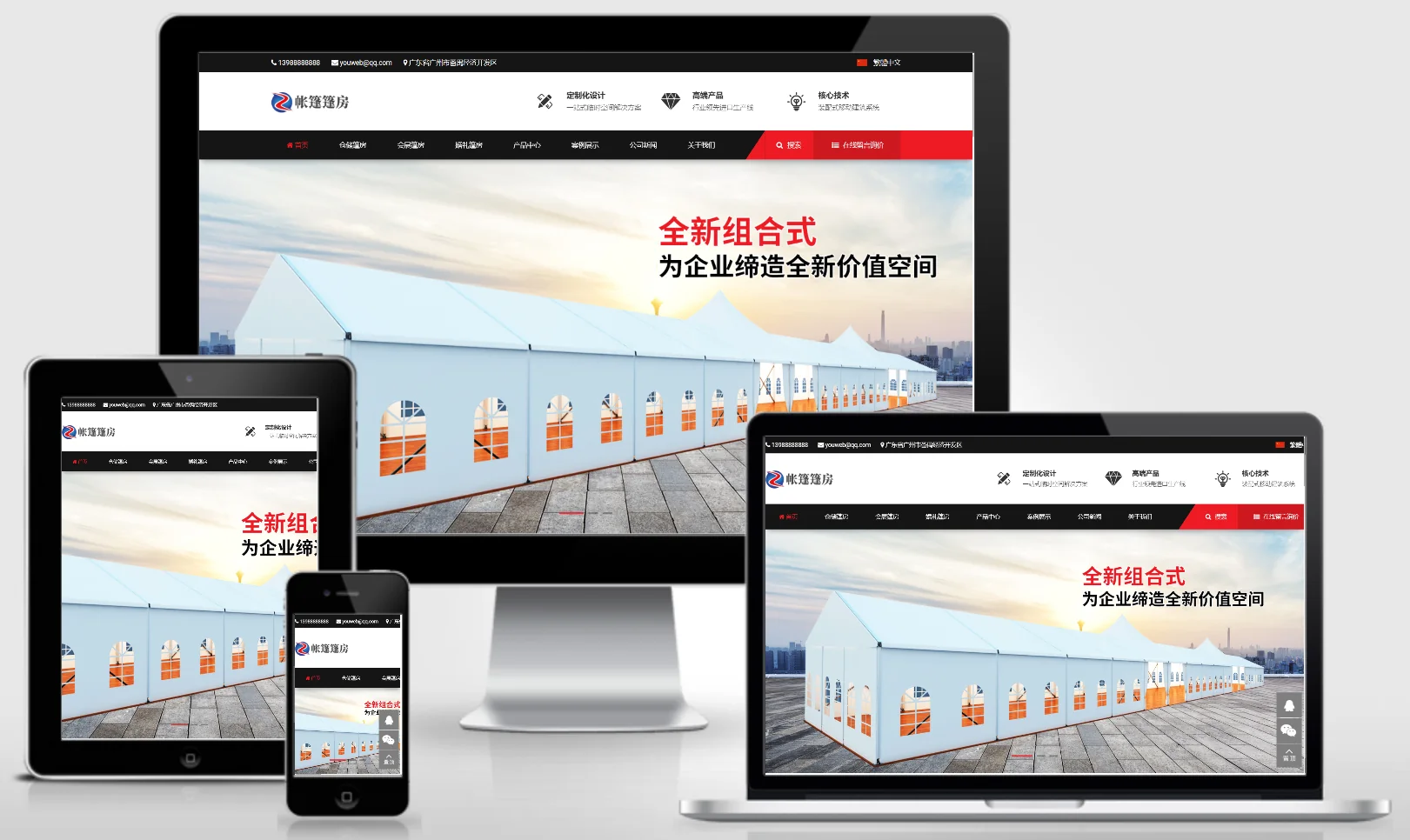
Tent and Pavilion Construction Material Custom Design Website Template – 0808

Tent and Pavilion Construction Material Custom Design Website Template – 0808 Practical Collection Yiyou template

An eYouCMS website template designed for the tent, temporary shelter, construction materials, and custom design industries. Its professional and practical design style is ideal for showcasing tent and temporary shelter products, custom design solutions, and project cases. This template helps temporary shelter companies showcase their products online and attract clients in the event and construction sectors. Template Display | Installation Instructions | Website Backend: /login.php | Username: admin | Password: admin | Related Articles: Common Installation Questions for eYouCMS...
👁 43
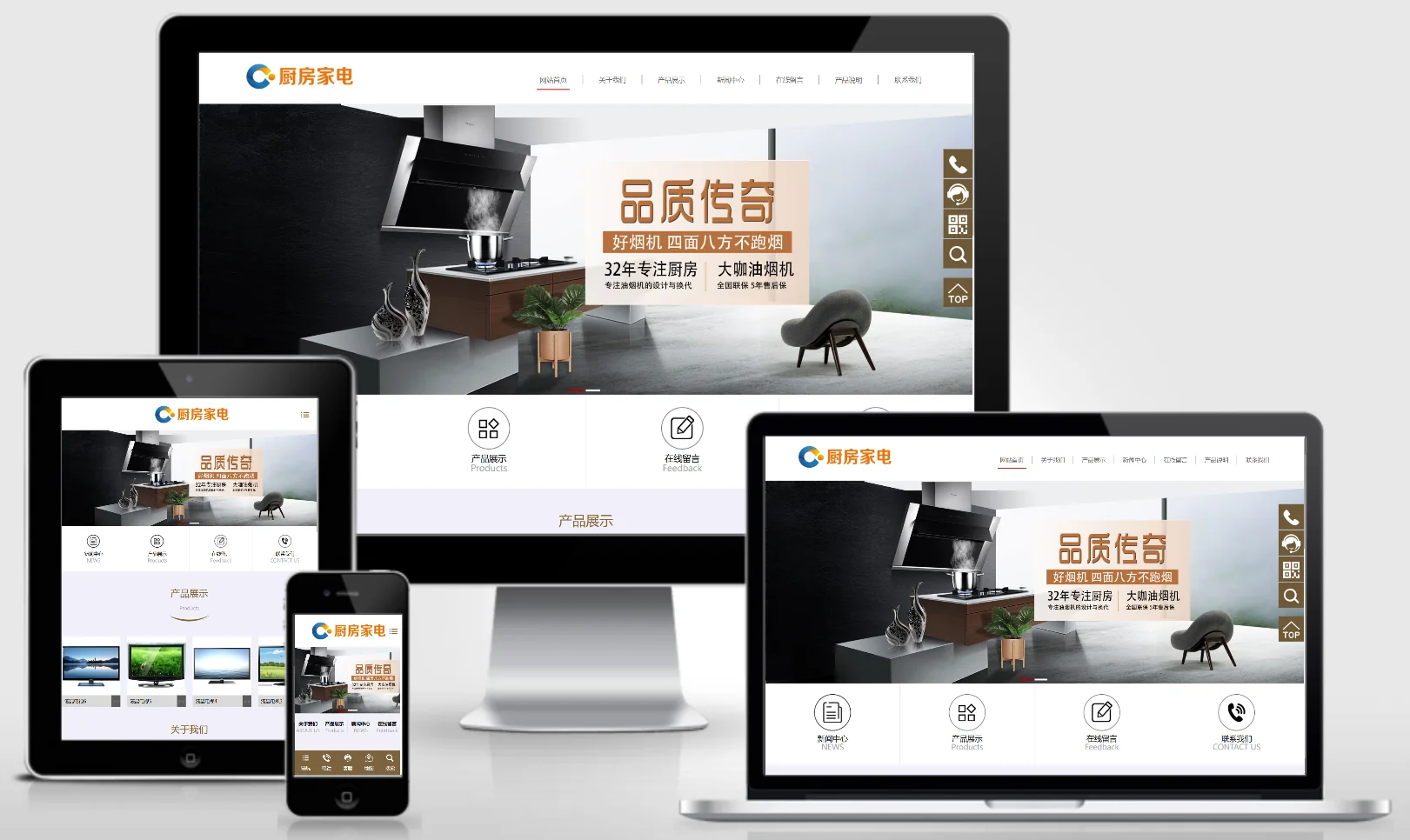
Home and Kitchen Appliances Website Template 0158

Home and Kitchen Appliances Website Template 0158 Practical Collection Yiyou template

An eYouCMS website template designed for home furnishings, kitchenware, and appliance manufacturers. Its modern and practical design is ideal for showcasing kitchen appliances, household products, and brand images. This template helps home appliance brands showcase their products online and attract domestic consumers. Template Overview | Installation Instructions | Website Backend: /login.php | Username: admin | Password: admin | Related Articles: Summary of Common Installation Issues for eYouCMS | eYouCMS...
👁 45