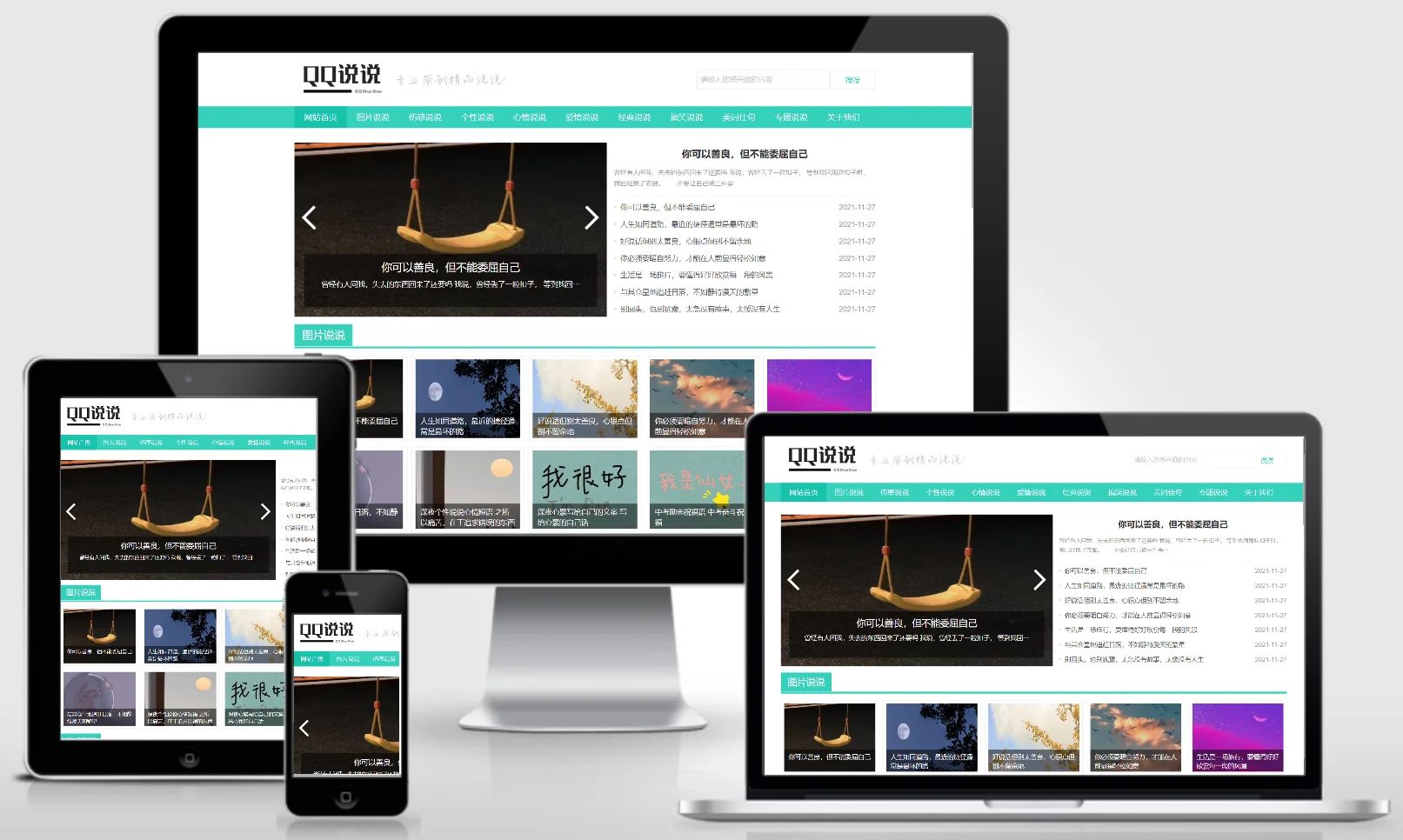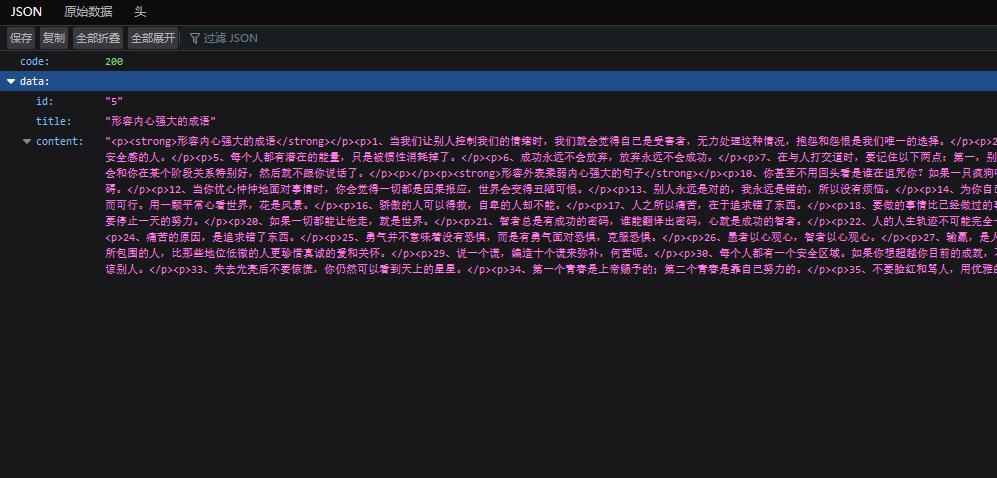
If you want to allow other websites to access your Empire CMS-powered site via an API endpoint, you can create an "api" folder within your root directory, then create an `index.php` file inside it and place the corresponding code inside. Once you access this file, you'll be able to view your articles!
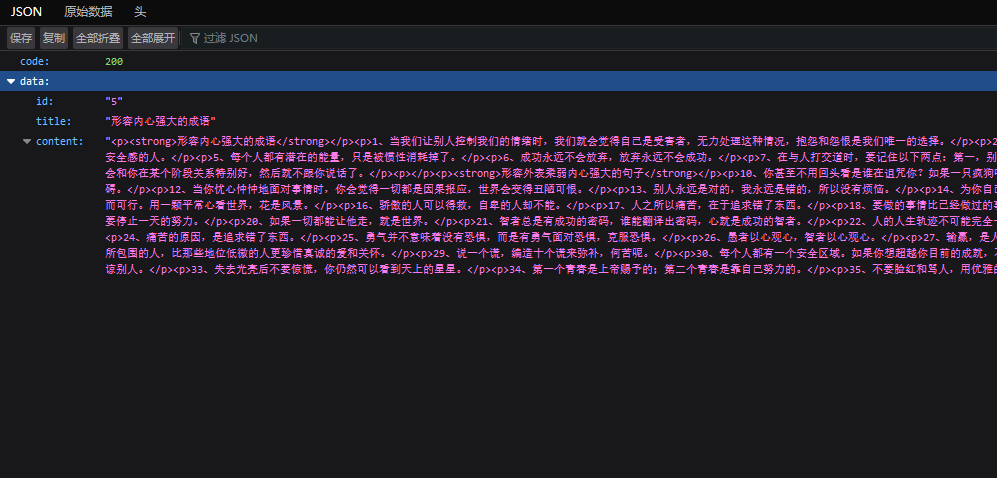
Simple code demo
<?php
require('../class/connect.php');        //引入数据库配置文件和公共函数文件
require('../class/db_sql.php');        //引入数据库操作文件
$link=db_connect();                //连接MYSQL
$empire=new mysqlquery();        //声明数据库操作类

$file = 'id.txt';
$id = file_exists($file) ? file_get_contents($file) : 1;

$r=$empire->fetch1("select * from {$dbtbpre}ecms_news where id={$id}");
$data['code'] = 404;
if(!empty($r)){
    $r2=$empire->fetch1("select * from {$dbtbpre}ecms_news_data_{$r['stb']} where id={$r['id']}");
    if(!empty($r2)){
        $data['data']['id'] = $r['id'];
        $data['data']['title'] = $r['title'];
        $data['data']['content'] = $r2['newstext'];
        $data['code']   = 200;
    }
}

$id++;
file_put_contents($file,$id);
header("content-type:application/json;charset=utf-8");
echo json_encode($data);

db_close();                        //关闭MYSQL链接
$empire=null;                        //注消操作类变量