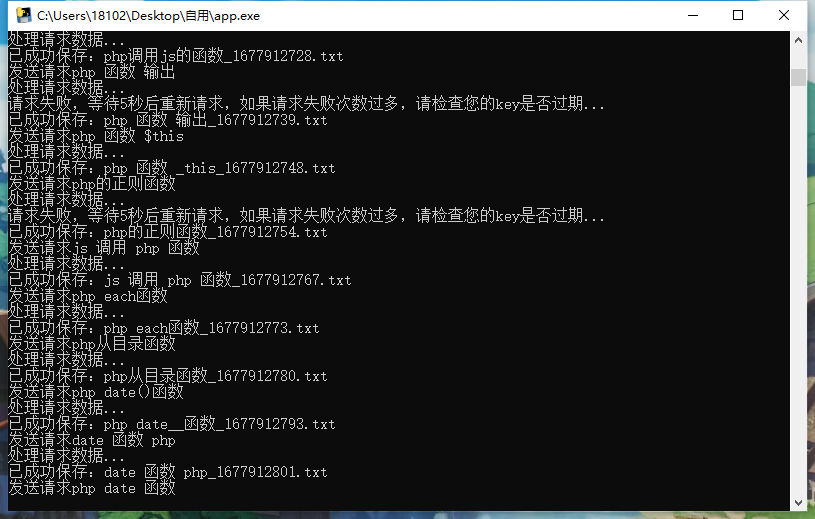
This isn't particularly complex code; I previously used `file_get_contents`, but I felt the overall efficiency wasn't very good. I remember having published a similar article before – I must have forgotten about it – so I'll record it again now.
Use the cURL library to send an HTTP request and configure various options:
- CUR CURLOPT_URL: Set the URL for the request.
- CUR CURLOPT_TIMEOUT: Sets the request timeout duration in seconds.
- CUR CURLOPT_RETURNTRANSFER: Returns the result as a string instead of outputting it directly.
The function accepts two parameters:
- $durl: The requested URL.
- $cache: Cache duration (in seconds; default is 0, indicating no caching.) (This feature is not yet fully implemented as it uses static web pages.)
The function sends a request using cURL and stores the returned result as a string in the variable $r. Then, it closes the cURL session using `curl_close()` and decodes the returned JSON-formatted data into an associative array using `json_decode()`. Finally, it returns this array.
PHP code
public function get_api($durl,$cache = 0)
    {
        $ch = curl_init();
        curl_setopt($ch, CURLOPT_URL, $durl);
        curl_setopt($ch, CURLOPT_TIMEOUT, 5);
        curl_setopt($ch, CURLOPT_RETURNTRANSFER, 1);
        $r = curl_exec($ch);
        curl_close($ch);
        return json_decode($r,true);
    }
Upgrade and Optimization
function get_api($durl, $cache = 0)
{
    // 初始化cURL会话
    $ch = curl_init();

    // 设置cURL选项
    curl_setopt($ch, CURLOPT_URL, $durl);          // 设置请求的URL
    curl_setopt($ch, CURLOPT_TIMEOUT, 5);          // 设置超时时间为5秒
    curl_setopt($ch, CURLOPT_RETURNTRANSFER, 1);   // 将结果通过变量返回,而不是直接输出

    // 获取Referer的主机部分
    $referer_host = parse_url($durl, PHP_URL_SCHEME) . '://' . parse_url($durl, PHP_URL_HOST);
    curl_setopt($ch, CURLOPT_REFERER, $referer_host);  // 设置Referer头,指定来源主机部分

    // 模拟浏览器访问的相关选项
    curl_setopt($ch, CURLOPT_USERAGENT, 'Mozilla/5.0 (Windows NT 10.0; Win64; x64) AppleWebKit/537.36 (KHTML, like Gecko) Chrome/99.0.9999.999 Safari/537.36');  // 设置User-Agent头,模拟浏览器
    curl_setopt($ch, CURLOPT_HTTPHEADER, array(
    'Accept: application/json',
    'Content-Type: application/json; charset=utf-8'
    ));

    curl_setopt($ch, CURLOPT_SSL_VERIFYPEER, false);
    curl_setopt($ch, CURLOPT_SSL_VERIFYHOST, false);

    // 执行请求并获取响应结果
    $r = curl_exec($ch);

    // 关闭cURL会话
    curl_close($ch);

    // 解析JSON格式的响应结果,并返回解析后的数组
    return json_decode($r, true);
}