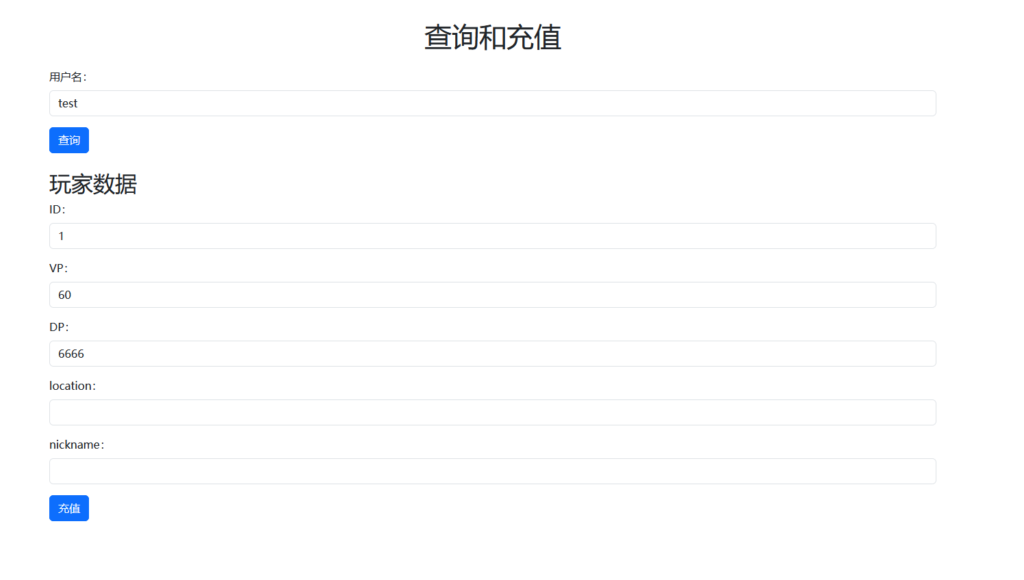
可以讓 label 和 input 使用同一行,可以通過將 label 和 input 包裹在同一行中來實現。可以使用 CSS 樣式對 label 和 input 進行佈局,使得它們在同一行中排列。
以下是一個示例 HTML 代碼片段,其中 label 和 input 位於同一行中:
<div class="form-group">
  <label for="phone" class="form-label">手機號:</label>
  <input type="tel" class="form-control" placeholder="請輸入手機號" id="phone" name="phone"
    pattern="^1[3|4|5|6|7|8|9][0-9]{9}$" required>
</div>在上面的代碼中,我們使用了一個div元素來包裹 label 和 input,然後使用 CSS 樣式對它們進行佈局。可以通過以下 CSS 樣式來使它們在同一行中排列:
.form-group {
  display: flex;
  flex-direction: column;
}

.form-label {
  margin-bottom: 10px;
}

.form-control {
  padding: 10px;
  border: none;
  border-bottom: 2px solid #ccc;
}
在上面的 CSS 樣式中,我們使用了display: flex屬性來將 label 和 input 包裹在一個 flex 容器中,並使用flex-direction: column屬性來將容器垂直排列。我們還爲 label 和 input 添加了一些樣式,以使其更易於識別和可讀性。
當使用 flex 容器時,可以使用margin-bottom屬性爲 label 添加下邊框,使用padding屬性爲 input 添加內邊距,並使用border-bottom屬性爲 input 添加下邊框。